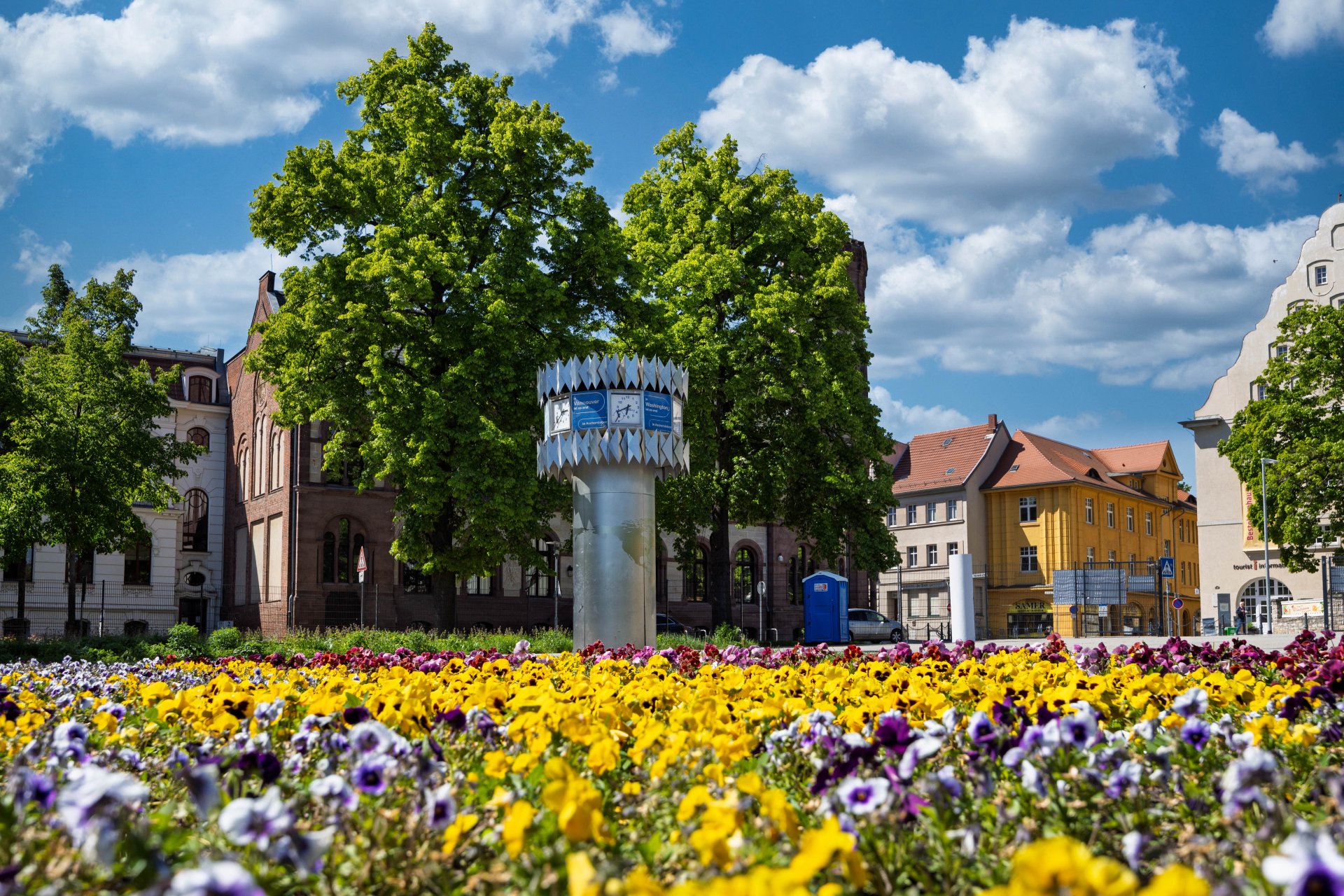


World time clock in Aschersleben
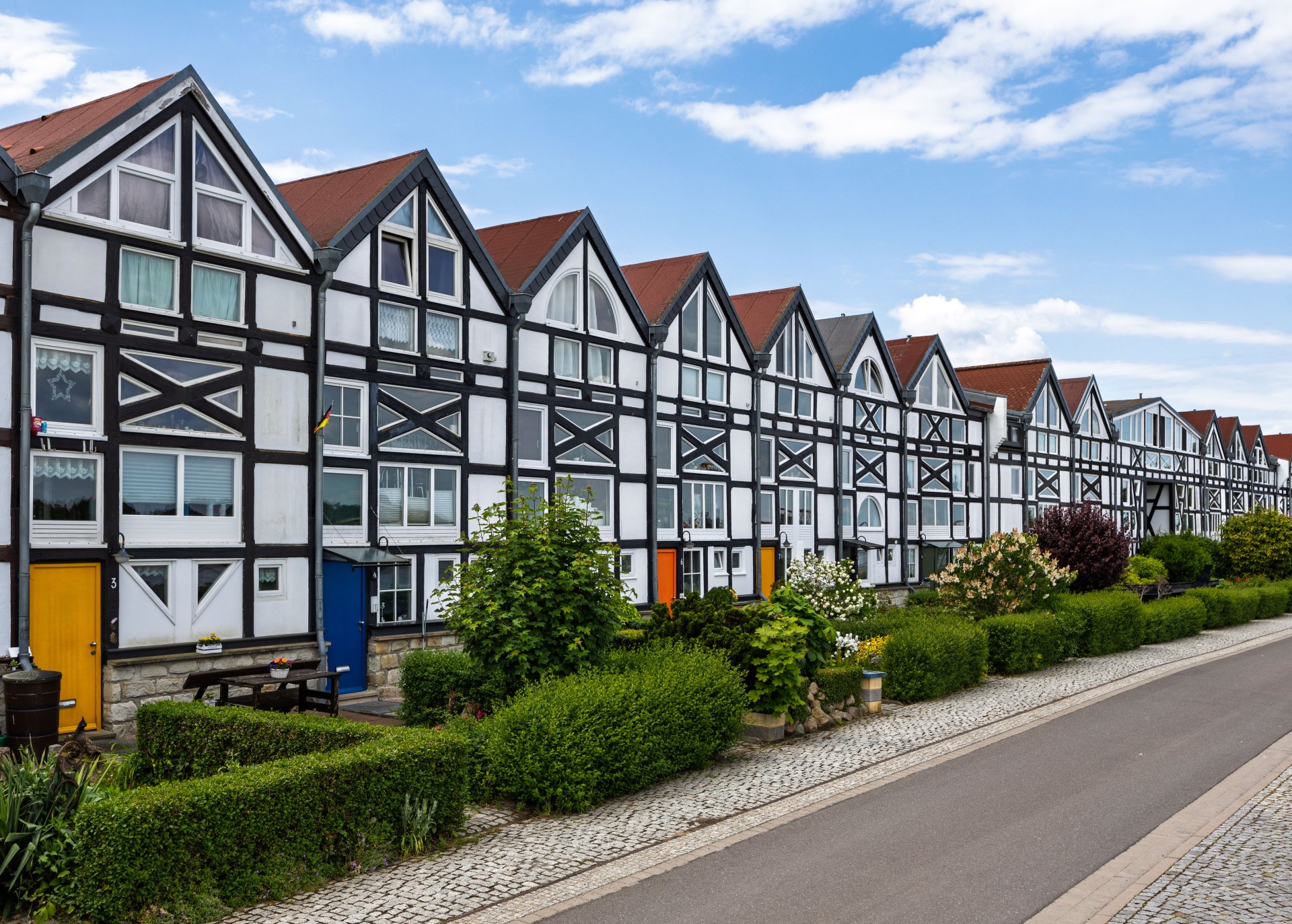
Half-timbered houses in Schönebeck
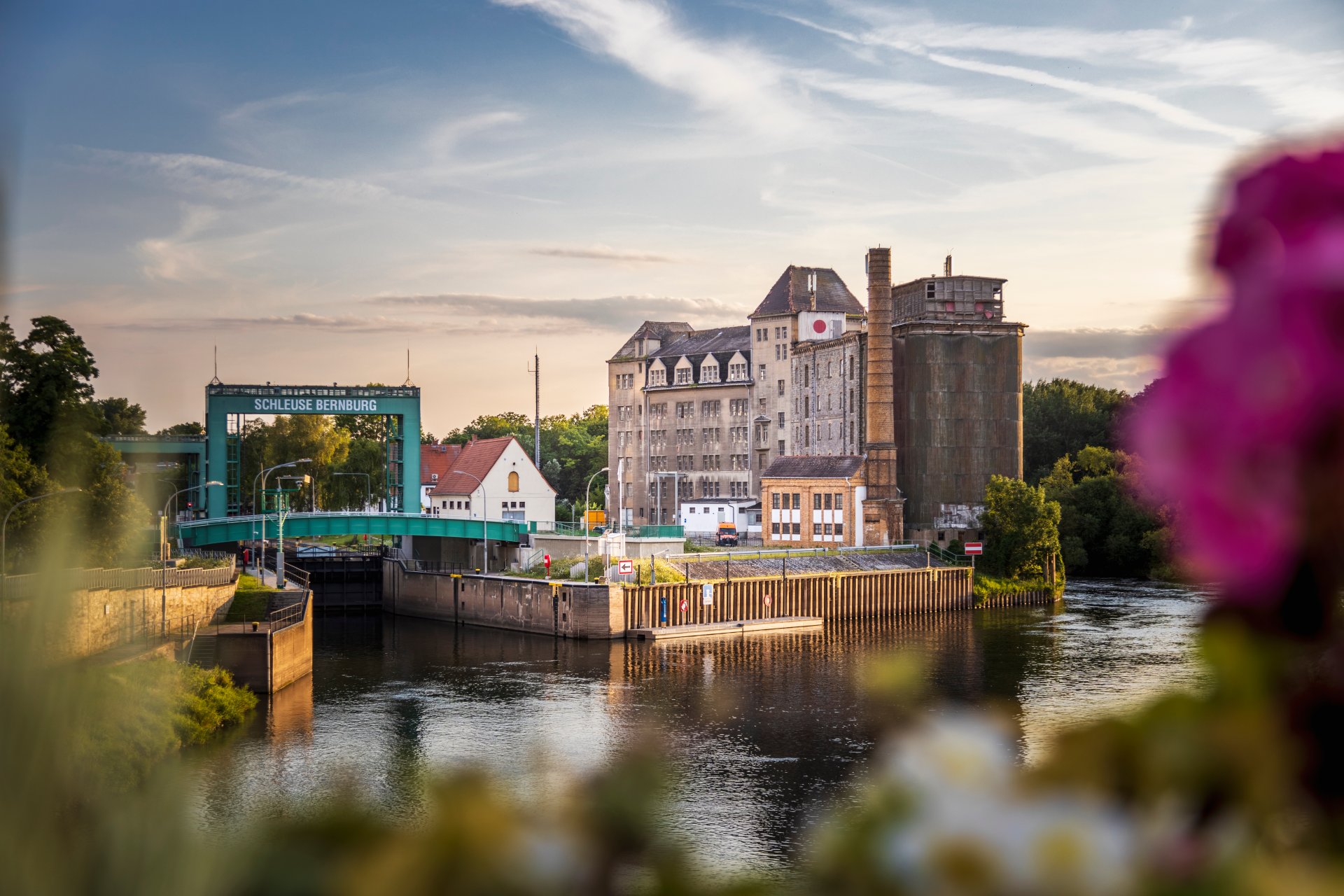
Lock in Bernburg (Saale)
Saalefee on the river Saale
This page has been automatically translated. There may therefore be discrepancies and inaccuracies in the text. Only the original version is binding. Legal claims arising from the content of the translated version are excluded.

Education

Educational holiday offers at the KVHS Bernburg

Bernburg. For some time now, the District Adult Education Centre has been offering a range of educational courses which, under Saxony-Anhalt’s Educational Leave Act, can also be treated as a special form of holiday leave. Several multi-day courses are due to take place at the Centre’s Bernburg site over the coming weeks and months.


Your petrol station for your life

20 to 24 April

In this course, participants learn to recognise stress factors and their own resources in order to remain productive and healthy. They experience physical and mental relaxation and discover supportive perspectives on their own thoughts, feelings and actions.


Relaxation and yoga - coping with stress at work and in everyday life

18 to 22 May

Yoga as well as massage, forest bathing, movement and breathing exercises - everything that can reduce stress is included. Participants learn about different stress-reducing methods to help them calm down, harmonise body and mind and thus master everyday life with more serenity. As a result, they should be able to recognise what they can do to feel good physically, emotionally and mentally.


Non-violent communication in everyday working life

15 to 18 June

The June programme teaches the conscious use of language and the choice of the "right" words for non-violent communication. The aim is to have conversations that are characterised by greater appreciation, understanding and fairness. Exercises and reflective discussions increasingly enable participants to speak and express themselves in a way that enables understanding and connection both in the workplace and in other social relationships.


According to the Saxony-Anhalt Educational Leave Act, employees and trainees who work in Saxony-Anhalt are legally entitled to five days of paid special leave per year, which can be used for educational purposes. Educational leave, also known as training leave, must be used for job-specific further training. Employees must apply to their employer for educational leave at least six weeks before the start of the course. Participants receive a certificate of attendance at the end of the course.

Registration is essential and can be done online at kvhs.salzlandkreis.de.

Enquiries about educational leave at the KVHS are welcome:

+49 3471 684-624218

Help with accessibility

  • General

    We strive to make our websites accessible to all users. Details can be found in our accessibility statement. You can send us your suggestions for improvement using our accessibility feedback form.

  • Font size

    To adjust the font size, please use the following key combinations:

    Larger

    command
    +

    Smaller

    command

    Larger

    Ctrl
    +

    Smaller

    Ctrl
  • Keyboard navigation

    Use TAB and SHIFT + TAB to navigate through next/previous links, form elements, and buttons.

    Use ENTER to open links and interact with elements.

  • Contrast mode

    Press the following key combination to reduce or increase the contrast:

    Enlarge

    control
    option
    command
    .

    Decrease

    control
    option
    command
    ,
    Note: The shortcuts must be activated in the system settings of the operating system.

    Press the left ALT key + left SHIFT key + PRINT to quickly turn high contrast mode on or off.

  • Invert colours

    Press the following key combination to switch the colour inversion on and off:

    control
    option
    command
    8
    Note: The shortcuts must be activated in the system settings of the operating system.

    First activate the screen magnifier and then switch the colour inversion on and off with the following key combinations:

    1. screen magnifier

    +

    2. invert colours

    Ctrl
    Old
    I
  • Screen magnifier

    Press the following key combinations to use the screen magnifier:

    Switch on/off

    option
    command
    8

    Enlarge view

    option
    command
    =

    Zoom out view

    option
    command
    Note: The shortcuts must be activated in the system settings of the operating system.

    Switch on / Enlarge view

    +

    Zoom out view