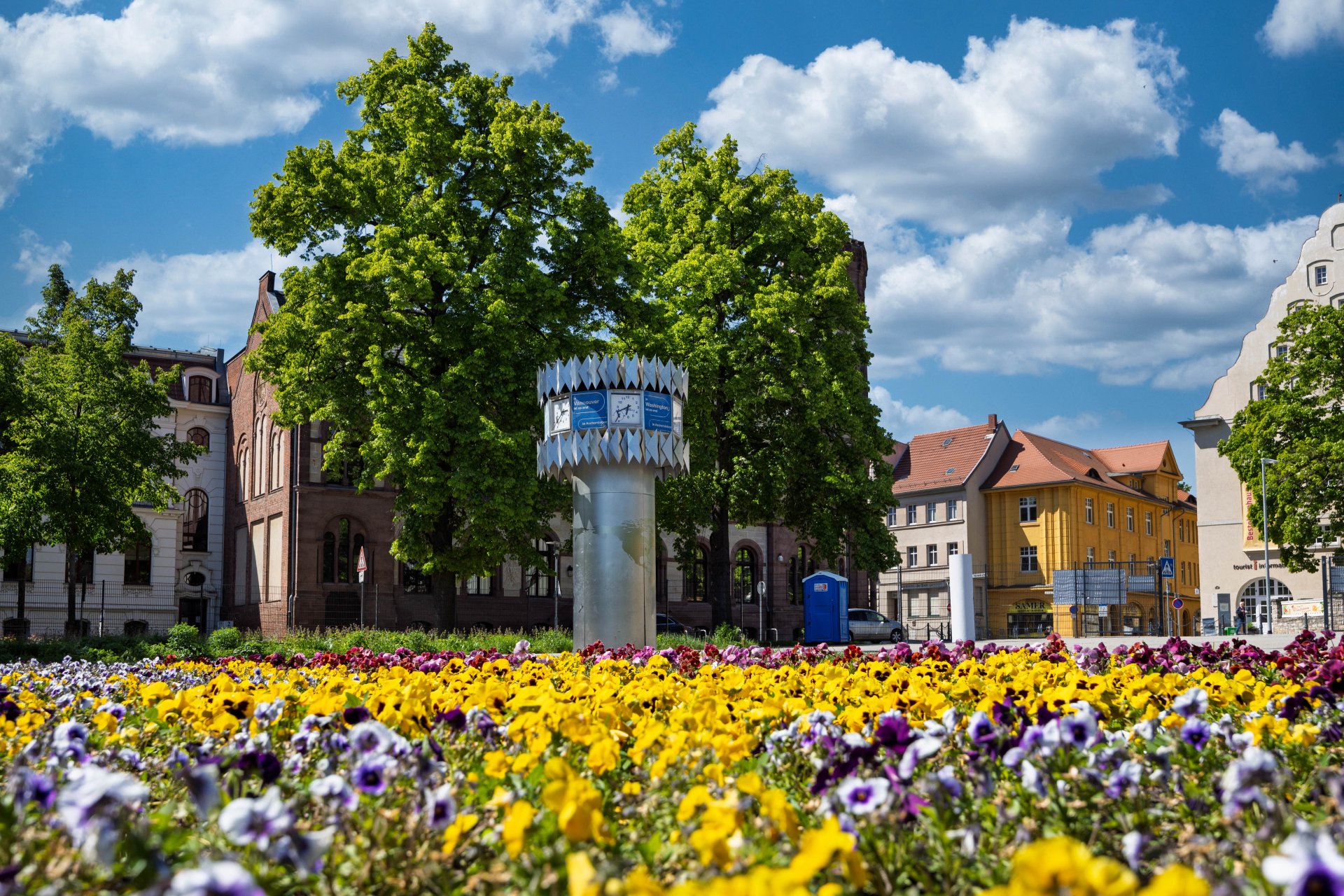


World time clock in Aschersleben
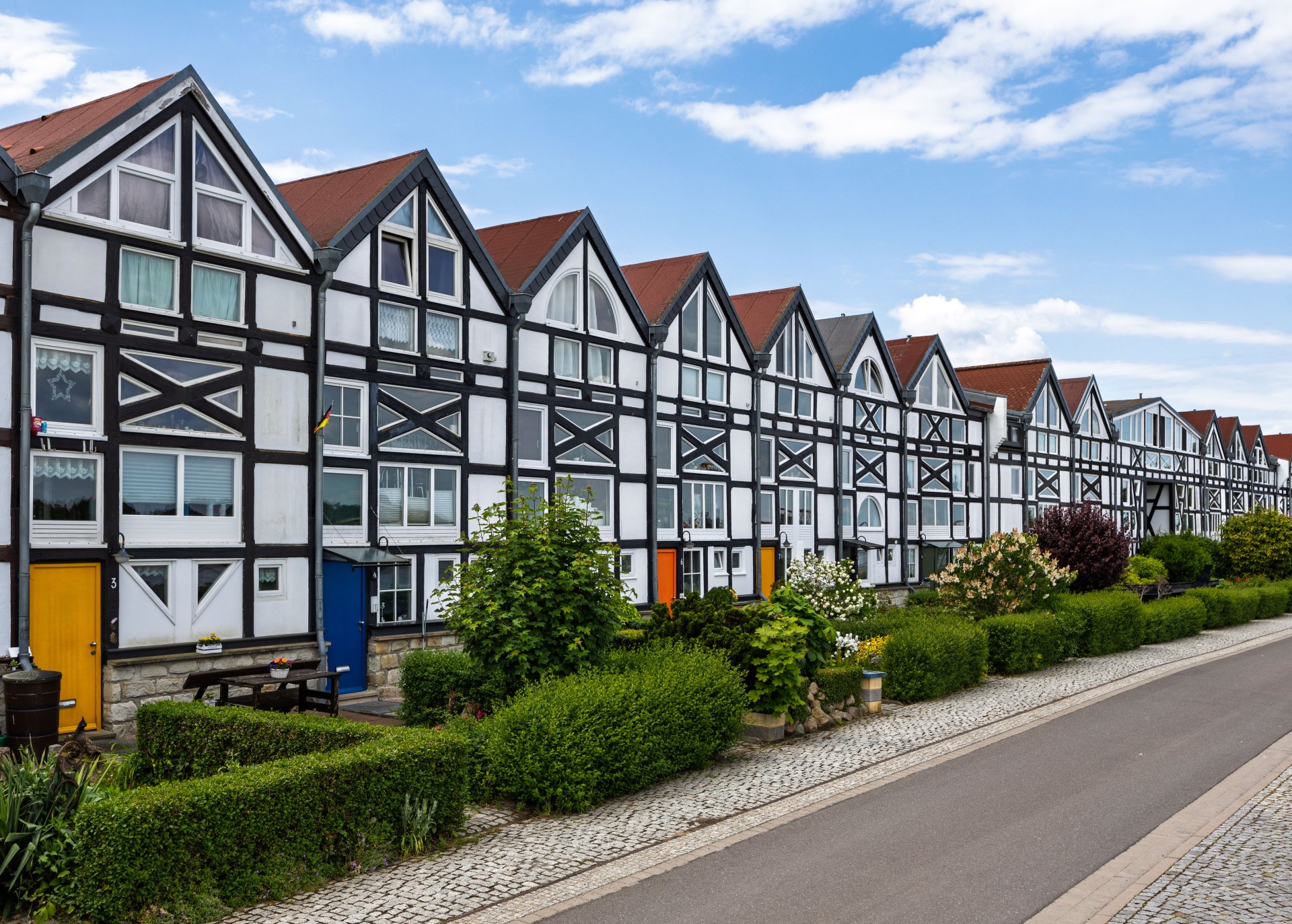
Half-timbered houses in Schönebeck
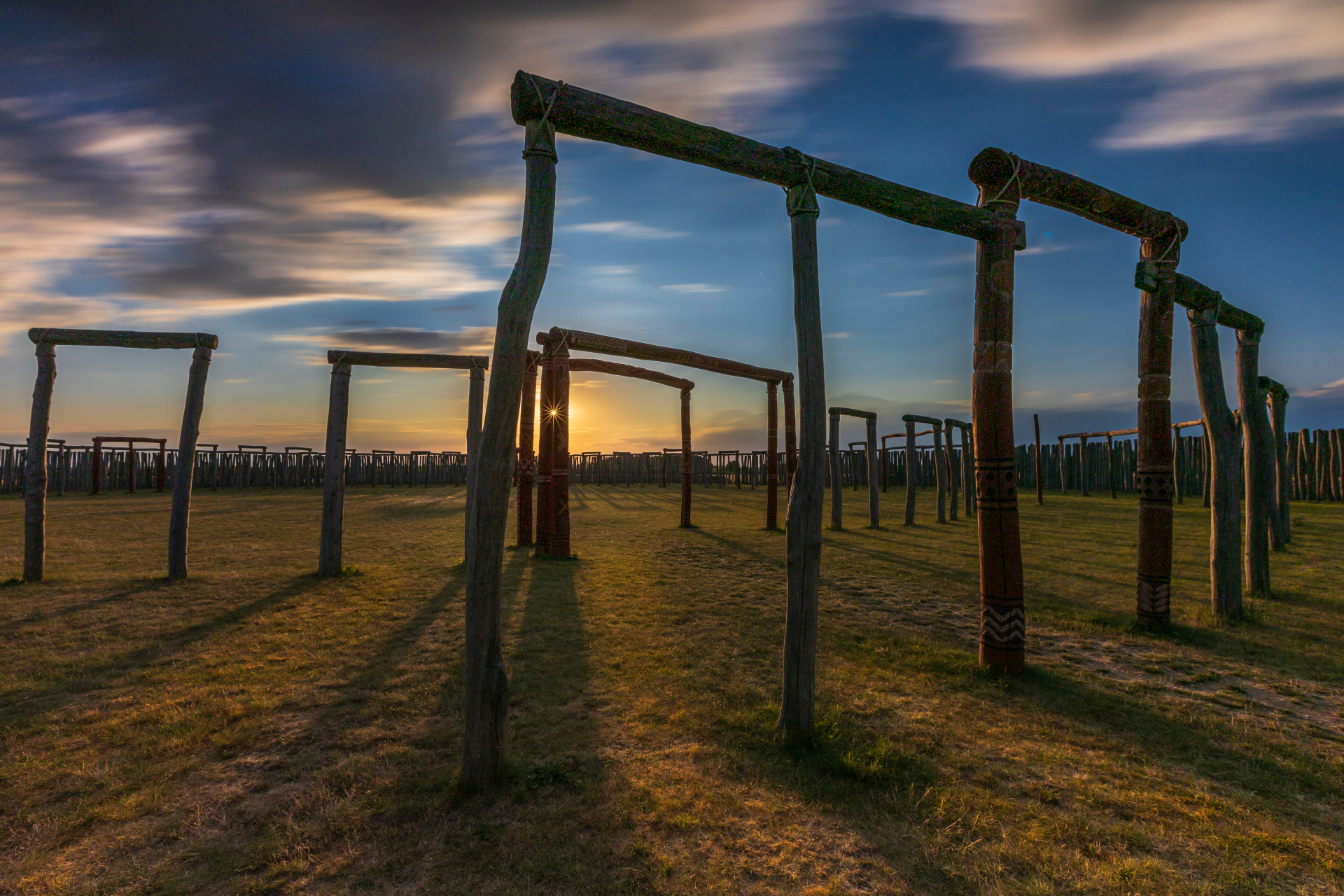
Pömmelte ring shrine
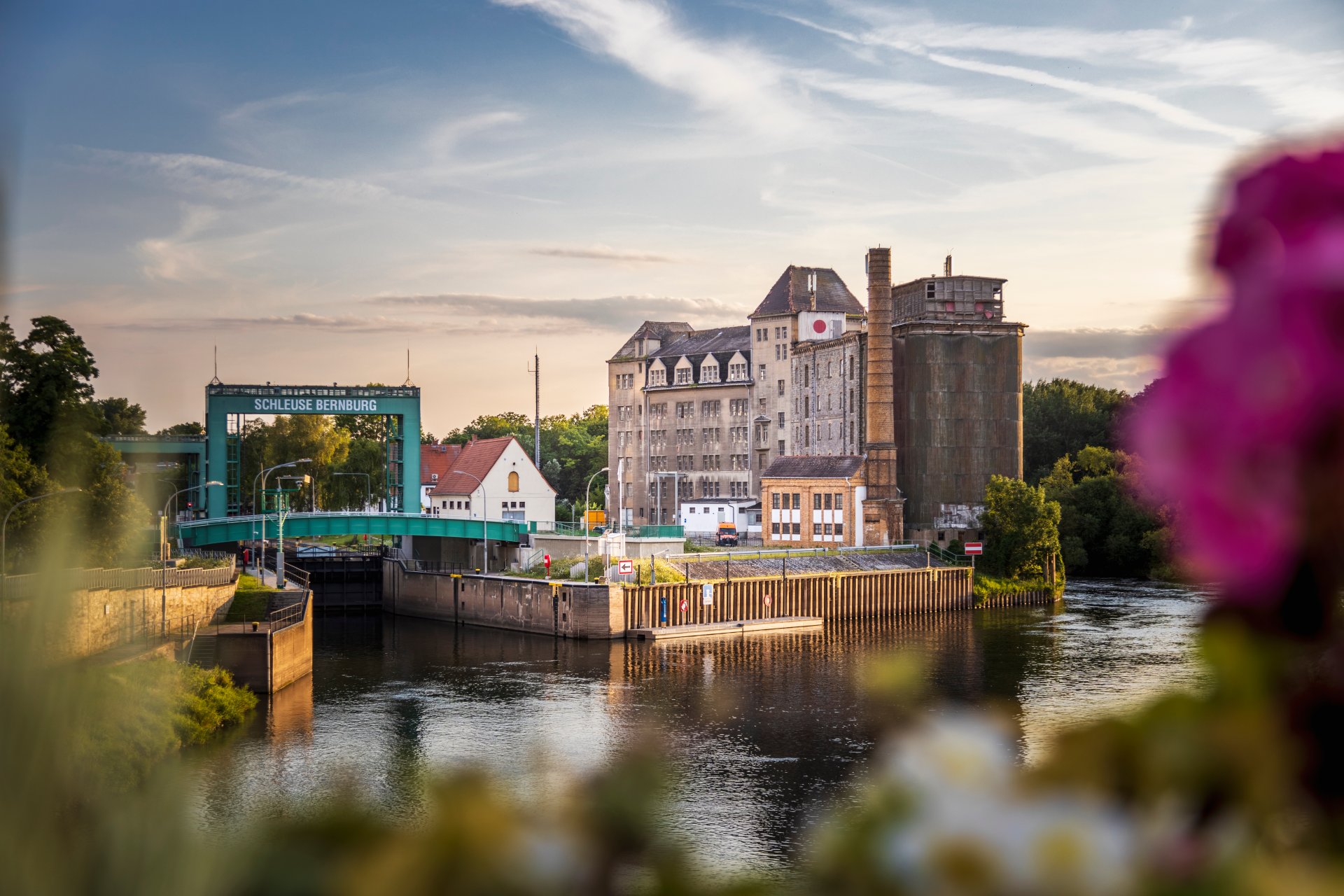
Lock in Bernburg (Saale)
Saalefee on the river Saale
This page has been automatically translated. There may therefore be discrepancies and inaccuracies in the text. Only the original version is binding. Legal claims arising from the content of the translated version are excluded.

Summer holidays with the Salzland Museum

Traces of the Pömmelte ring sanctuary
Holiday programme: ‘Traces of the Pömmelte Ring Sanctuary’

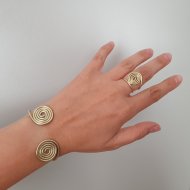
On a journey of discovery at the Salzland Museum – during a guided tour with the museum educator, interested visitors and school-age children, accompanied by an adult, can discover the traces left by their ancestors at the Pömmelte ring sanctuary. They can handle replicas and even genuine artefacts, whilst exploring why people discovered the uses of pottery over 4,000 years ago and how we distinguish between different cultural groups today. The girls and boys learn just how hard it was in ancient times to obtain food as they grind grain into flour using a millstone. And anyone who still has the energy and is brave enough can head up to the attic to see two real skeletons from that period. At the end of this holiday museum adventure, everyone creates their own piece of jewellery in the style of the Bronze Age.

Cost: 5.00 EUR per person

Dates:

  • Tuesday, 14 July 2026, 10.00 am – 12.00 pm
  • Thursday, 23 July 2026, 2.00 pm – 4.00 pm
  • Monday, 27 July 2026, 10.00 am – 12.00 pm
  • Thursday, 13 August 2026, 2.00 pm – 4.00 pm

Register at:

+49 3471 684-624410


Archaeology at the Museum

Holiday programme: ‘Archaeology at the Museum’

How does an archaeological find end up in a museum? This is the theme of the holiday programme at the Salzlandmuseum, where the original artefacts from the excavation at the Pömmelte Ring Sanctuary are on display. During a guided tour led by the museum educator, the children taking part in the holiday programme, their adult companions and anyone else interested will not only gain an insight into the work of an archaeologist, but will even become archaeologists themselves. Armed with a brush and a trowel, they will uncover a treasure.

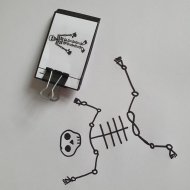
As is well known, such excavations often unearth skeletons – as was indeed the case on that day. The specially designed skeleton can even dance.

Cost: 5.00 EUR per person

Dates:

  • Thursday, 16 July 2026, 2.00 pm – 4.00 pm
  • Wednesday, 22 July 2026, 2.00 pm – 4.00 pm
  • Thursday, 30 July 2026, 10.00–12.00
  • Tuesday, 11 August 2026, 10.00–12.00

Register at:

+49 3471 684-624410

Help with accessibility

  • General

    We strive to make our websites accessible to all users. Details can be found in our accessibility statement. You can send us your suggestions for improvement using our accessibility feedback form.

  • Font size

    To adjust the font size, please use the following key combinations:

    Larger

    command
    +

    Smaller

    command

    Larger

    Ctrl
    +

    Smaller

    Ctrl
  • Keyboard navigation

    Use TAB and SHIFT + TAB to navigate through next/previous links, form elements, and buttons.

    Use ENTER to open links and interact with elements.

  • Contrast mode

    Press the following key combination to reduce or increase the contrast:

    Enlarge

    control
    option
    command
    .

    Decrease

    control
    option
    command
    ,
    Note: The shortcuts must be activated in the system settings of the operating system.

    Press the left ALT key + left SHIFT key + PRINT to quickly turn high contrast mode on or off.

  • Invert colours

    Press the following key combination to switch the colour inversion on and off:

    control
    option
    command
    8
    Note: The shortcuts must be activated in the system settings of the operating system.

    First activate the screen magnifier and then switch the colour inversion on and off with the following key combinations:

    1. screen magnifier

    +

    2. invert colours

    Ctrl
    Old
    I
  • Screen magnifier

    Press the following key combinations to use the screen magnifier:

    Switch on/off

    option
    command
    8

    Enlarge view

    option
    command
    =

    Zoom out view

    option
    command
    Note: The shortcuts must be activated in the system settings of the operating system.

    Switch on / Enlarge view

    +

    Zoom out view