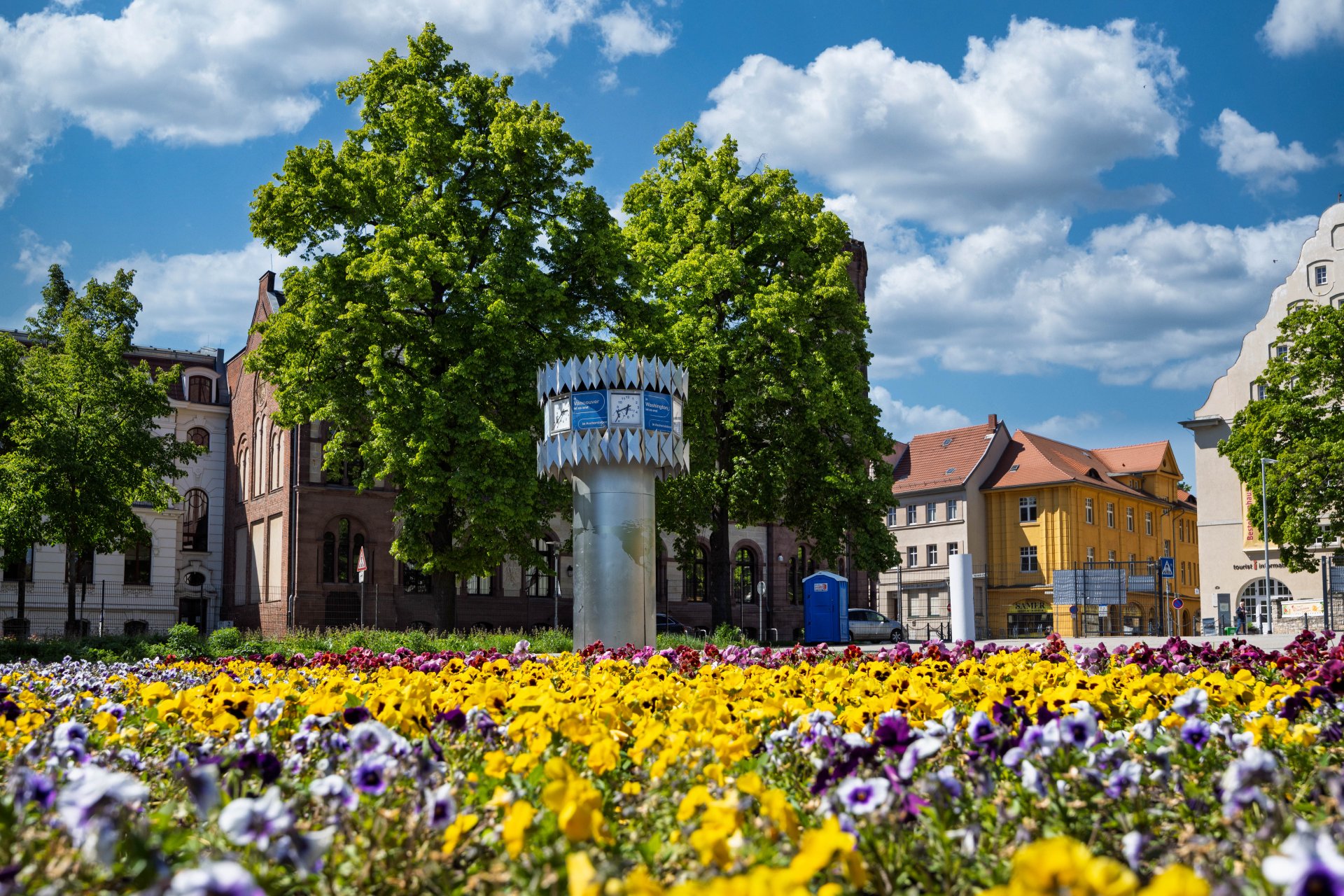


World time clock in Aschersleben
© Thomas Engst (engst. FOTOGRAFIE)
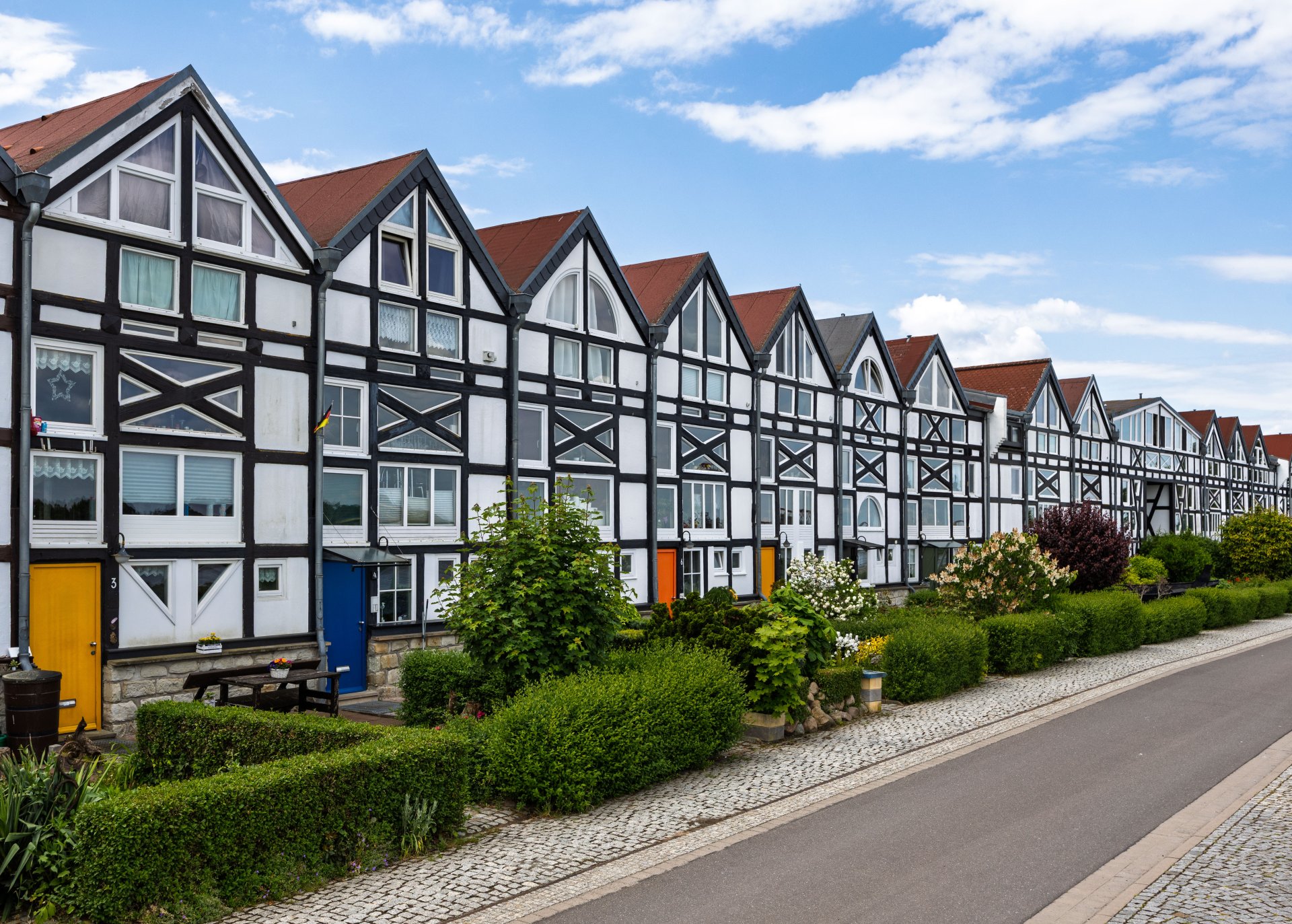
Half-timbered houses in Schönebeck
© Thomas Engst (engst. FOTOGRAFIE)
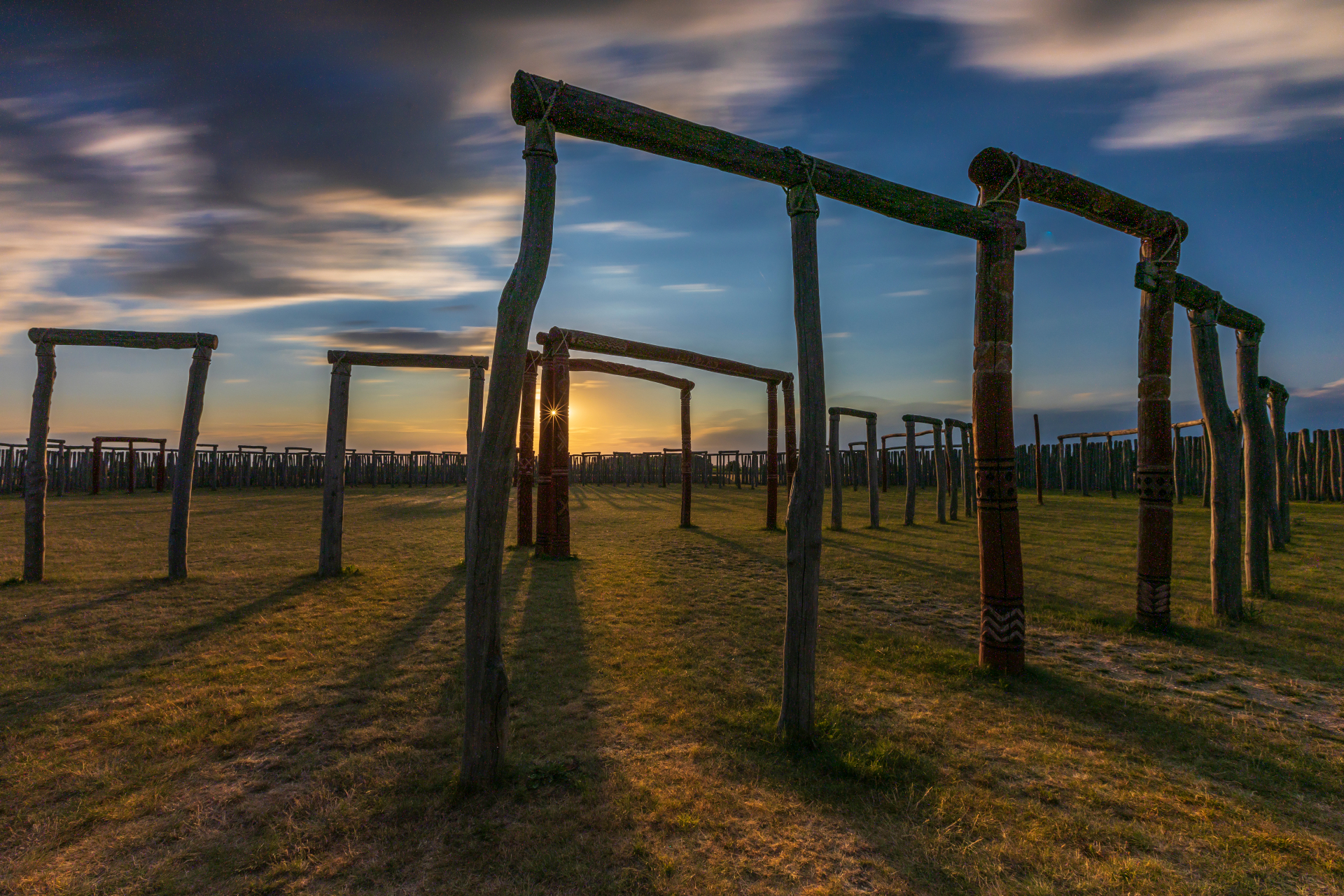
Pömmelte ring shrine
© Thomas Engst (engst. FOTOGRAFIE)
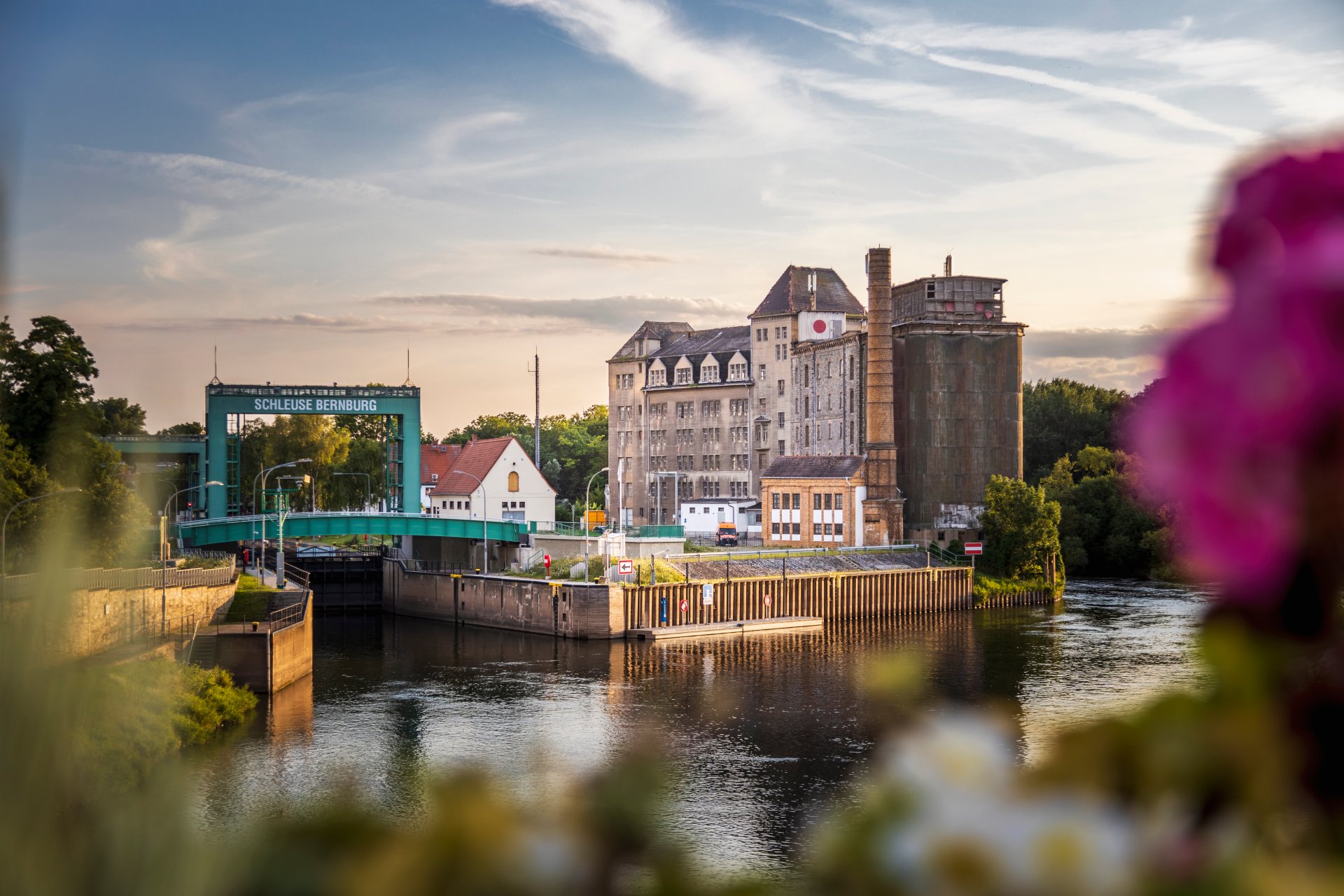
Lock in Bernburg (Saale)
© Thomas Engst (engst. FOTOGRAFIE)
Saalefee on the river Saale
© Thomas Engst (engst. FOTOGRAFIE)
This page has been automatically translated. There may therefore be discrepancies and inaccuracies in the text. Only the original version is binding. Legal claims arising from the content of the translated version are excluded.

You’re lucky – you’ve got me, after all

Aschersleben. She never misses an opportunity – once again this year, Renate Bergmann is popping into the district library’s reading café to share her latest adventures. Renate Bergmann is well known through her books and online presence. She is a resolute and warm-hearted elderly Berlin woman, widowed four times, with a dry sense of humour, who masters her daily life with a walker, egg liqueur and a healthy dose of pragmatism, whilst offering unfiltered commentary on the internet. She really gets involved! The famous online granny knows what moves people, and she gets involved: local politics has never been more entertaining than with Berlin’s best-known and most humorous senior citizen. Gertrud, Kurt, Ilse and ‘Koyota’ will of course be joining in again too.

Andrea Schwigon, who used to work at the district library herself, is once again stepping into the role of the much-loved ‘online granny’, and a good time is guaranteed.

Reading Café with Renate Bergmann, the ‘Online Granny’ | Thu 3 Dec 2026, 4.00 pm | Admission: 2 euros | District Library, Aschersleben, Breite Str. 22 (Badstuben entrance)

Help with accessibility

  • General

    We strive to make our websites accessible to all users. Details can be found in our accessibility statement. You can send us your suggestions for improvement using our accessibility feedback form.

  • Font size

    To adjust the font size, please use the following key combinations:

    Larger

    ⌘command
    +

    Smaller

    ⌘command
    –

    Larger

    Ctrl
    +

    Smaller

    Ctrl
    –
  • Keyboard navigation

    Use TAB and SHIFT + TAB to navigate through next/previous links, form elements, and buttons.

    Use ENTER to open links and interact with elements.

  • Contrast mode

    Press the following key combination to reduce or increase the contrast:

    Enlarge

    ⌃control
    ⌥option
    ⌘command
    .

    Decrease

    ⌃control
    ⌥option
    ⌘command
    ,
    Note: The shortcuts must be activated in the system settings of the operating system.

    Press the left ALT key + left SHIFT key + PRINT to quickly turn high contrast mode on or off.

  • Invert colours

    Press the following key combination to switch the colour inversion on and off:

    ⌃control
    ⌥option
    ⌘command
    8
    Note: The shortcuts must be activated in the system settings of the operating system.

    First activate the screen magnifier and then switch the colour inversion on and off with the following key combinations:

    1. screen magnifier

    +

    2. invert colours

    Ctrl
    Old
    I
  • Screen magnifier

    Press the following key combinations to use the screen magnifier:

    Switch on/off

    ⌥option
    ⌘command
    8

    Enlarge view

    ⌥option
    ⌘command
    =

    Zoom out view

    ⌥option
    ⌘command
    –
    Note: The shortcuts must be activated in the system settings of the operating system.

    Switch on / Enlarge view

    +

    Zoom out view

    –