This page has been automatically translated. There may therefore be discrepancies and inaccuracies in the text. Only the original version is binding. Legal claims arising from the content of the translated version are excluded.

"Witches' Curse: Medea's Revenge" with Pfefferminzia Beltane
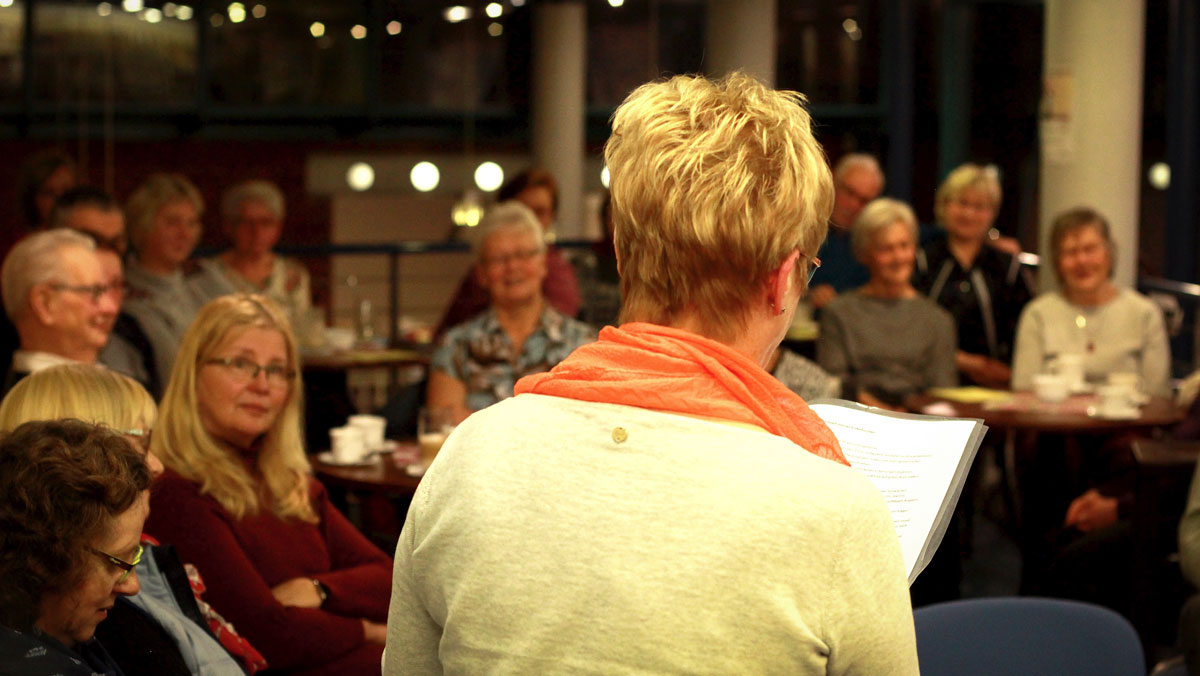
Reading café Salzlandkreis district library
Salzlandkreis District Library

"Witches' Curse: Medea's Revenge" with Pfefferminzia Beltane

Reading café in March | Admission: EUR 2.00


An ancient curse weighs heavily on the small Harz village of Alexisbad. In the early Middle Ages, Medea, a herbalist and healer, was deprived of her sacred ritual and power places by Bishop Gregory. The church wanted to build a monastery on her meadowland. Medea pays for her resistance with her life. From then on, her soul finds no peace. She seeks revenge on those who have caused her so much suffering. Centuries later, Grete Landgraf unwittingly revives the old curse on a stormy night. She is not the only one who is now repeatedly haunted and tormented by a sinister black woman. Grete searches for a way to break the curse and put an end to the haunting in the Harz Mountains. A not entirely harmless plan...

Author Anja Kunze will be reading from her book at the March reading café in the district library in Aschersleben over a latte macchiato, cappuccino or other hot drink. She was born in 1971 in the Harz Mountains, where she still lives and works and finds her inspiration on her doorstep.

Organiser

Aschersleben District Library

+49 3471 684-624310

bibliothek@kreis-slk.de

Help with accessibility

  • General

    We strive to make our websites accessible to all users. Details can be found in our accessibility statement. You can send us your suggestions for improvement using our accessibility feedback form.

  • Font size

    To adjust the font size, please use the following key combinations:

    Larger

    ⌘command
    +

    Smaller

    ⌘command
    –

    Larger

    Ctrl
    +

    Smaller

    Ctrl
    –
  • Keyboard navigation

    Use TAB and SHIFT + TAB to navigate through next/previous links, form elements, and buttons.

    Use ENTER to open links and interact with elements.

  • Contrast mode

    Press the following key combination to reduce or increase the contrast:

    Enlarge

    ⌃control
    ⌥option
    ⌘command
    .

    Decrease

    ⌃control
    ⌥option
    ⌘command
    ,
    Note: The shortcuts must be activated in the system settings of the operating system.

    Press the left ALT key + left SHIFT key + PRINT to quickly turn high contrast mode on or off.

  • Invert colours

    Press the following key combination to switch the colour inversion on and off:

    ⌃control
    ⌥option
    ⌘command
    8
    Note: The shortcuts must be activated in the system settings of the operating system.

    First activate the screen magnifier and then switch the colour inversion on and off with the following key combinations:

    1. screen magnifier

    +

    2. invert colours

    Ctrl
    Old
    I
  • Screen magnifier

    Press the following key combinations to use the screen magnifier:

    Switch on/off

    ⌥option
    ⌘command
    8

    Enlarge view

    ⌥option
    ⌘command
    =

    Zoom out view

    ⌥option
    ⌘command
    –
    Note: The shortcuts must be activated in the system settings of the operating system.

    Switch on / Enlarge view

    +

    Zoom out view

    –