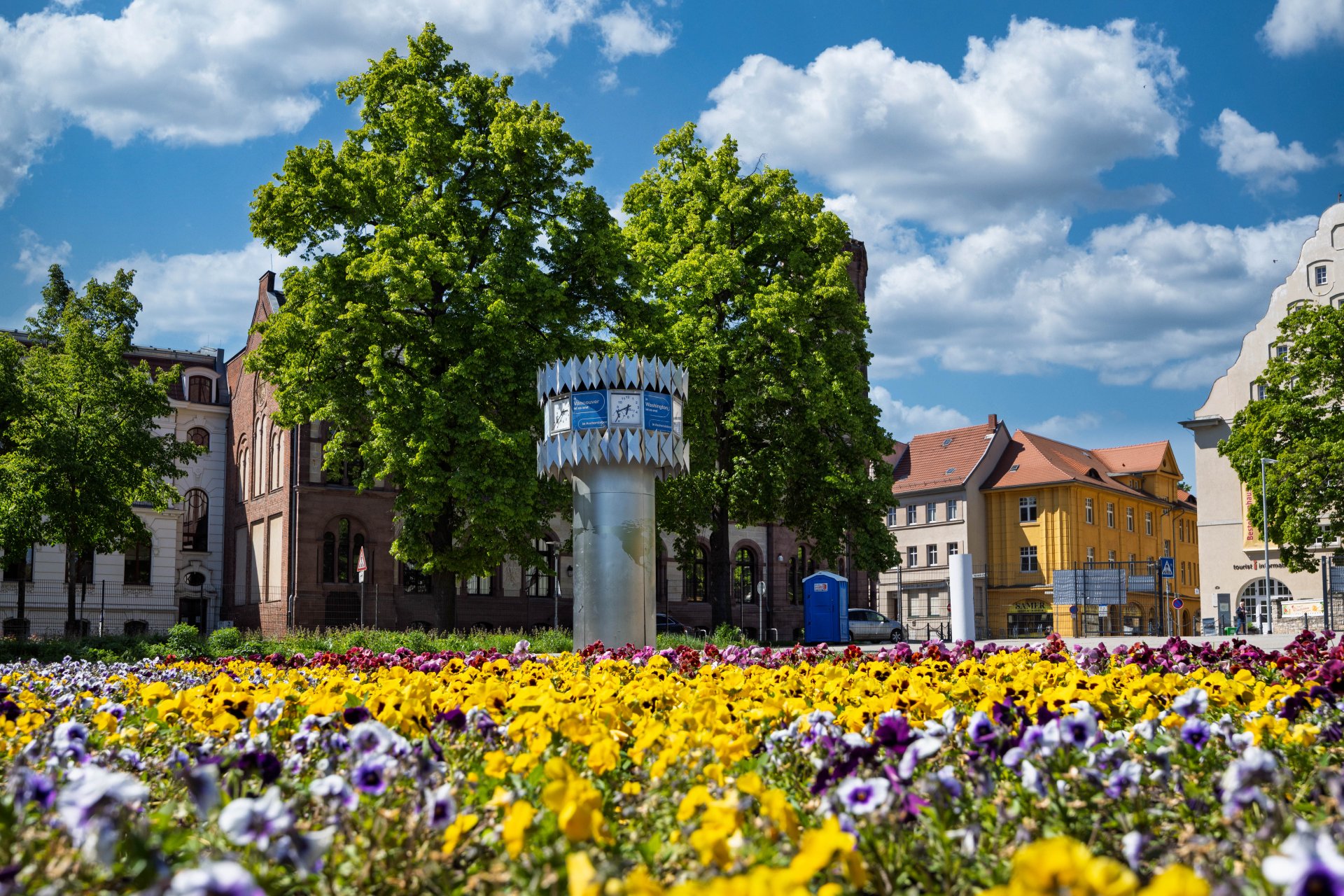

World time clock in Aschersleben
© Thomas Engst (engst. FOTOGRAFIE)
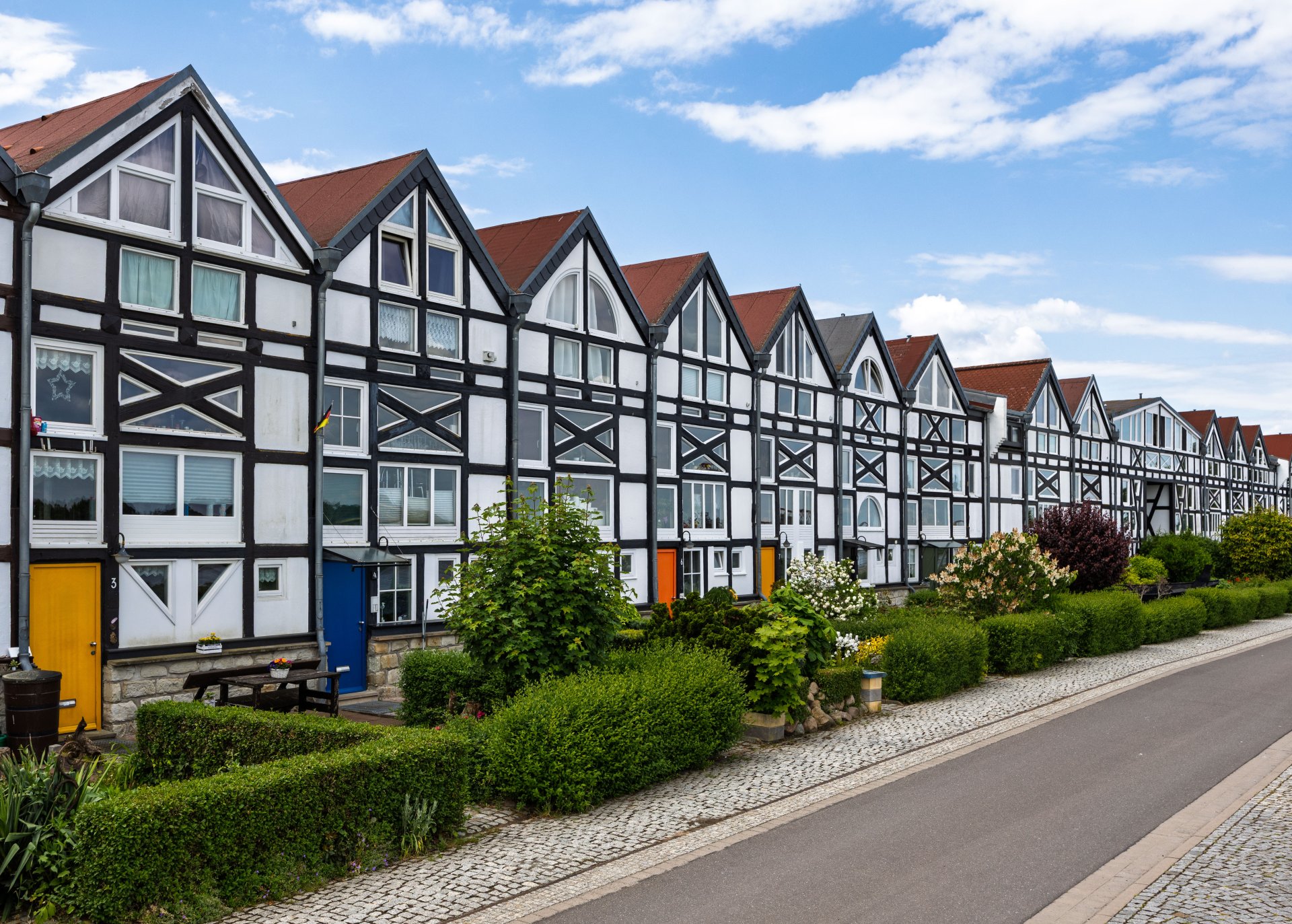
Half-timbered houses in Schönebeck
© Thomas Engst (engst. FOTOGRAFIE)
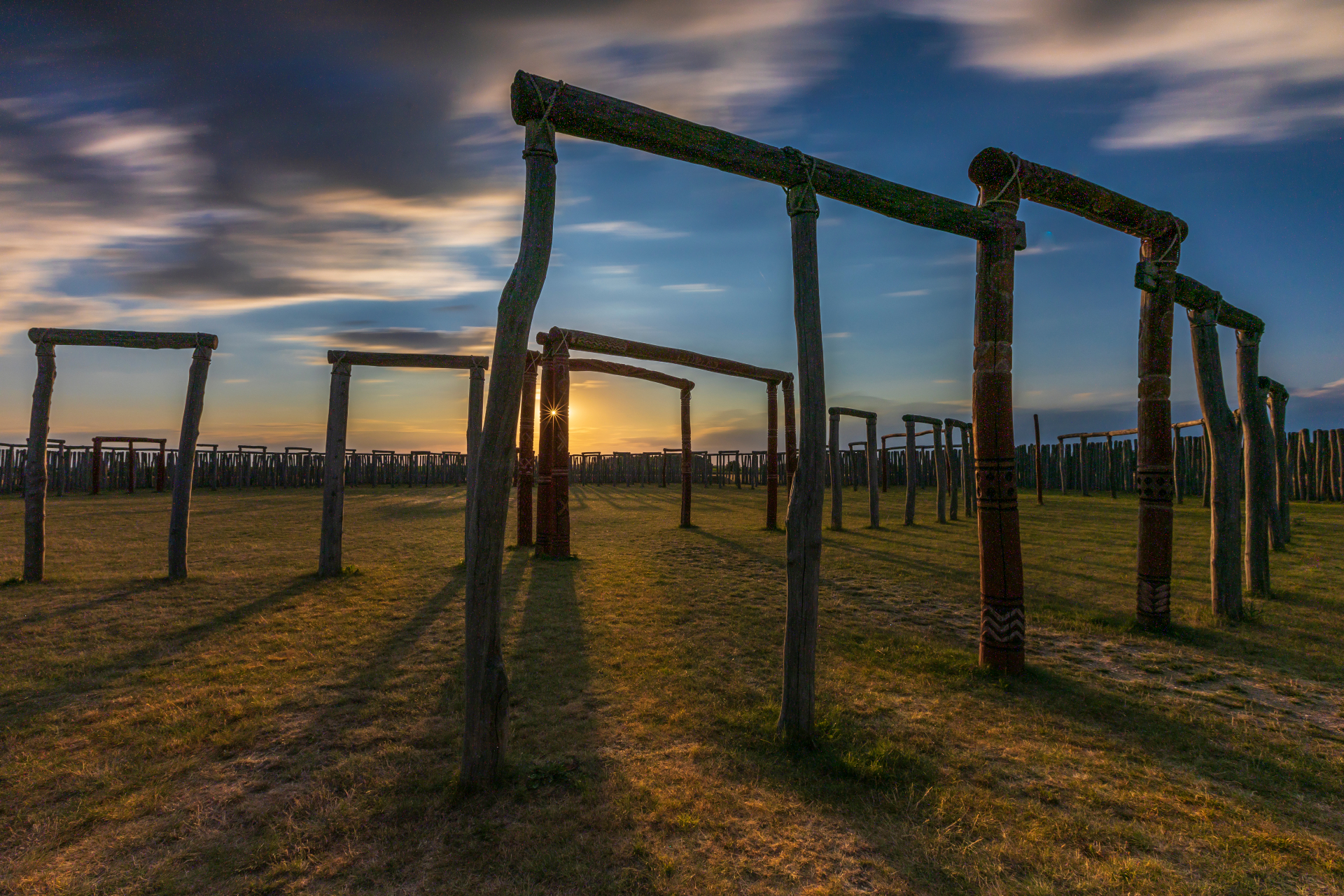
Pömmelte ring shrine
© Thomas Engst (engst. FOTOGRAFIE)
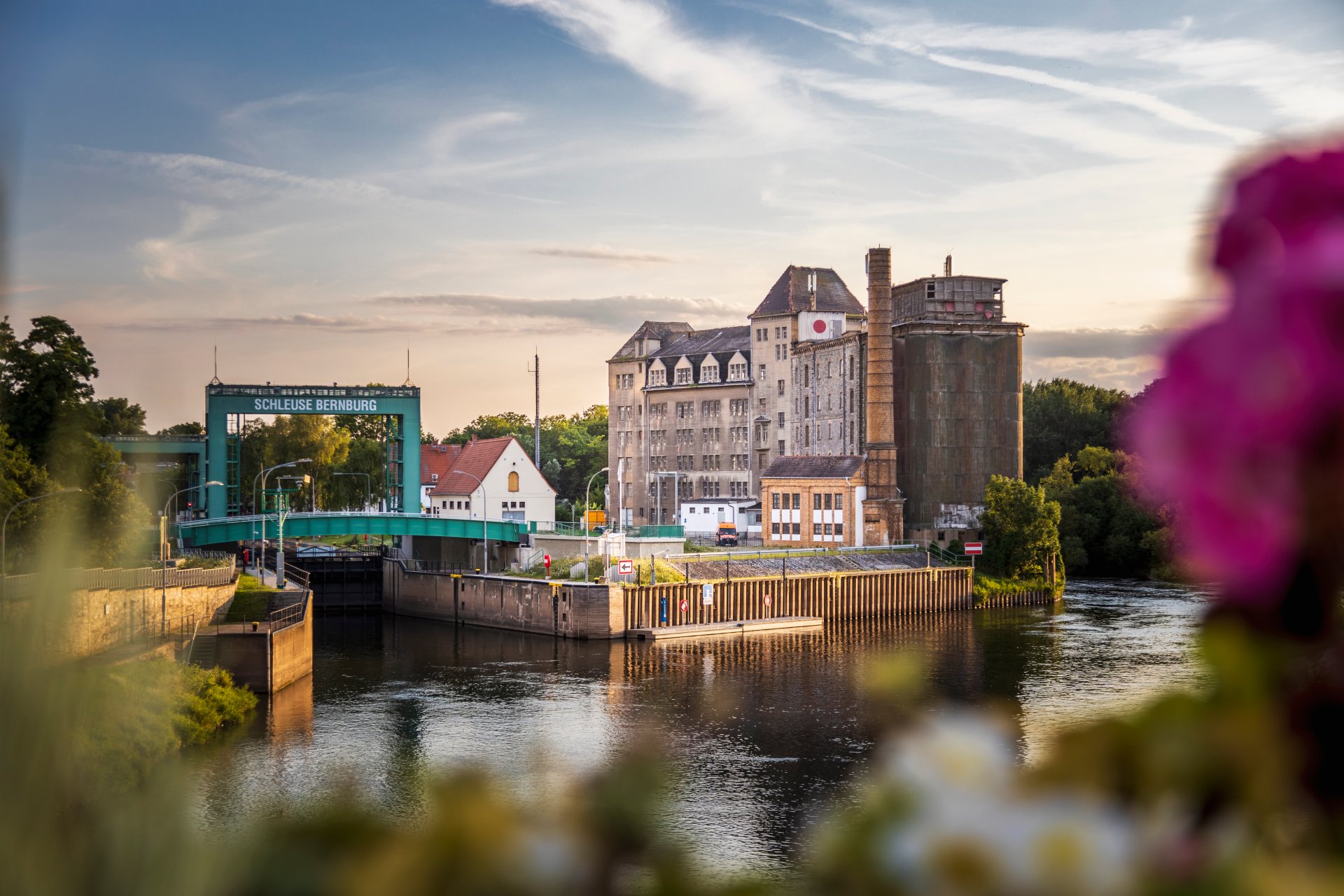
Lock in Bernburg (Saale)
© Thomas Engst (engst. FOTOGRAFIE)
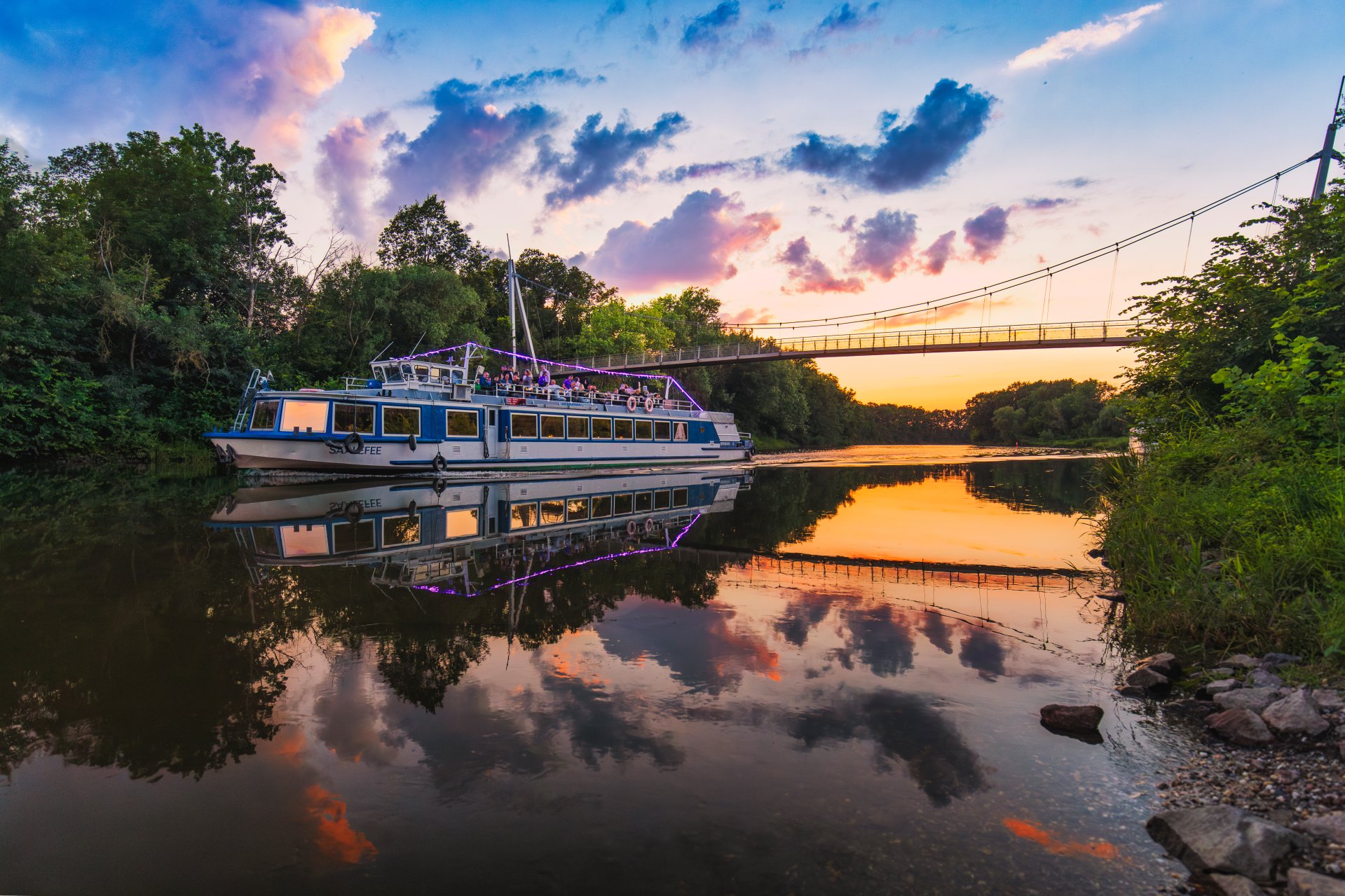
Saalefee on the river Saale
© Thomas Engst (engst. FOTOGRAFIE)
This page has been automatically translated. There may therefore be discrepancies and inaccuracies in the text. Only the original version is binding. Legal claims arising from the content of the translated version are excluded.

Winter magic without the sugar blues – a healthy, feel-good menu in the KVHS course

Bernburg. Die langweiligen und oft ungesunden Klassiker der Winterküche bekommen Konkurrenz: Am Freitagabend, 4. Dezember, gibt der neue KVHS-Kochkurs Anregungen und Ideen, wie es auch anders geht. Und wer sagt eigentlich, dass deftiges “Comfort-food” und gesunde Ernährung Gegensätze sind?

In der KVHS-Küche jedenfalls bereiten Teilnehmerinnen und Teilnehmer gemeinsam ein himmlisches, wärmendes Wintermenü, das komplett ohne raffinierten Zucker auskommt. Vielmehr nutzen sie die natürliche Süße von Früchten und weiteren cleveren Zutaten-Alternativen, die vielleicht gar nicht so bekannt waren. Außerdem lernen sie dabei, mit einfachen Kniffen versteckte Zuckerfallen im Alltag zu umschiffen und Lieblingsrezepte gesund abzuwandeln.

Der Kursabend findet am Freitag, 4. Dezember, von 17 bis 20.30 Uhr in der KVHS, Vor dem Nienburger Tor 13a in Bernburg statt.

Wie immer ist dafür eine Anmeldung erforderlich, gern über die Homepage oder zu den Sprechzeiten im Büro der Kreisvolkshochschule Salzlandkreis.

Questions regarding the content will be answered by KVHS staff:

No employees found.

Help with accessibility

  • General

    We strive to make our websites accessible to all users. Details can be found in our accessibility statement. You can send us your suggestions for improvement using our accessibility feedback form.

  • Font size

    To adjust the font size, please use the following key combinations:

    Larger

    ⌘command
    +

    Smaller

    ⌘command
    –

    Larger

    Ctrl
    +

    Smaller

    Ctrl
    –
  • Keyboard navigation

    Use TAB and SHIFT + TAB to navigate through next/previous links, form elements, and buttons.

    Use ENTER to open links and interact with elements.

  • Contrast mode

    Press the following key combination to reduce or increase the contrast:

    Enlarge

    ⌃control
    ⌥option
    ⌘command
    .

    Decrease

    ⌃control
    ⌥option
    ⌘command
    ,
    Note: The shortcuts must be activated in the system settings of the operating system.

    Press the left ALT key + left SHIFT key + PRINT to quickly turn high contrast mode on or off.

  • Invert colours

    Press the following key combination to switch the colour inversion on and off:

    ⌃control
    ⌥option
    ⌘command
    8
    Note: The shortcuts must be activated in the system settings of the operating system.

    First activate the screen magnifier and then switch the colour inversion on and off with the following key combinations:

    1. screen magnifier

    +

    2. invert colours

    Ctrl
    Old
    I
  • Screen magnifier

    Press the following key combinations to use the screen magnifier:

    Switch on/off

    ⌥option
    ⌘command
    8

    Enlarge view

    ⌥option
    ⌘command
    =

    Zoom out view

    ⌥option
    ⌘command
    –
    Note: The shortcuts must be activated in the system settings of the operating system.

    Switch on / Enlarge view

    +

    Zoom out view

    –