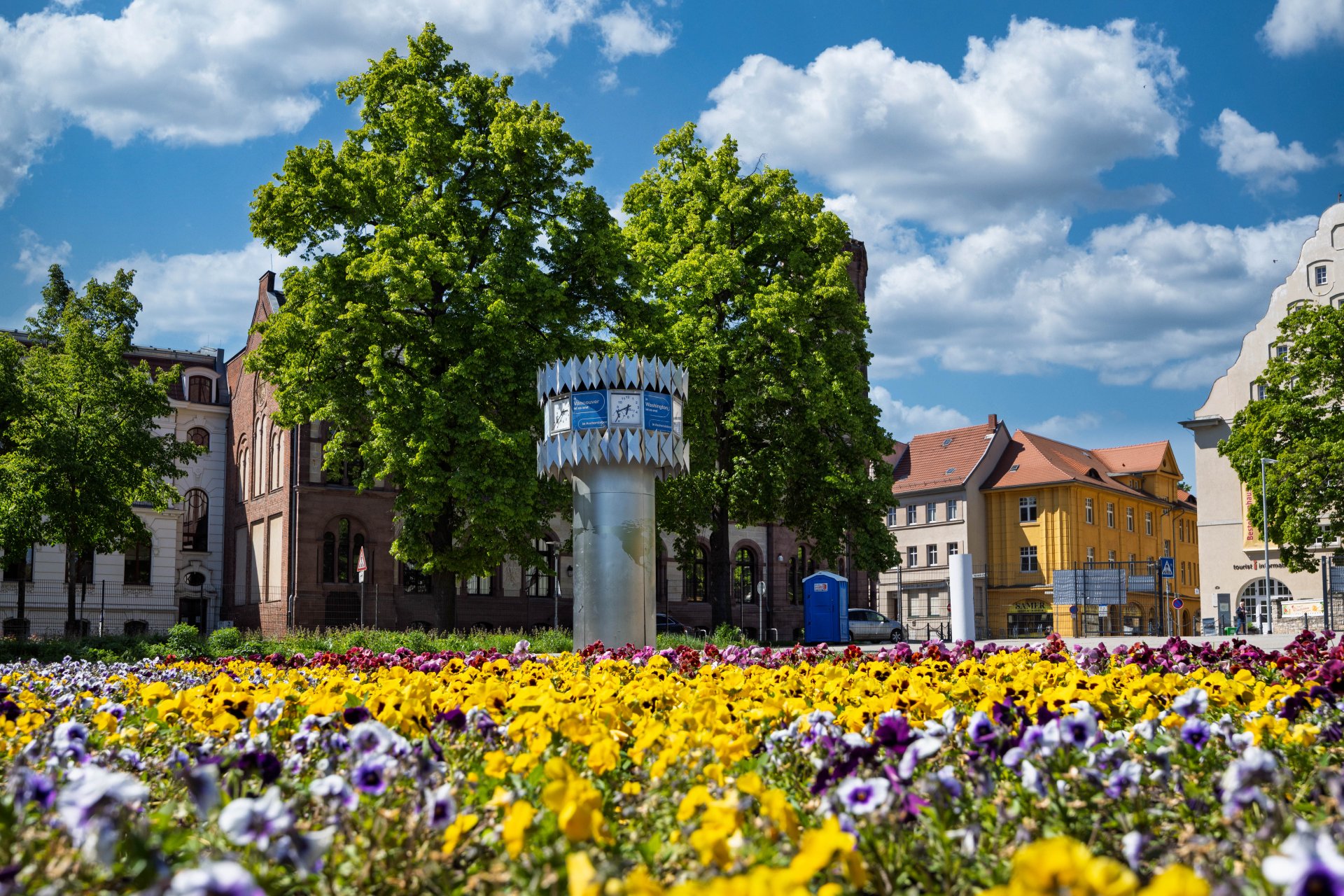


World time clock in Aschersleben
© Thomas Engst (engst. FOTOGRAFIE)
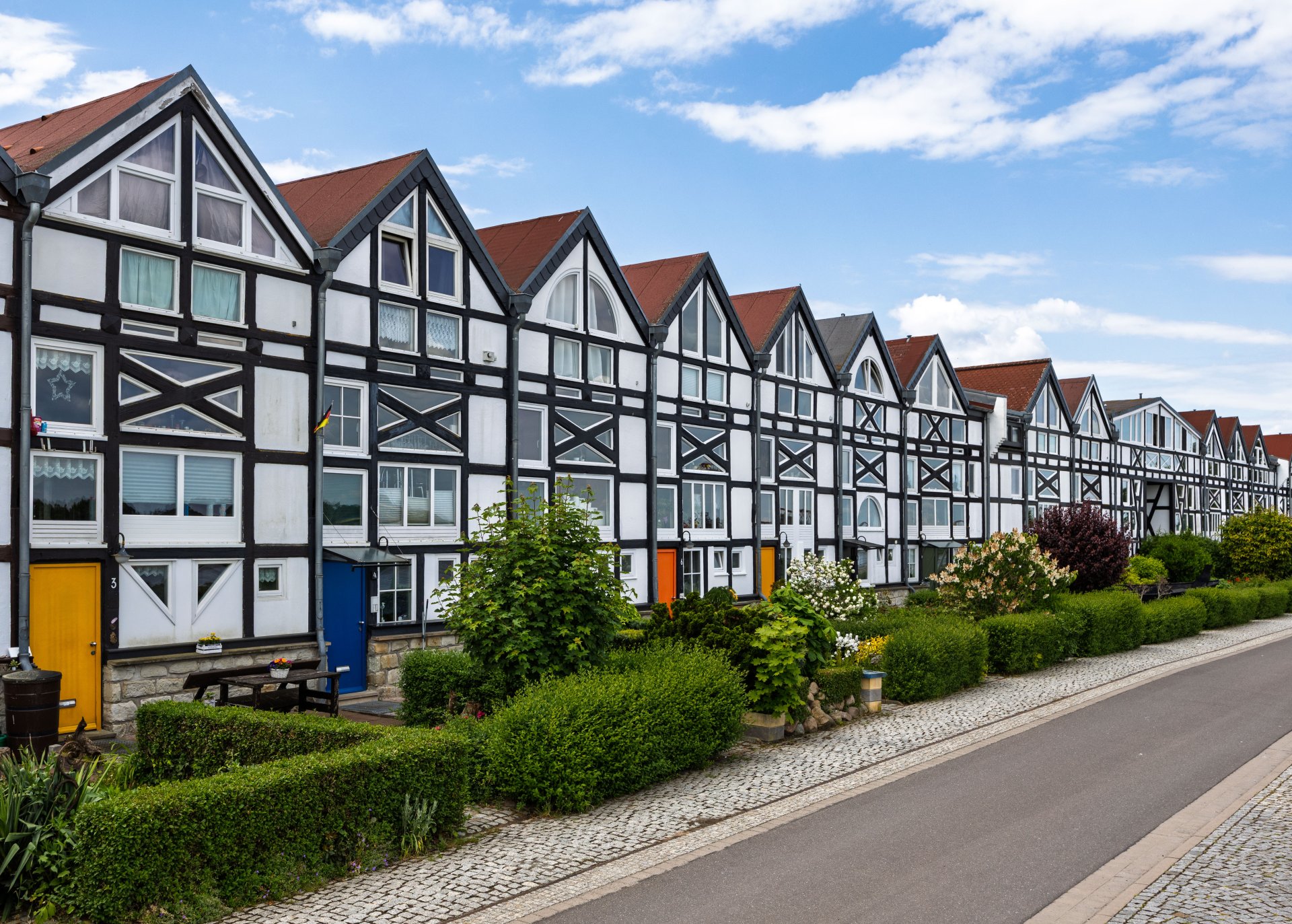
Half-timbered houses in Schönebeck
© Thomas Engst (engst. FOTOGRAFIE)
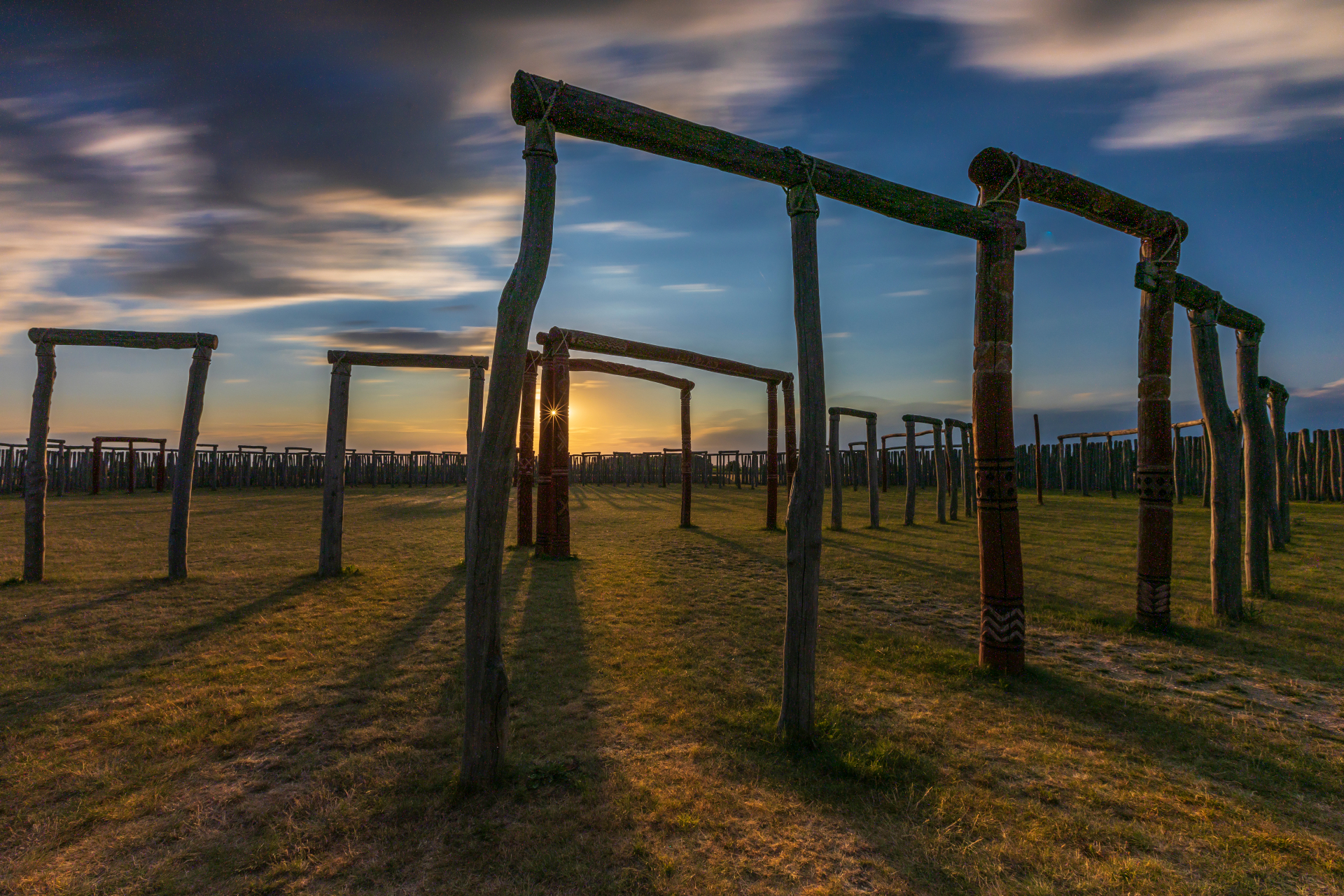
Pömmelte ring shrine
© Thomas Engst (engst. FOTOGRAFIE)
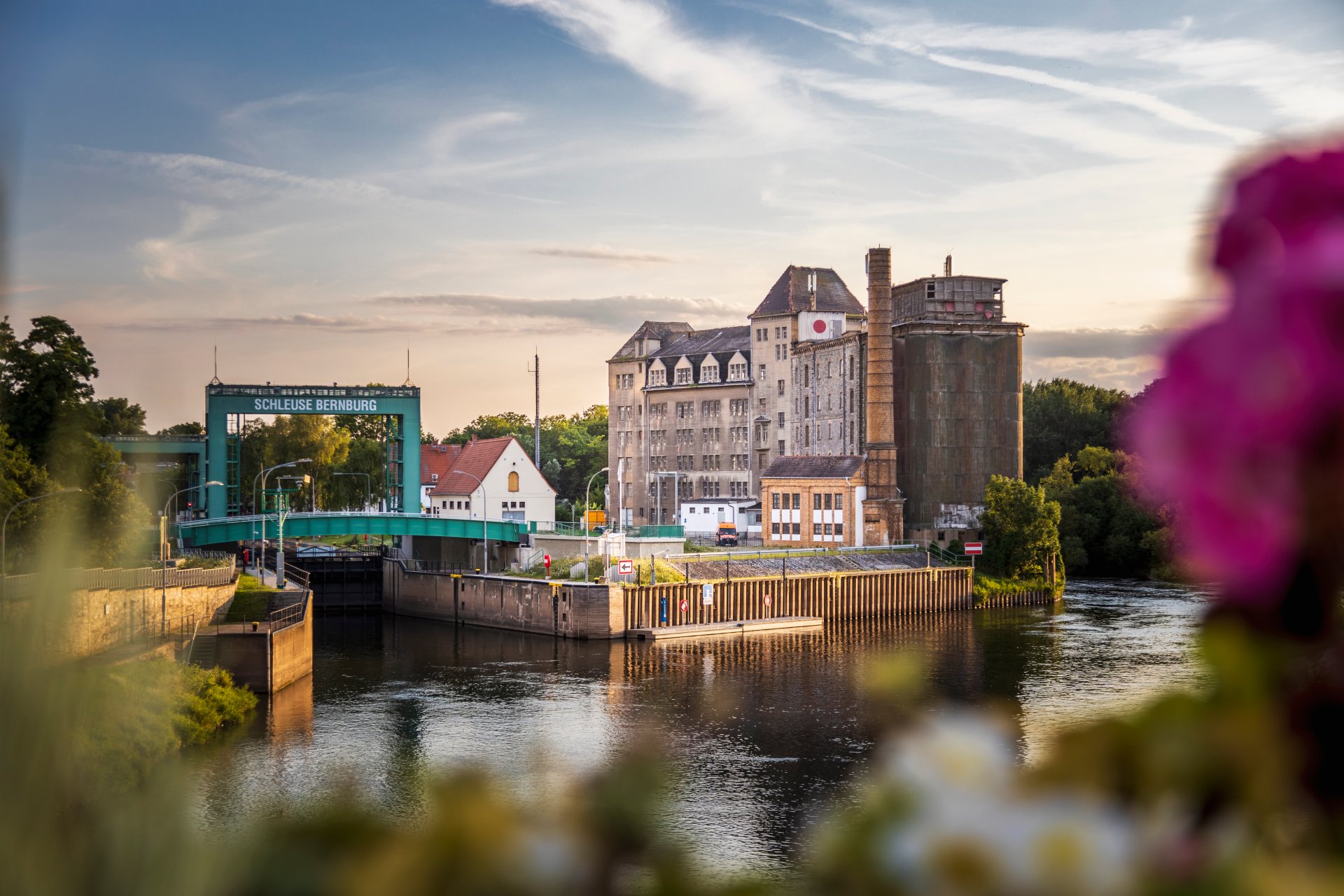
Lock in Bernburg (Saale)
© Thomas Engst (engst. FOTOGRAFIE)
Saalefee on the river Saale
© Thomas Engst (engst. FOTOGRAFIE)
This page has been automatically translated. There may therefore be discrepancies and inaccuracies in the text. Only the original version is binding. Legal claims arising from the content of the translated version are excluded.

Temporary protection for refugees from Ukraine extended until 4 March 2028

The Council of the European Union has extended temporary protection for displaced persons from Ukraine for a further year, until 4 March 2028. The Salzlandkreis Foreigners’ Registration Office is implementing the extension on the basis of guidance from the Federal Ministry of the Interior and the Ministry of the Interior and Sport of the State of Saxony-Anhalt.

What applies to people with a residence permit?

Residence permits for temporary protection that were valid on 1 February 2026 remain valid automatically until 4 March 2028, pursuant to a federal regulation.


New applications

Newly arrived asylum seekers from Ukraine can submit their application by email or visit the service office in person. An in-person visit for registration is still required. New residence permits will be issued until 4 March 2028 at the latest. Until the card is issued, applicants will receive a provisional residence certificate free of charge, which allows them to work immediately.


New: Proof of military service for men

A new requirement applies to men who entered Germany on or after 5 August 2026 and who are subject to military service under Ukrainian law. They will only be granted temporary protection if they can prove that they left Ukraine with the necessary authorisation from the Ukrainian authorities or that they are exempt from their military obligations. This assessment generally applies to men aged between 23 and 60. Anyone who had already been granted temporary protection in Germany before or on 4 August 2026 is not affected by the new rule.


No protection in several EU Member States at the same time

Temporary protection can only be sought in one Member State of the European Union. Anyone who has already been granted a residence permit for this purpose in another EU country cannot be granted a further residence permit for temporary protection in Germany.


Work and Integration Course

Holders of a residence permit for temporary protection under Section 24 of the Residence Act (AufenthG) are permitted to work without requiring a further permit. They are also eligible to attend integration courses. Anyone wishing to undertake vocational training or take up employment can seek advice from the Foreigners’ Registration Office regarding other types of residence permits.

Help with accessibility

  • General

    We strive to make our websites accessible to all users. Details can be found in our accessibility statement. You can send us your suggestions for improvement using our accessibility feedback form.

  • Font size

    To adjust the font size, please use the following key combinations:

    Larger

    ⌘command
    +

    Smaller

    ⌘command
    –

    Larger

    Ctrl
    +

    Smaller

    Ctrl
    –
  • Keyboard navigation

    Use TAB and SHIFT + TAB to navigate through next/previous links, form elements, and buttons.

    Use ENTER to open links and interact with elements.

  • Contrast mode

    Press the following key combination to reduce or increase the contrast:

    Enlarge

    ⌃control
    ⌥option
    ⌘command
    .

    Decrease

    ⌃control
    ⌥option
    ⌘command
    ,
    Note: The shortcuts must be activated in the system settings of the operating system.

    Press the left ALT key + left SHIFT key + PRINT to quickly turn high contrast mode on or off.

  • Invert colours

    Press the following key combination to switch the colour inversion on and off:

    ⌃control
    ⌥option
    ⌘command
    8
    Note: The shortcuts must be activated in the system settings of the operating system.

    First activate the screen magnifier and then switch the colour inversion on and off with the following key combinations:

    1. screen magnifier

    +

    2. invert colours

    Ctrl
    Old
    I
  • Screen magnifier

    Press the following key combinations to use the screen magnifier:

    Switch on/off

    ⌥option
    ⌘command
    8

    Enlarge view

    ⌥option
    ⌘command
    =

    Zoom out view

    ⌥option
    ⌘command
    –
    Note: The shortcuts must be activated in the system settings of the operating system.

    Switch on / Enlarge view

    +

    Zoom out view

    –