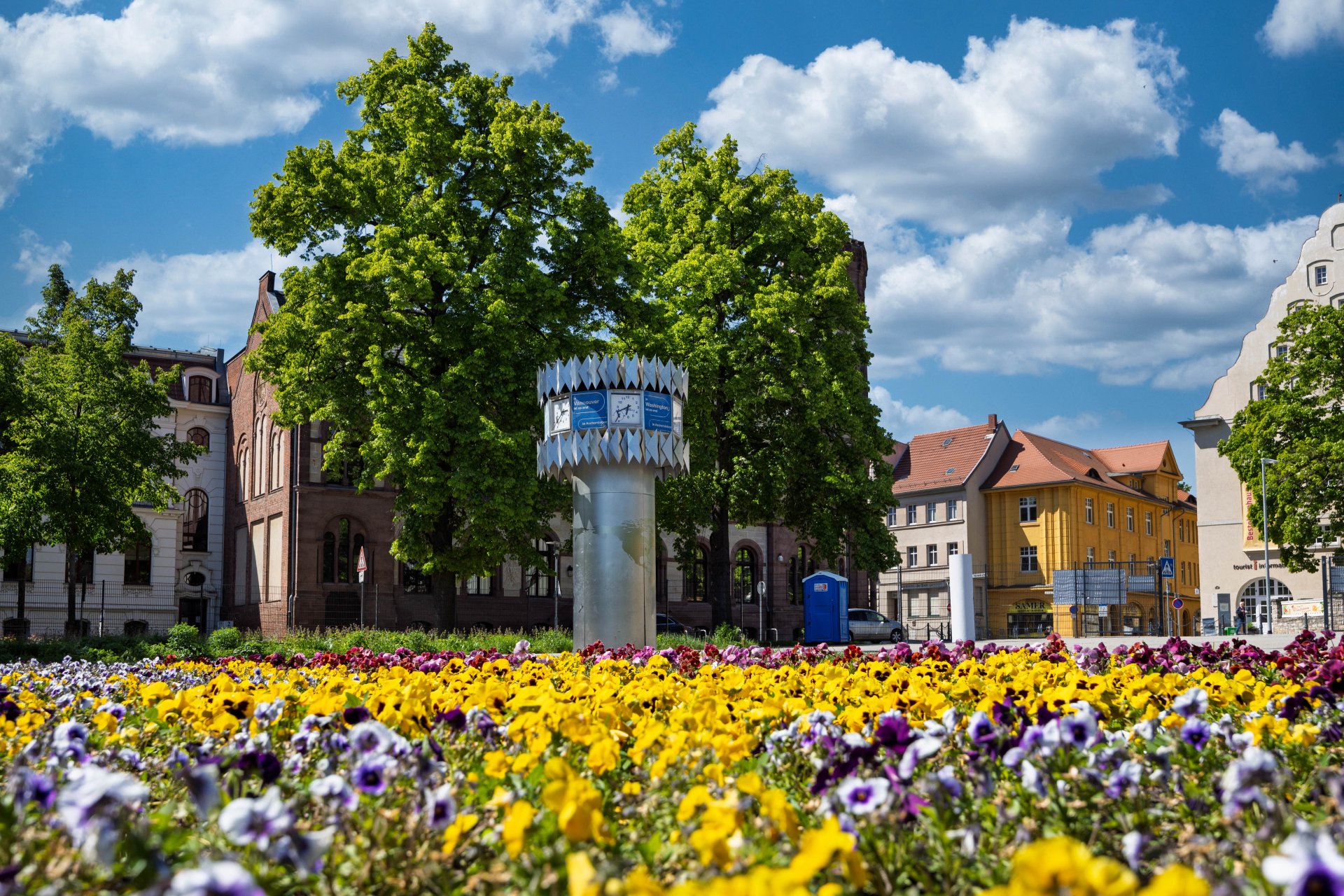


World time clock in Aschersleben
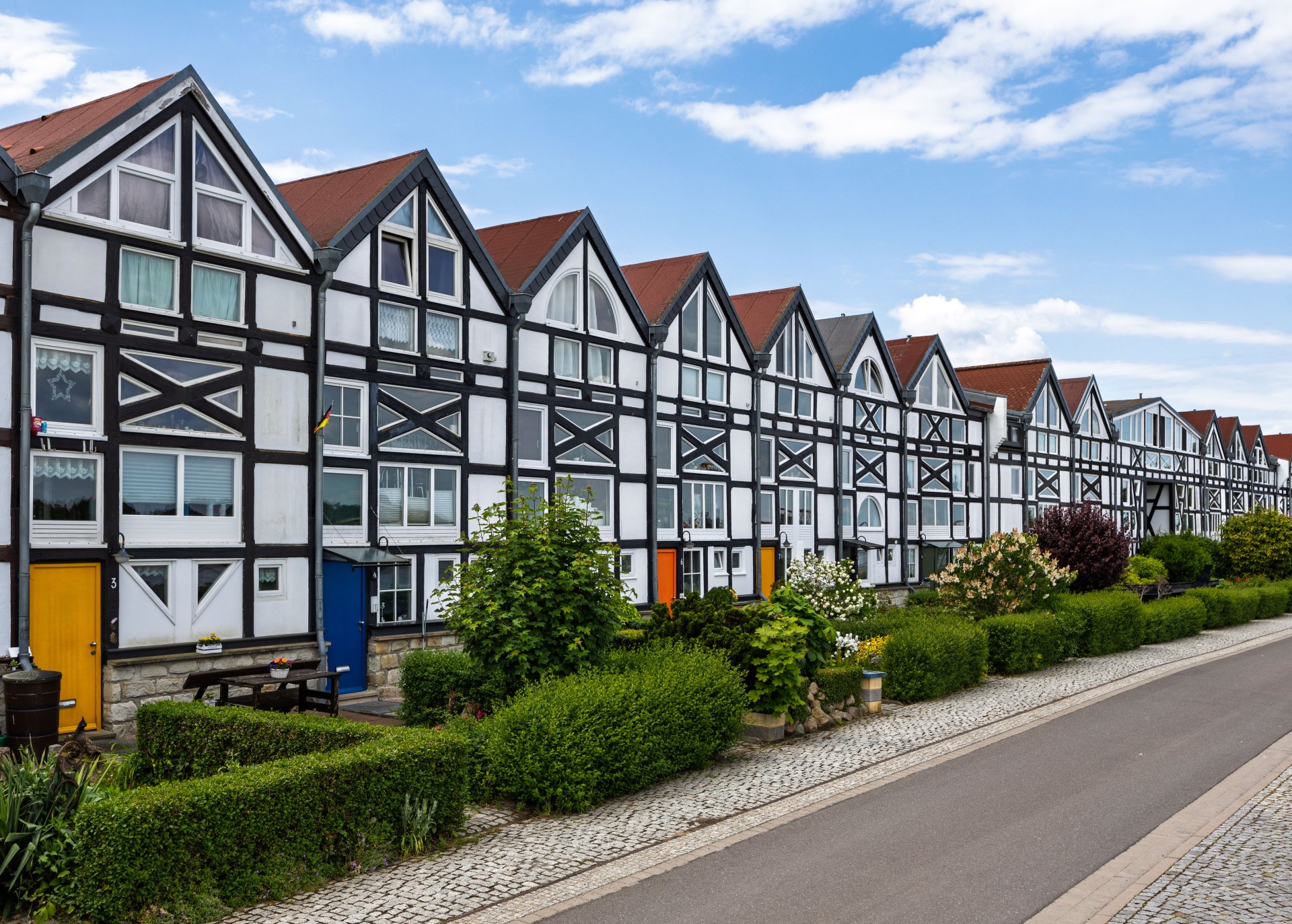
Half-timbered houses in Schönebeck
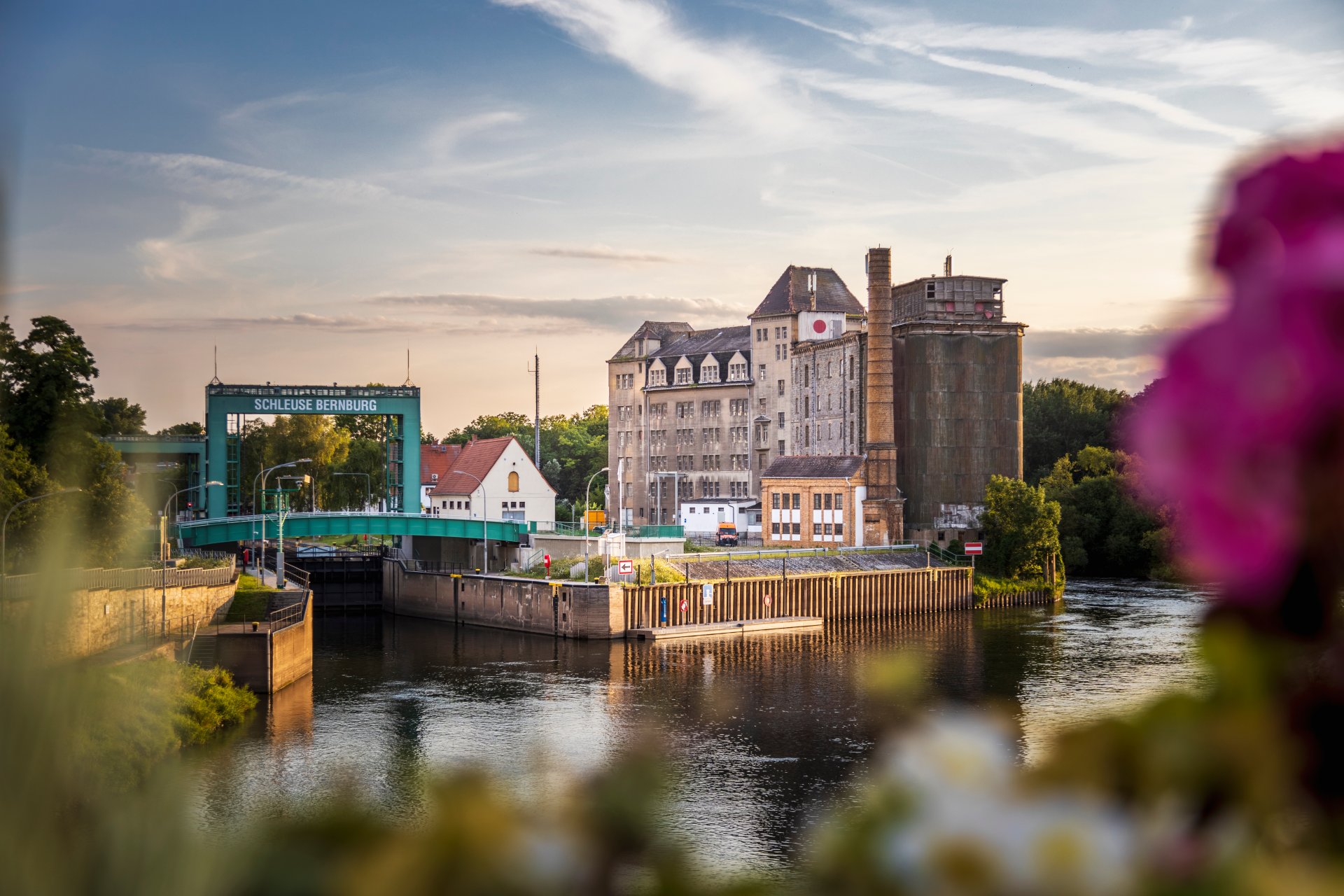
Lock in Bernburg (Saale)
Saalefee on the river Saale
This page has been automatically translated. There may therefore be discrepancies and inaccuracies in the text. Only the original version is binding. Legal claims arising from the content of the translated version are excluded.

"Dancing Cones" at the end of the Philharmonic Chamber Concert season

Schönebeck. On 3 May, the Mitteldeutsche Kammerphilharmonie Schönebeck and the Salzlandmuseum, together with its Friends’ Association, will bring this year’s concert season to a close with the fourth Philharmonic Chamber Concert. As usual, the event will begin at 11:00 am in the Gallery Hall of the Salzlandmuseum Schönebeck in Bad Salzelmen.

The programme includes two important works of chamber music literature: Wolfgang Amadeus Mozart's Trio in E flat major KV 498, the so-called "Kegelstatt Trio", and Johannes Brahms' Piano Concerto No. 1 in C minor op. 25, which is one of the outstanding compositions of Romantic chamber music. The soloist will be Jerzy Bojanowski, principal clarinettist of the Mitteldeutsche Kammerphilharmonie. Chief conductor Jan Michael Horstmann will play the piano part. The ensemble will be complemented by members of the Nelson Quartet: Farhad Billimoria (violin), Uta Schiffermüller (viola) and Mariko Okabayashi (cello).

The ‘Dancing Skittles’ concert on Sunday 3 May at 11 am at the Salzlandmuseum promises an artistically sophisticated and sonically rich performance of the highest standard.

Please note: Access to the gallery hall is not barrier-free. Tickets are only available at the Salzlandmuseum:

Salzland Museum

Pfännerstrasse 41

39218 Schönebeck/Bad Salzelmen

Telephone enquiries will be answered on the following number:

+49 +49 684-624410

Help with accessibility

  • General

    We strive to make our websites accessible to all users. Details can be found in our accessibility statement. You can send us your suggestions for improvement using our accessibility feedback form.

  • Font size

    To adjust the font size, please use the following key combinations:

    Larger

    command
    +

    Smaller

    command

    Larger

    Ctrl
    +

    Smaller

    Ctrl
  • Keyboard navigation

    Use TAB and SHIFT + TAB to navigate through next/previous links, form elements, and buttons.

    Use ENTER to open links and interact with elements.

  • Contrast mode

    Press the following key combination to reduce or increase the contrast:

    Enlarge

    control
    option
    command
    .

    Decrease

    control
    option
    command
    ,
    Note: The shortcuts must be activated in the system settings of the operating system.

    Press the left ALT key + left SHIFT key + PRINT to quickly turn high contrast mode on or off.

  • Invert colours

    Press the following key combination to switch the colour inversion on and off:

    control
    option
    command
    8
    Note: The shortcuts must be activated in the system settings of the operating system.

    First activate the screen magnifier and then switch the colour inversion on and off with the following key combinations:

    1. screen magnifier

    +

    2. invert colours

    Ctrl
    Old
    I
  • Screen magnifier

    Press the following key combinations to use the screen magnifier:

    Switch on/off

    option
    command
    8

    Enlarge view

    option
    command
    =

    Zoom out view

    option
    command
    Note: The shortcuts must be activated in the system settings of the operating system.

    Switch on / Enlarge view

    +

    Zoom out view