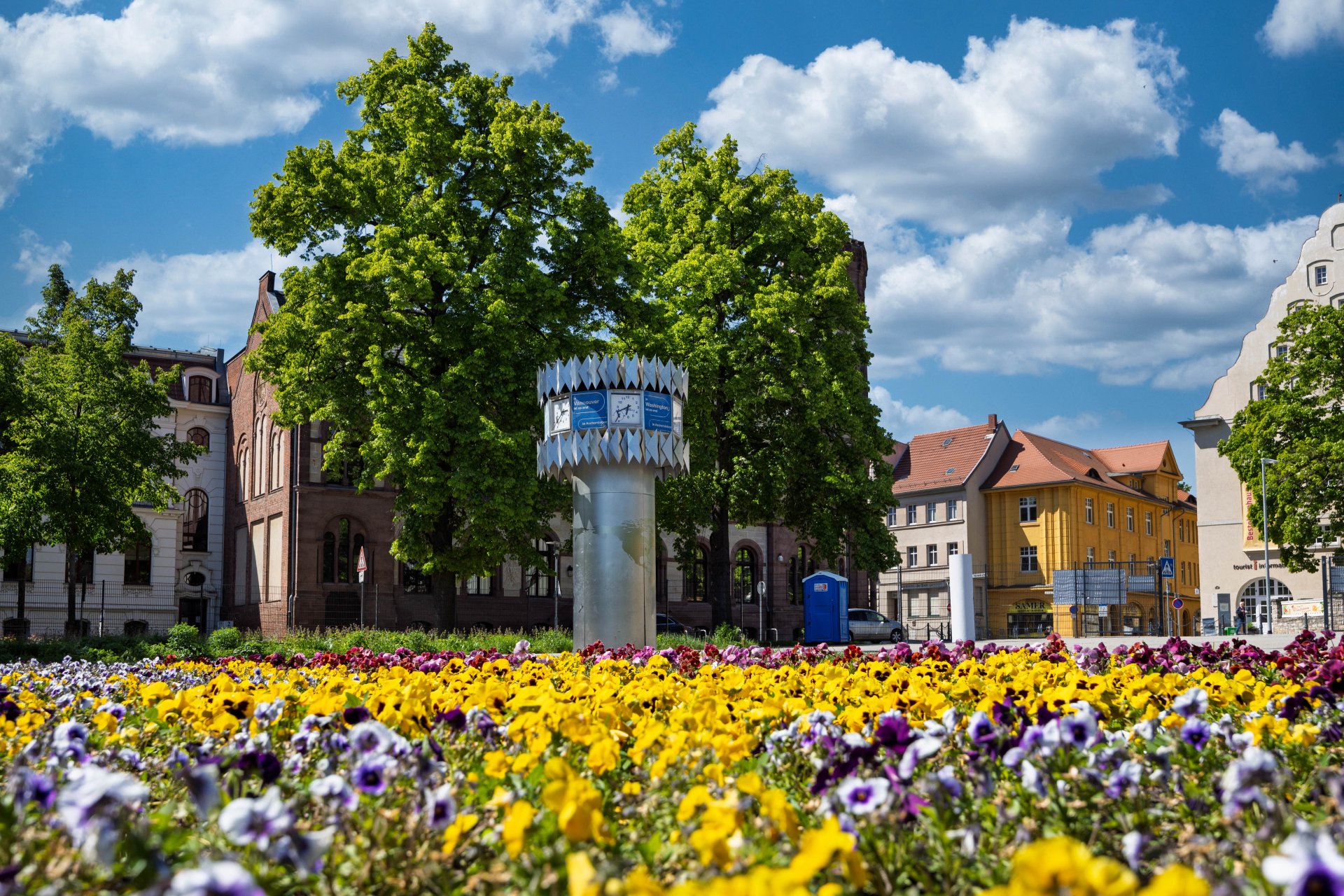


World time clock in Aschersleben
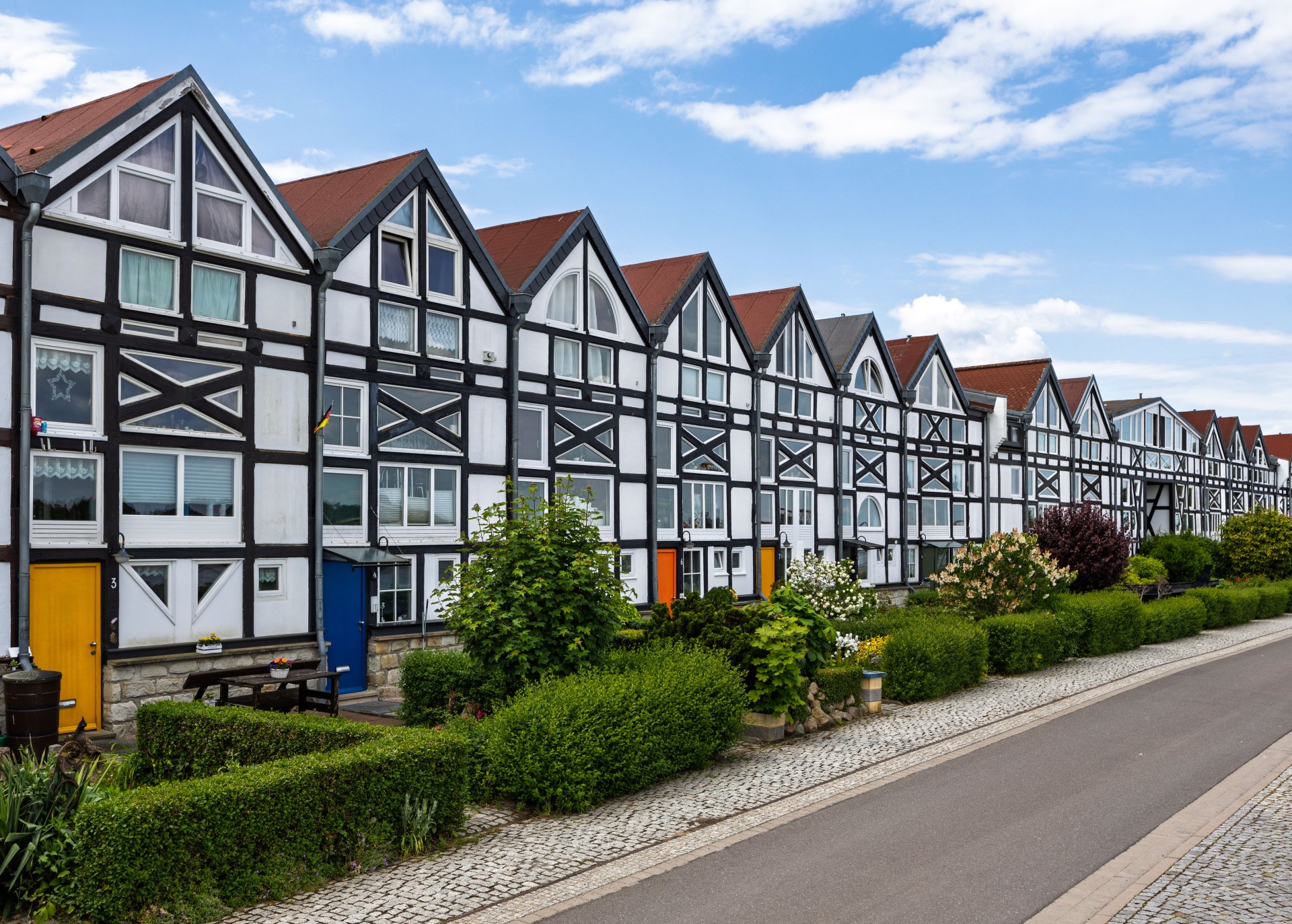
Half-timbered houses in Schönebeck
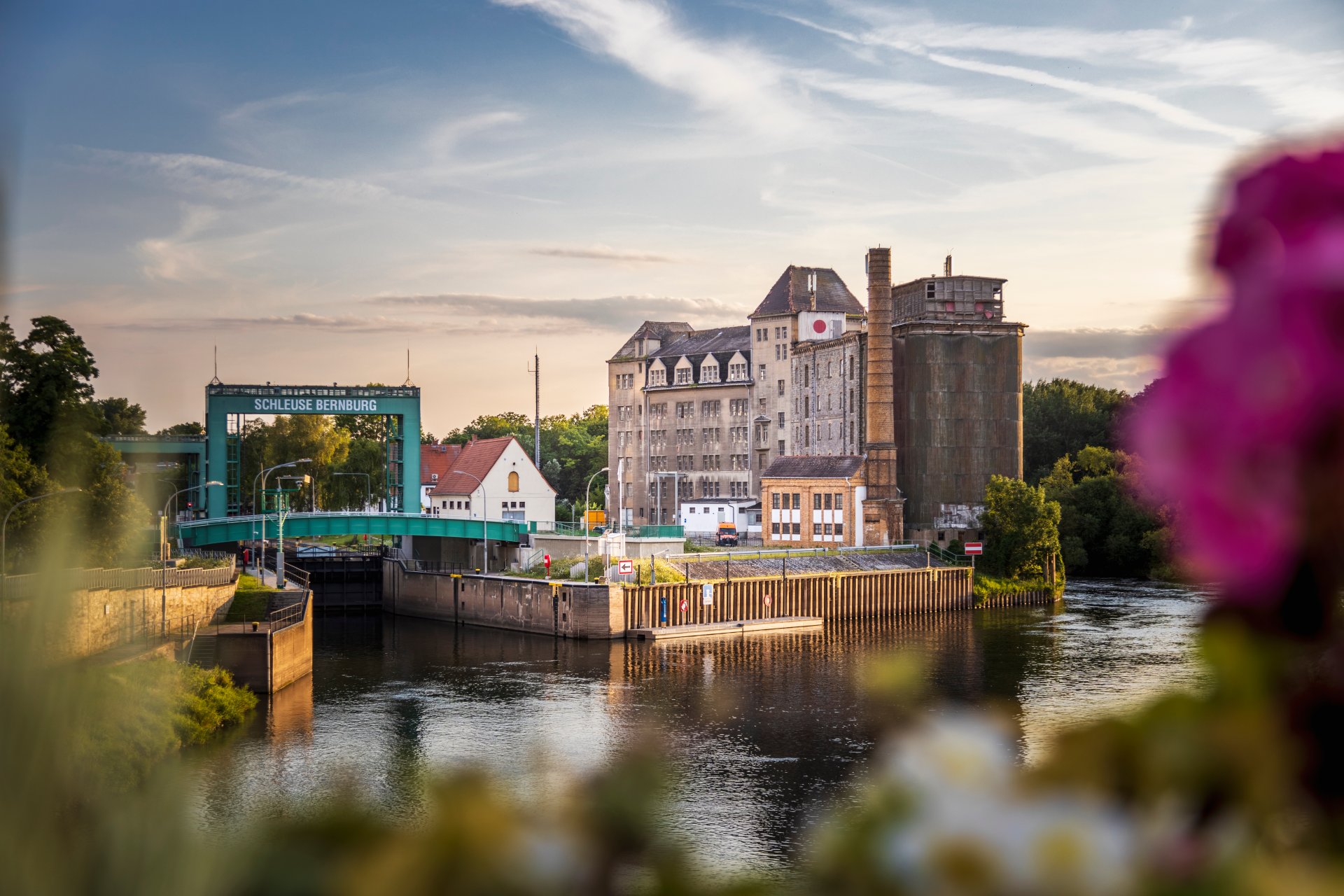
Lock in Bernburg (Saale)
Saalefee on the river Saale
This page has been automatically translated. There may therefore be discrepancies and inaccuracies in the text. Only the original version is binding. Legal claims arising from the content of the translated version are excluded.

O mio babbino caro – Oh my dear Papa

Aschersleben. Edvard Grieg, Giacomo Puccini or George Gershwin in a primary school – this points to a special concert on Saturday, 20 June, in Aschersleben. It is also exceptional because pupils from the ‘Béla Bartók’ District Music School will be in the spotlight at Pfeilergraben Primary School, performing alongside the professionals. “Supported” by the musicians of the Mitteldeutsche Kammerphilharmonie Schönebeck, under the baton of principal conductor Jan Michael Horstmann, they will be able to showcase their talent.

This joint concert forms part of this year’s ‘Klänge im Raum’ series, which aims to bring together different generations and worlds of experience. Rather than a concert hall, the primary school’s gym will serve as the venue for a diverse and sophisticated programme. Alongside solo works for violin, cello, trumpet, electric guitar and saxophone, the programme will feature what is arguably Gershwin’s best-known piano composition: “Rhapsody in Blue”. This will be accompanied by excerpts from Chopin’s Piano Concerto in F minor, Op. 21, and from Grieg’s Piano Concerto in A minor, Op. 16. Puccini’s famous aria “O mio babbino caro” rounds off the programme.

Music lovers in the region shouldn’t miss this highlight in the district music school’s concert calendar. All the performers are looking forward to welcoming a large audience.

The joint concert by the District Music School and the Central German Chamber Philharmonic at the

Pfeilergraben Primary School

3 Pfeilergraben

06449 Aschersleben

on Saturday, 20 June, starting at 4 pm.

Tickets costing €15.00 (€7.00 for schoolchildren) are available from the primary school’s office

+49 3471 3625

can be purchased or pre-ordered.

Help with accessibility

  • General

    We strive to make our websites accessible to all users. Details can be found in our accessibility statement. You can send us your suggestions for improvement using our accessibility feedback form.

  • Font size

    To adjust the font size, please use the following key combinations:

    Larger

    command
    +

    Smaller

    command

    Larger

    Ctrl
    +

    Smaller

    Ctrl
  • Keyboard navigation

    Use TAB and SHIFT + TAB to navigate through next/previous links, form elements, and buttons.

    Use ENTER to open links and interact with elements.

  • Contrast mode

    Press the following key combination to reduce or increase the contrast:

    Enlarge

    control
    option
    command
    .

    Decrease

    control
    option
    command
    ,
    Note: The shortcuts must be activated in the system settings of the operating system.

    Press the left ALT key + left SHIFT key + PRINT to quickly turn high contrast mode on or off.

  • Invert colours

    Press the following key combination to switch the colour inversion on and off:

    control
    option
    command
    8
    Note: The shortcuts must be activated in the system settings of the operating system.

    First activate the screen magnifier and then switch the colour inversion on and off with the following key combinations:

    1. screen magnifier

    +

    2. invert colours

    Ctrl
    Old
    I
  • Screen magnifier

    Press the following key combinations to use the screen magnifier:

    Switch on/off

    option
    command
    8

    Enlarge view

    option
    command
    =

    Zoom out view

    option
    command
    Note: The shortcuts must be activated in the system settings of the operating system.

    Switch on / Enlarge view

    +

    Zoom out view