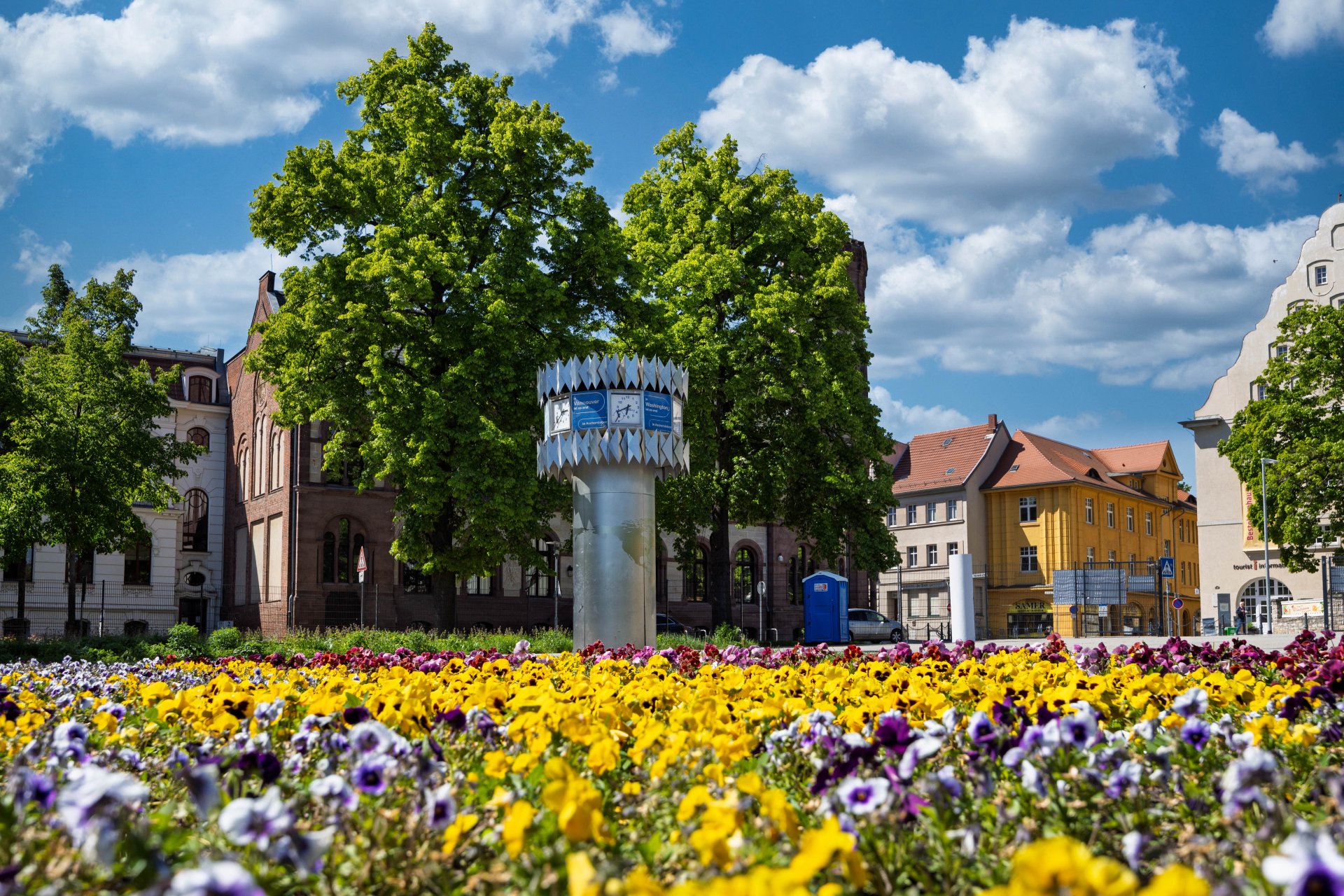

World time clock in Aschersleben
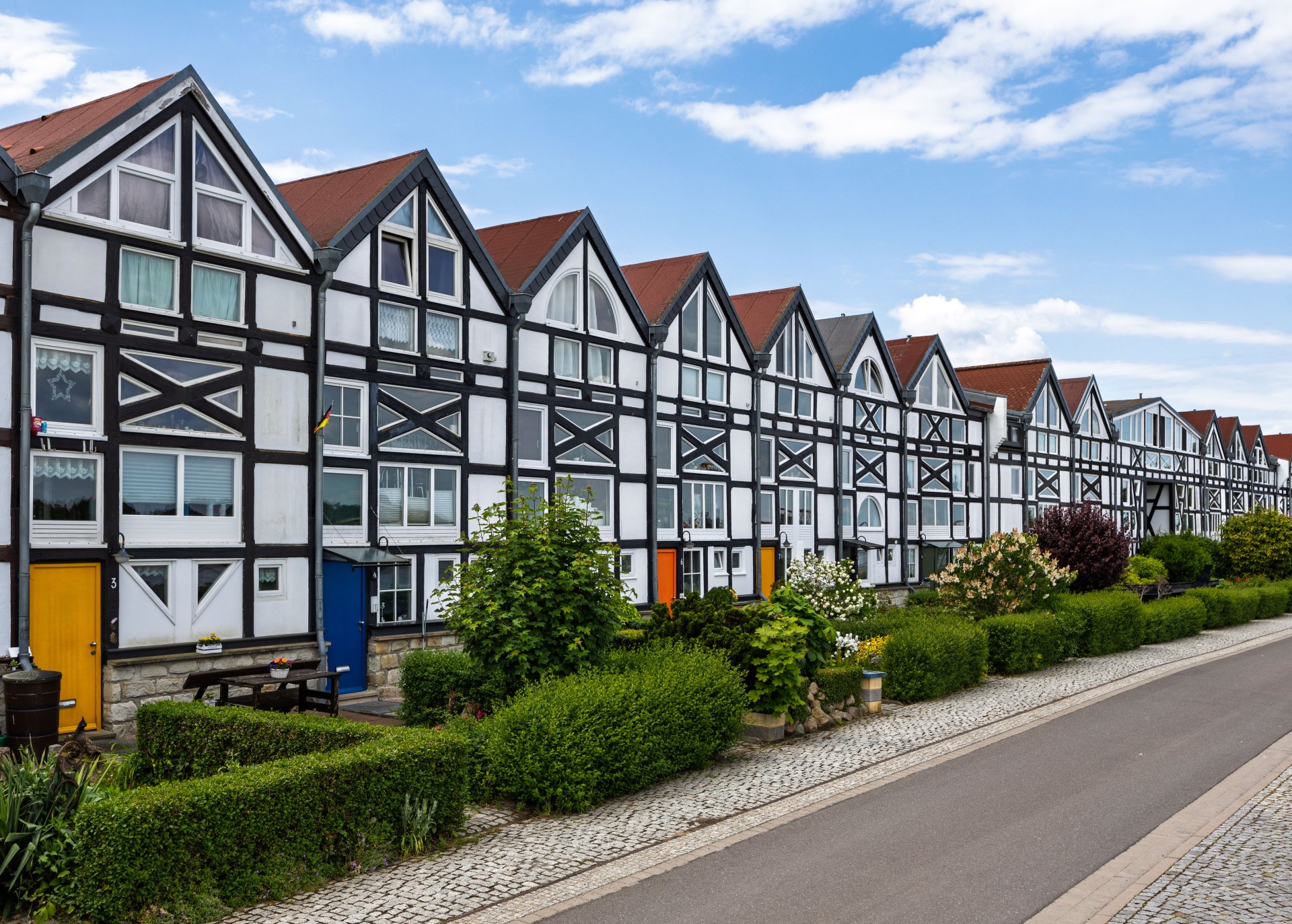
Half-timbered houses in Schönebeck
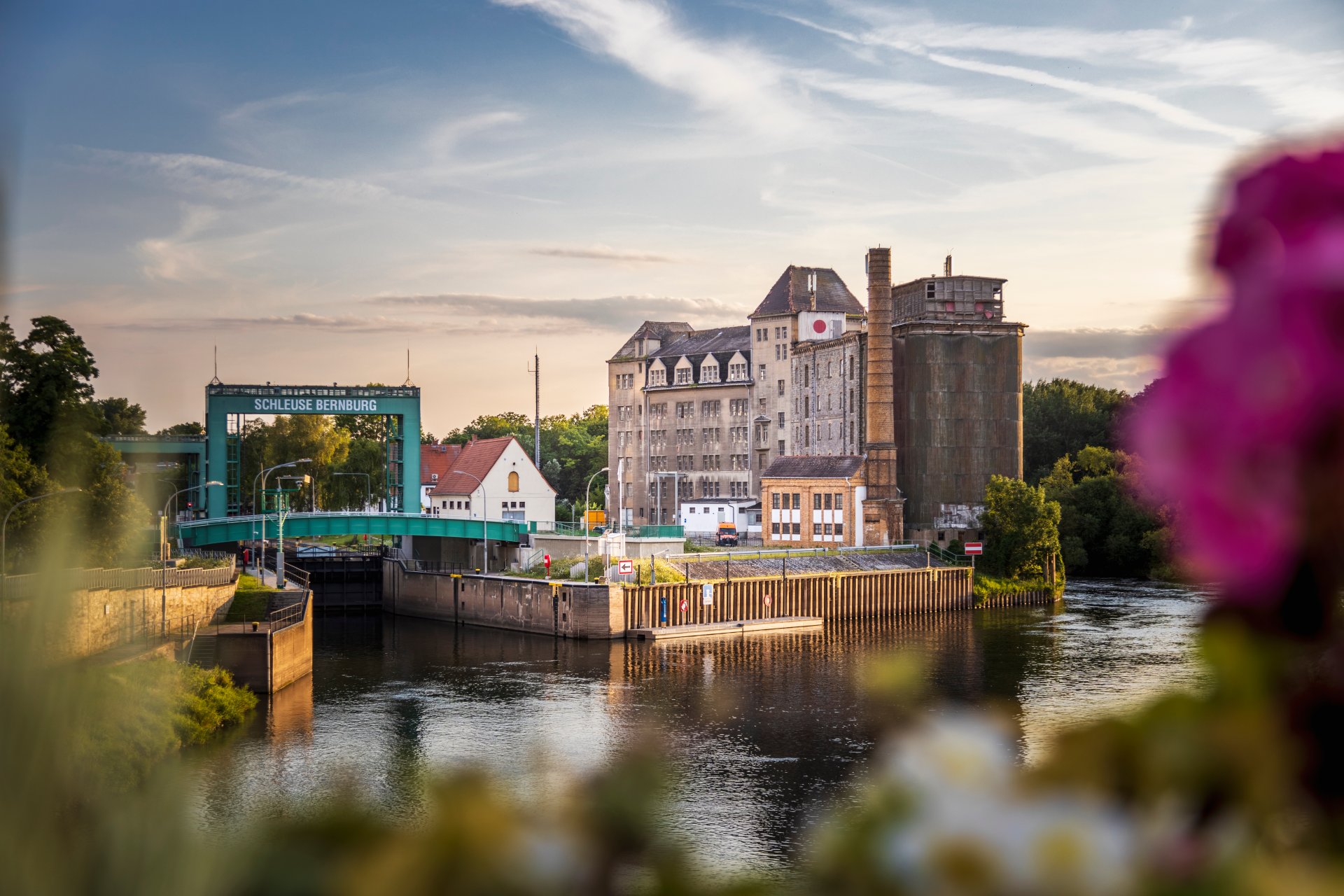
Lock in Bernburg (Saale)
Saalefee on the river Saale
This page has been automatically translated. There may therefore be discrepancies and inaccuracies in the text. Only the original version is binding. Legal claims arising from the content of the translated version are excluded.

Painting like a pro

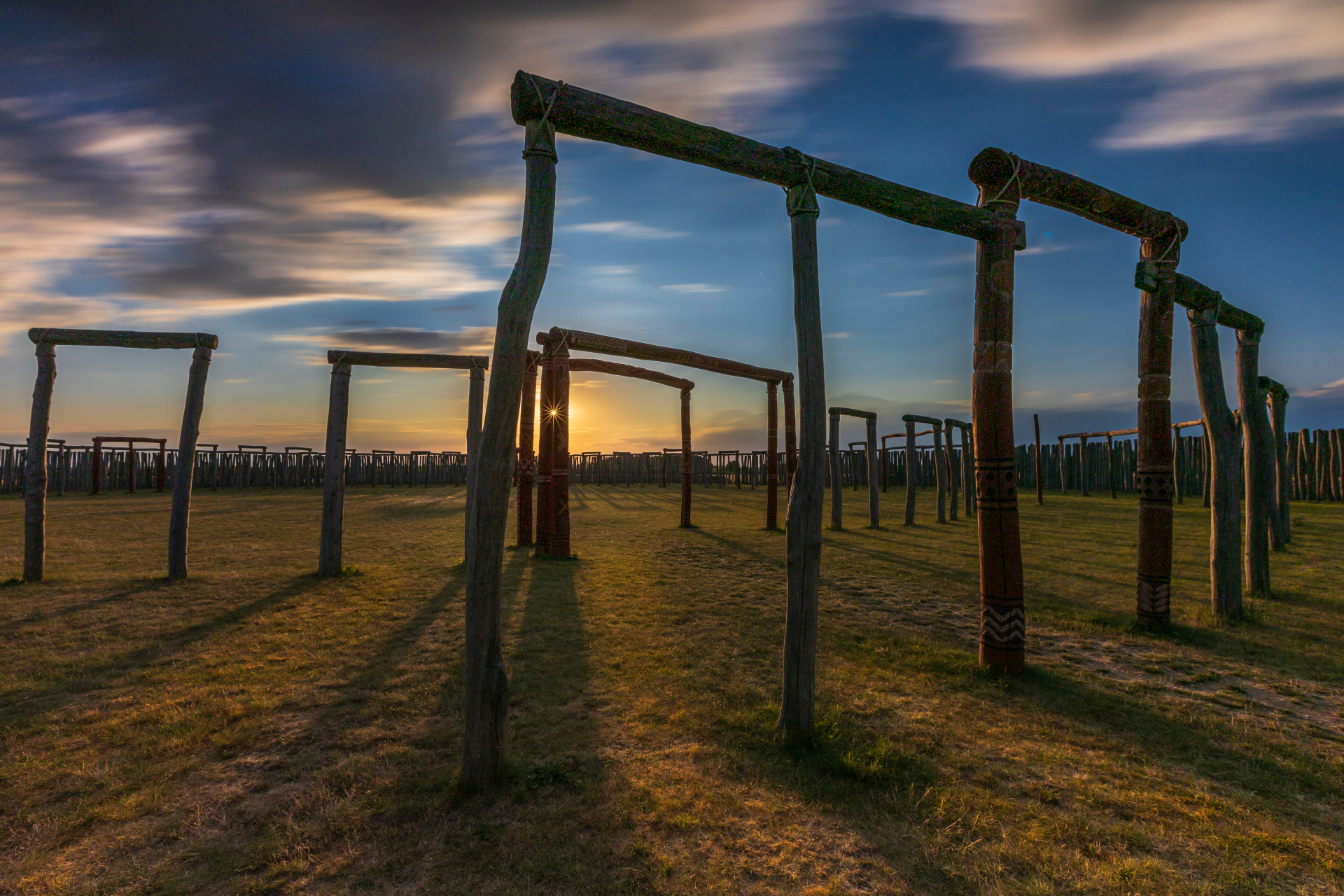
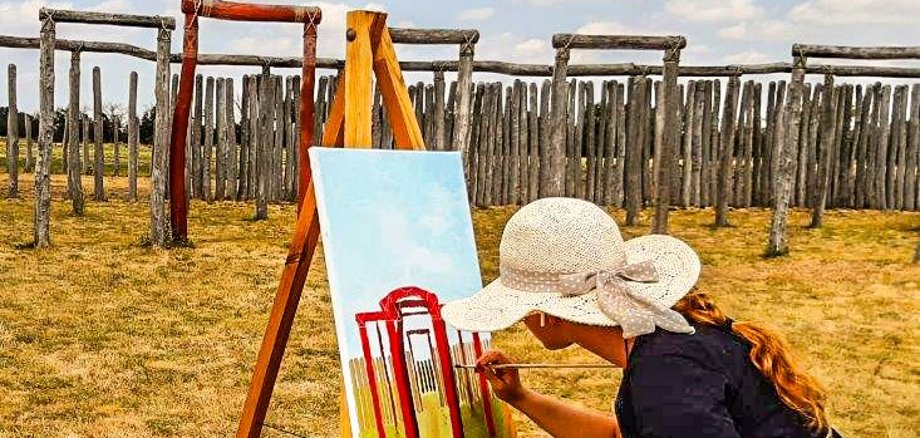
Pömmelte. Painting under the open May sky, guided by a professional artist: at the Pömmelte Ring Sanctuary, the special light and unique atmosphere are transformed into atmospheric paintings using acrylic paints and brushes. On Thursday afternoon, 21 May, the four-hour painting workshop, led by a professional, opens to anyone interested – young people and adults who want to try their hand at painting and learn, as well as experienced painters.

In the outdoor painting workshop at a historical site, participants work with modern colours and techniques. They acquire and apply basic knowledge of image design. This enables them to realise their own ideas with professional support. A unique artistic and cultural experience is created in community.

The workshop is run by Heike Lichtenberg from Halle (Saale). She studied free painting and enamel design at Burg Giebichenstein and has been working as a freelance artist since 1984.

Registration required, please contact

+49 3471 684-624710

Painting workshop at the Ring Shrine | 21.05.2026 | 2 to 6 pm

Pömmelte ring shrine

Zackmünde 10

39249 Barby (Saale)

Help with accessibility

  • General

    We strive to make our websites accessible to all users. Details can be found in our accessibility statement. You can send us your suggestions for improvement using our accessibility feedback form.

  • Font size

    To adjust the font size, please use the following key combinations:

    Larger

    command
    +

    Smaller

    command

    Larger

    Ctrl
    +

    Smaller

    Ctrl
  • Keyboard navigation

    Use TAB and SHIFT + TAB to navigate through next/previous links, form elements, and buttons.

    Use ENTER to open links and interact with elements.

  • Contrast mode

    Press the following key combination to reduce or increase the contrast:

    Enlarge

    control
    option
    command
    .

    Decrease

    control
    option
    command
    ,
    Note: The shortcuts must be activated in the system settings of the operating system.

    Press the left ALT key + left SHIFT key + PRINT to quickly turn high contrast mode on or off.

  • Invert colours

    Press the following key combination to switch the colour inversion on and off:

    control
    option
    command
    8
    Note: The shortcuts must be activated in the system settings of the operating system.

    First activate the screen magnifier and then switch the colour inversion on and off with the following key combinations:

    1. screen magnifier

    +

    2. invert colours

    Ctrl
    Old
    I
  • Screen magnifier

    Press the following key combinations to use the screen magnifier:

    Switch on/off

    option
    command
    8

    Enlarge view

    option
    command
    =

    Zoom out view

    option
    command
    Note: The shortcuts must be activated in the system settings of the operating system.

    Switch on / Enlarge view

    +

    Zoom out view