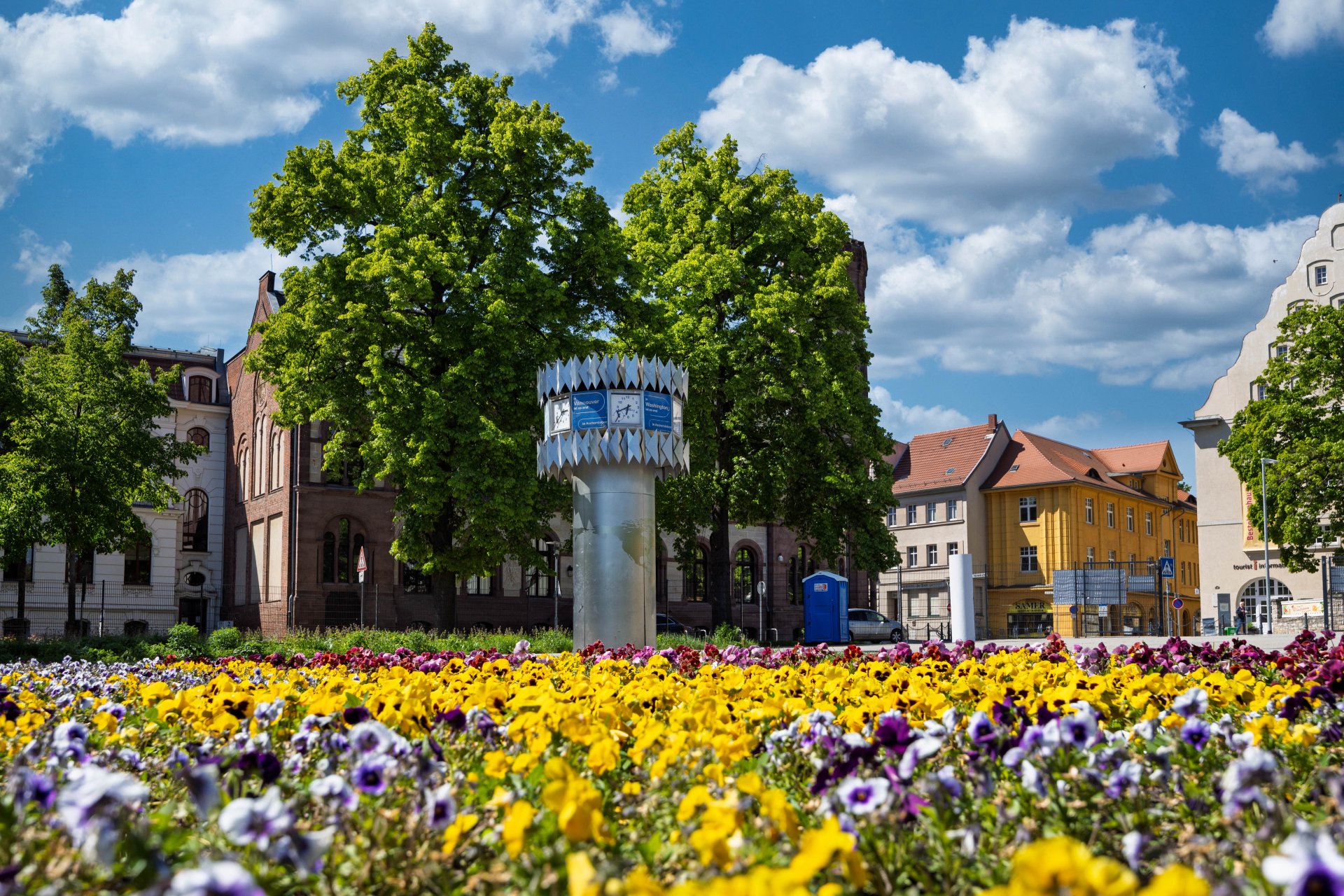


World time clock in Aschersleben
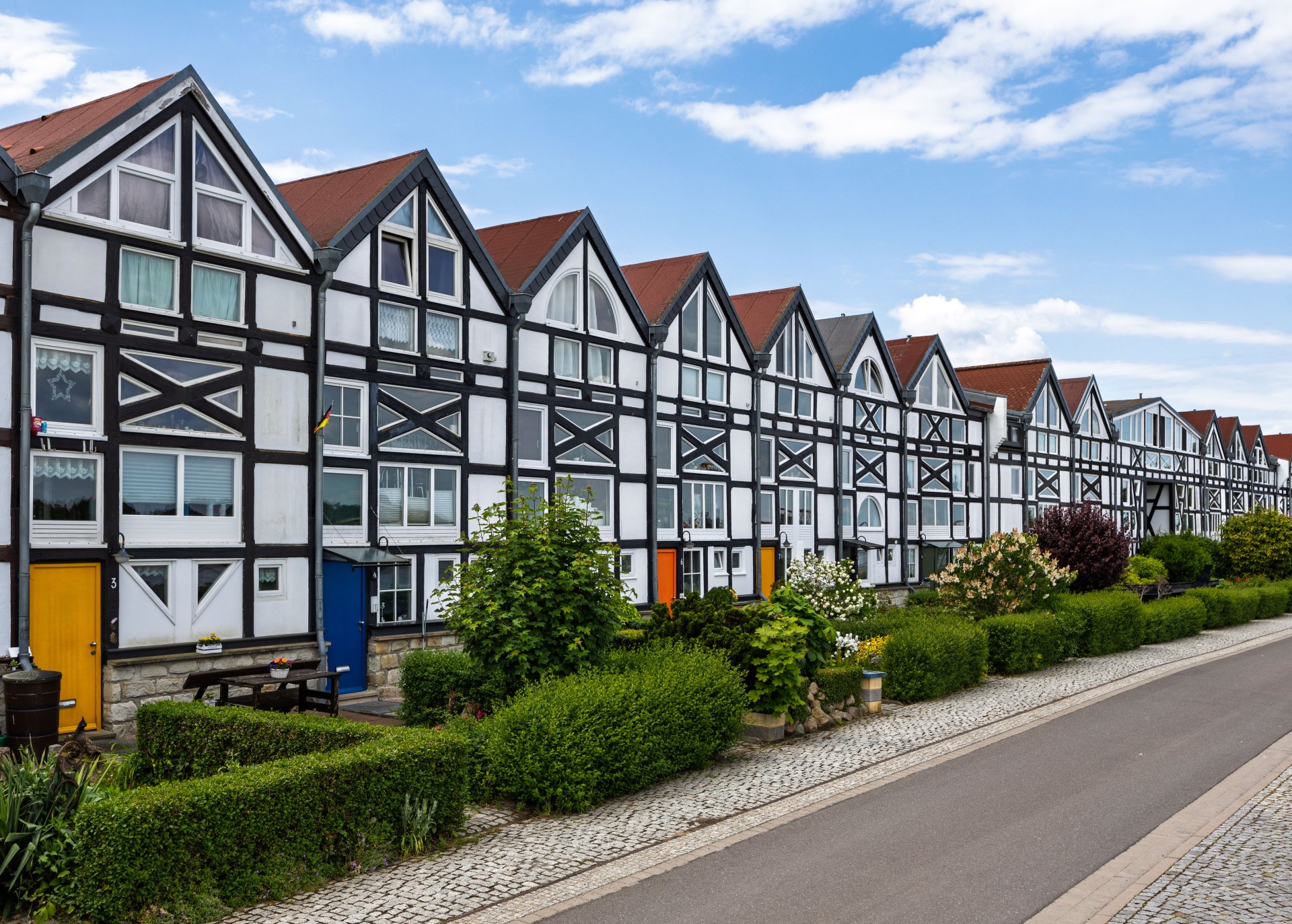
Half-timbered houses in Schönebeck
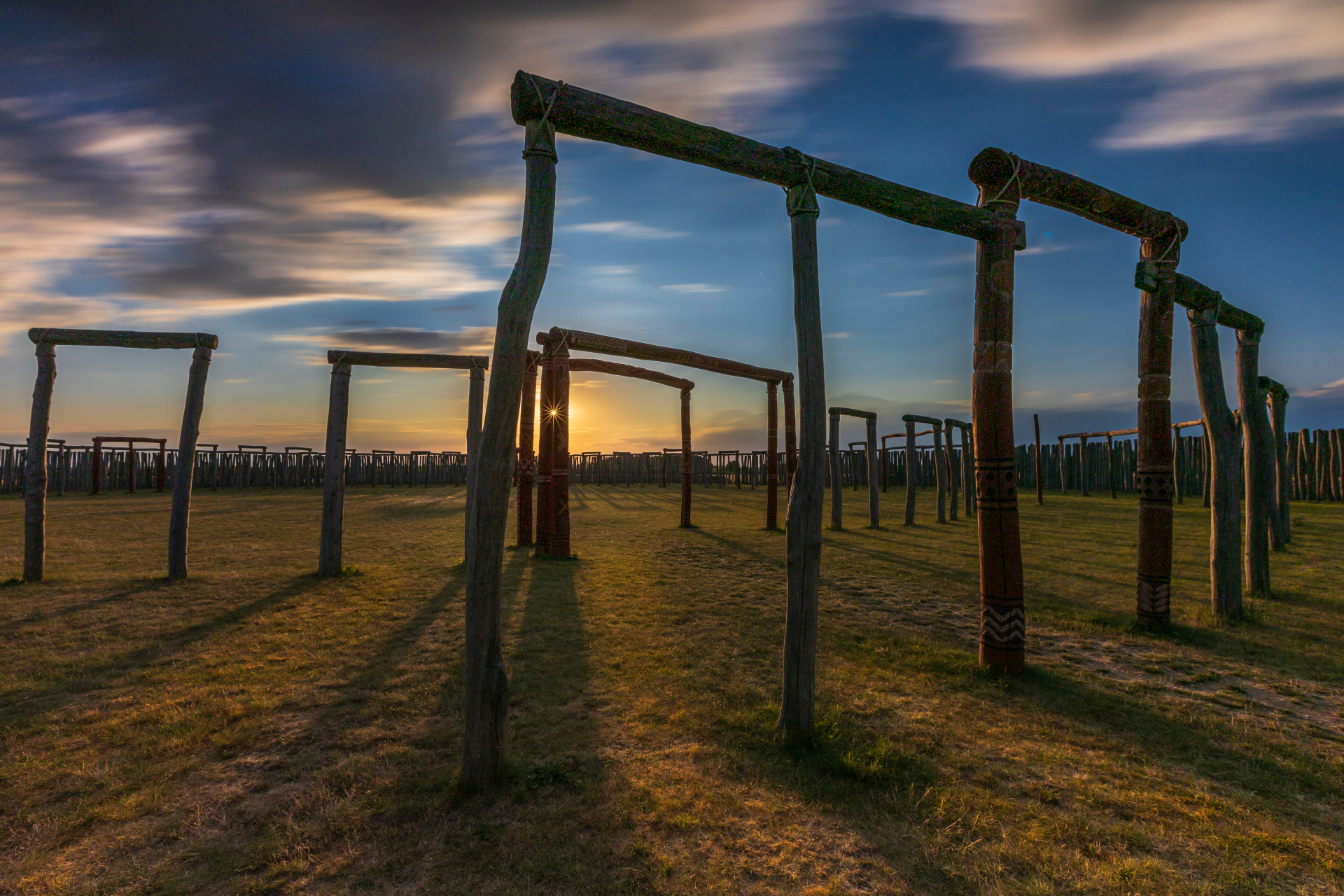
Pömmelte ring shrine
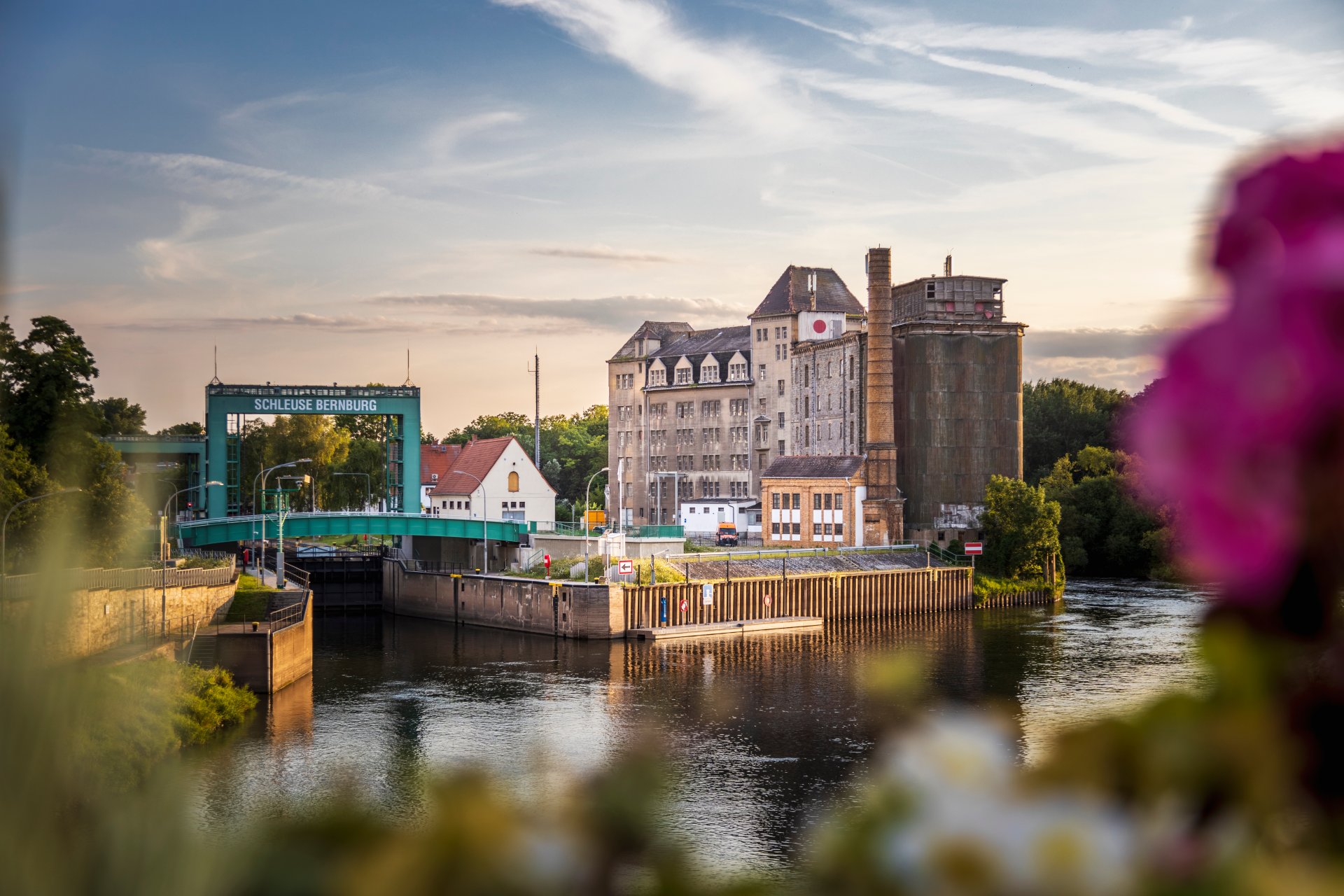
Lock in Bernburg (Saale)
Saalefee on the river Saale
This page has been automatically translated. There may therefore be discrepancies and inaccuracies in the text. Only the original version is binding. Legal claims arising from the content of the translated version are excluded.

Hunting licence examination in the Salzlandkreis district

Bernburg. The next hunting licence examination in the Salzlandkreis is scheduled for 18 and 19 September 2026. The examination consists of the following components: hunting shooting, a written examination and an oral and practical examination.

Applications for admission to this examination are

  • local candidates from the Salzlandkreis on 28 July 2026 from 09:00 to 11:00 and
  • Hunting schools in the Salzlandkreis on 28 July 2026 from 2.00 pm to 4.00 pm

to be submitted to the Salzlandkreis:

Salzland district

Karlsplatz 37

Lower Hunting Authority, Room 108

06406 Bernburg (Saale)

Should there still be places available after these two dates, further candidates and hunting schools will have the opportunity to register on 30 July 2026 between 09:00 and 11:00. Please check by telephone beforehand to see if there are still places available, as the hunting examination is limited to 30 candidates for capacity reasons.

An examination fee of 250.00 euros must be paid for registration and liability insurance for the use of weapons must be presented. For this reason, only registrations made in person (possibly by authorised persons) can be considered.

Further information can be obtained by calling the following telephone number:

+49 3471 684-1375

Help with accessibility

  • General

    We strive to make our websites accessible to all users. Details can be found in our accessibility statement. You can send us your suggestions for improvement using our accessibility feedback form.

  • Font size

    To adjust the font size, please use the following key combinations:

    Larger

    command
    +

    Smaller

    command

    Larger

    Ctrl
    +

    Smaller

    Ctrl
  • Keyboard navigation

    Use TAB and SHIFT + TAB to navigate through next/previous links, form elements, and buttons.

    Use ENTER to open links and interact with elements.

  • Contrast mode

    Press the following key combination to reduce or increase the contrast:

    Enlarge

    control
    option
    command
    .

    Decrease

    control
    option
    command
    ,
    Note: The shortcuts must be activated in the system settings of the operating system.

    Press the left ALT key + left SHIFT key + PRINT to quickly turn high contrast mode on or off.

  • Invert colours

    Press the following key combination to switch the colour inversion on and off:

    control
    option
    command
    8
    Note: The shortcuts must be activated in the system settings of the operating system.

    First activate the screen magnifier and then switch the colour inversion on and off with the following key combinations:

    1. screen magnifier

    +

    2. invert colours

    Ctrl
    Old
    I
  • Screen magnifier

    Press the following key combinations to use the screen magnifier:

    Switch on/off

    option
    command
    8

    Enlarge view

    option
    command
    =

    Zoom out view

    option
    command
    Note: The shortcuts must be activated in the system settings of the operating system.

    Switch on / Enlarge view

    +

    Zoom out view