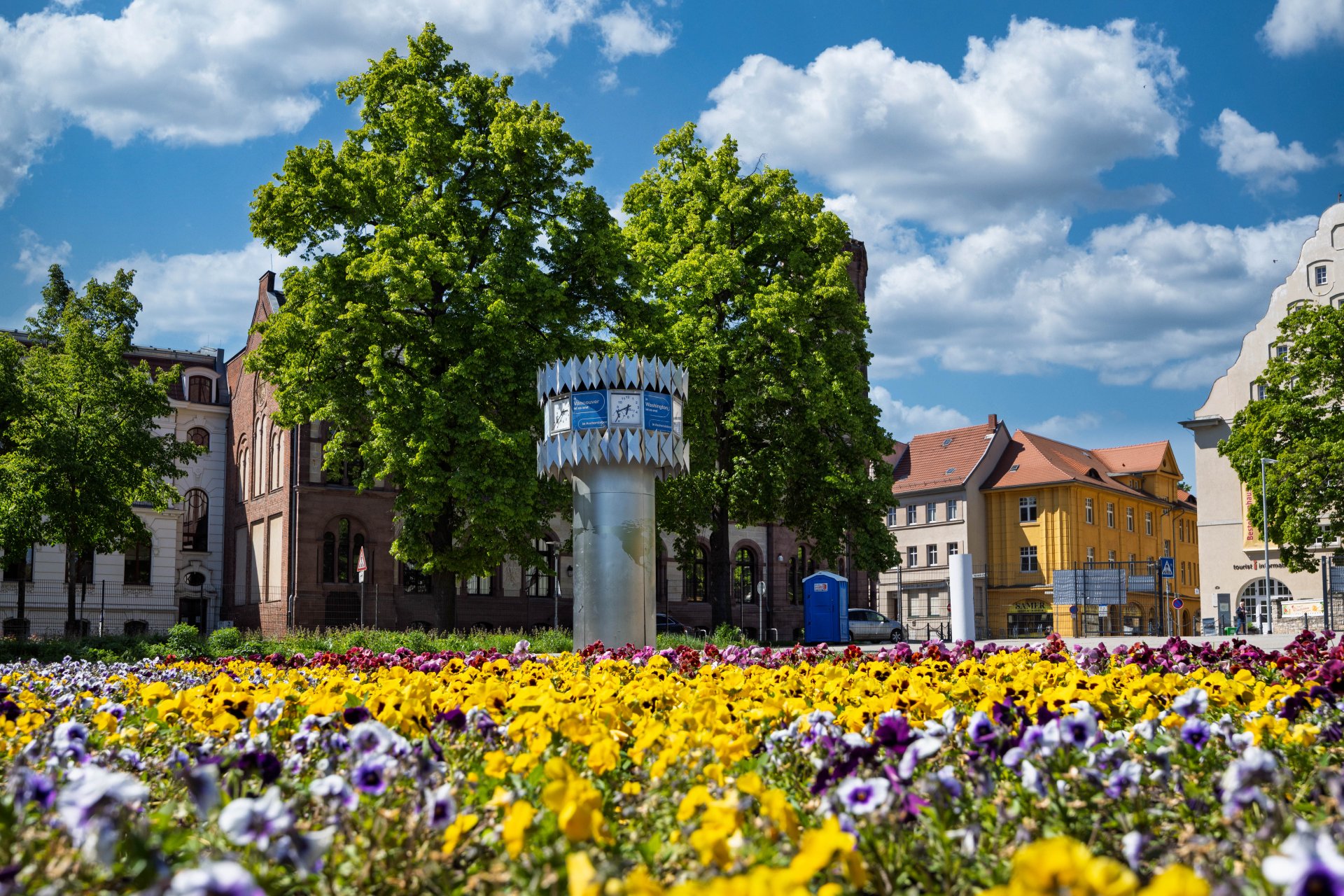


World time clock in Aschersleben
© Thomas Engst (engst. FOTOGRAFIE)
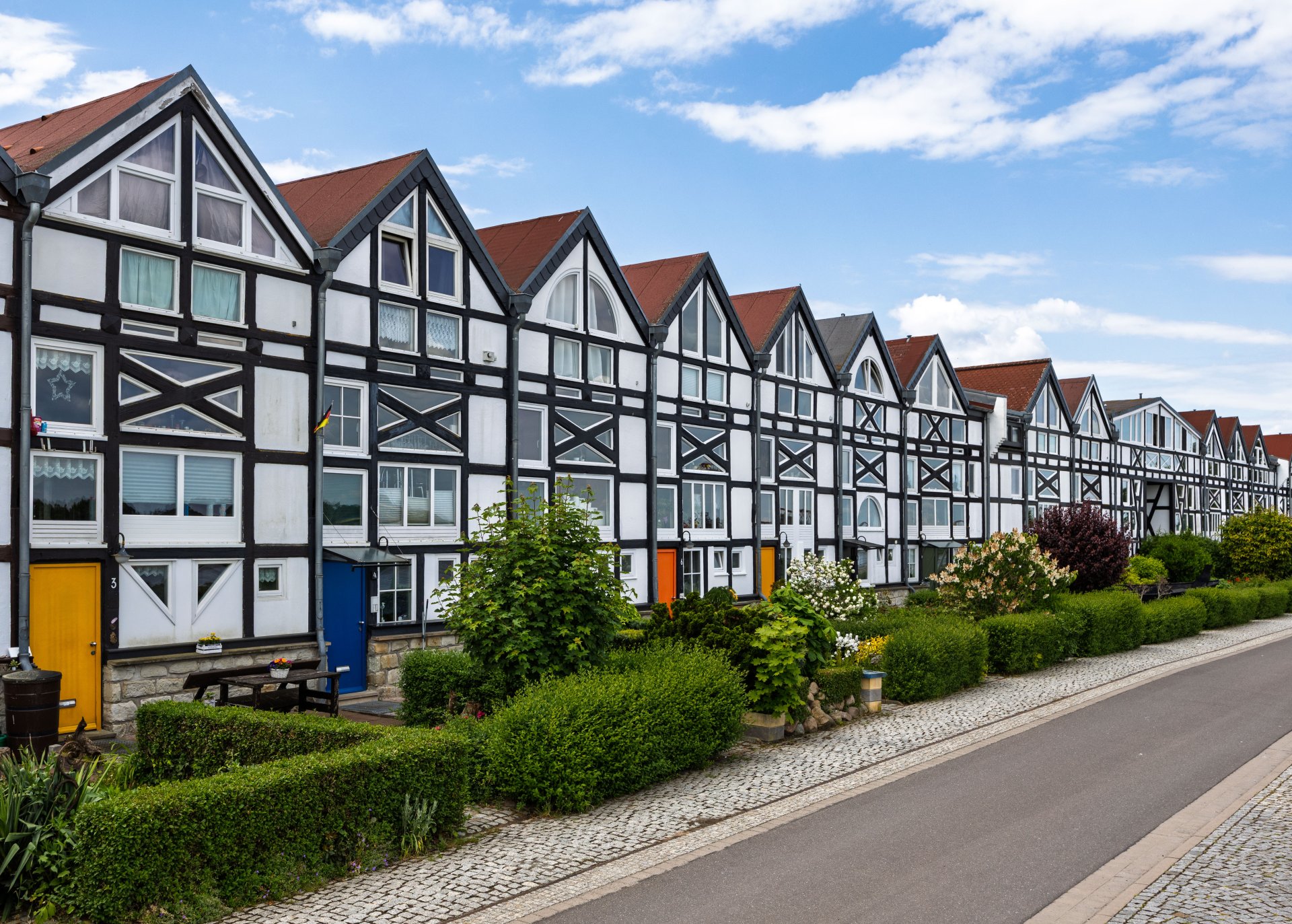
Half-timbered houses in Schönebeck
© Thomas Engst (engst. FOTOGRAFIE)
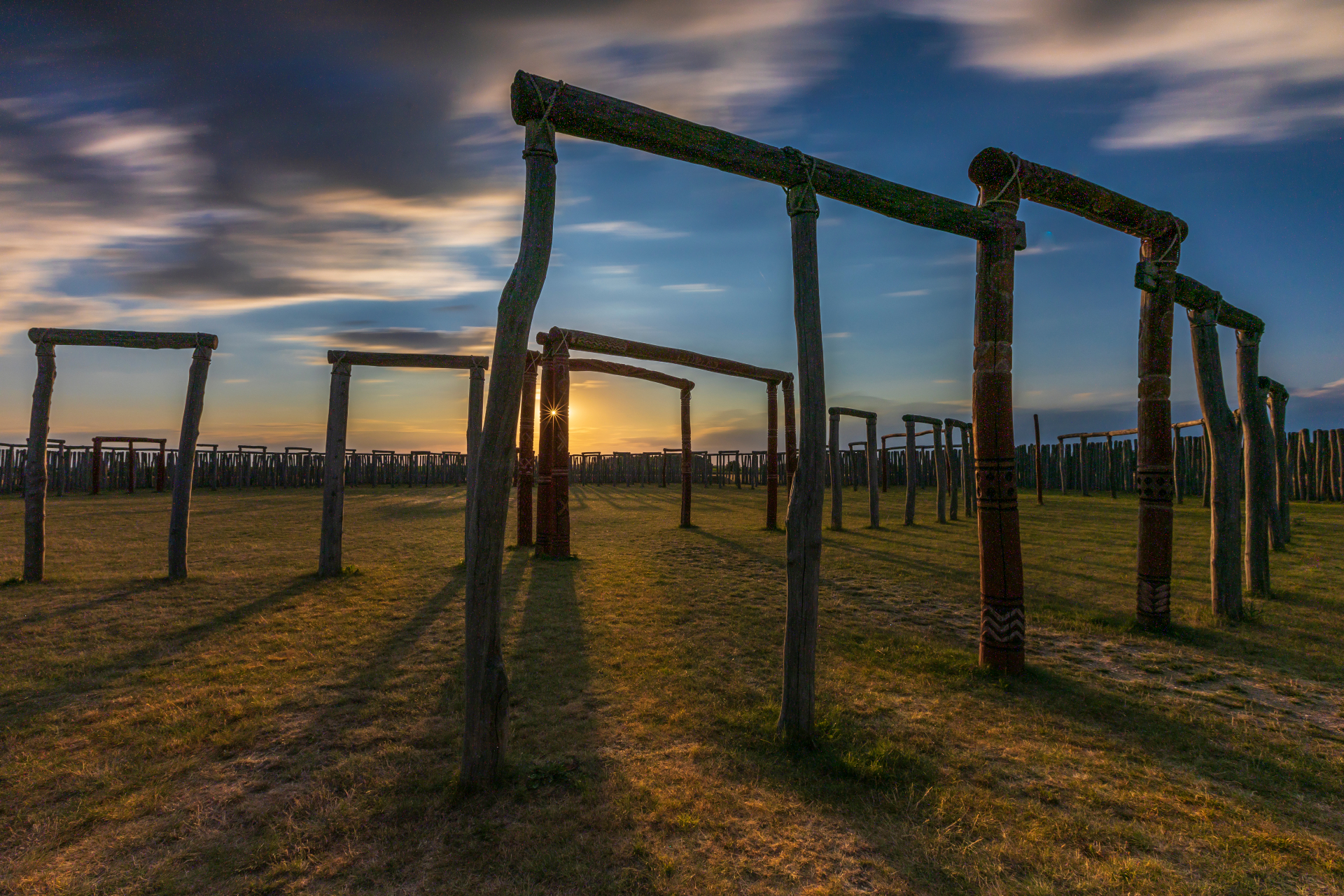
Pömmelte ring shrine
© Thomas Engst (engst. FOTOGRAFIE)
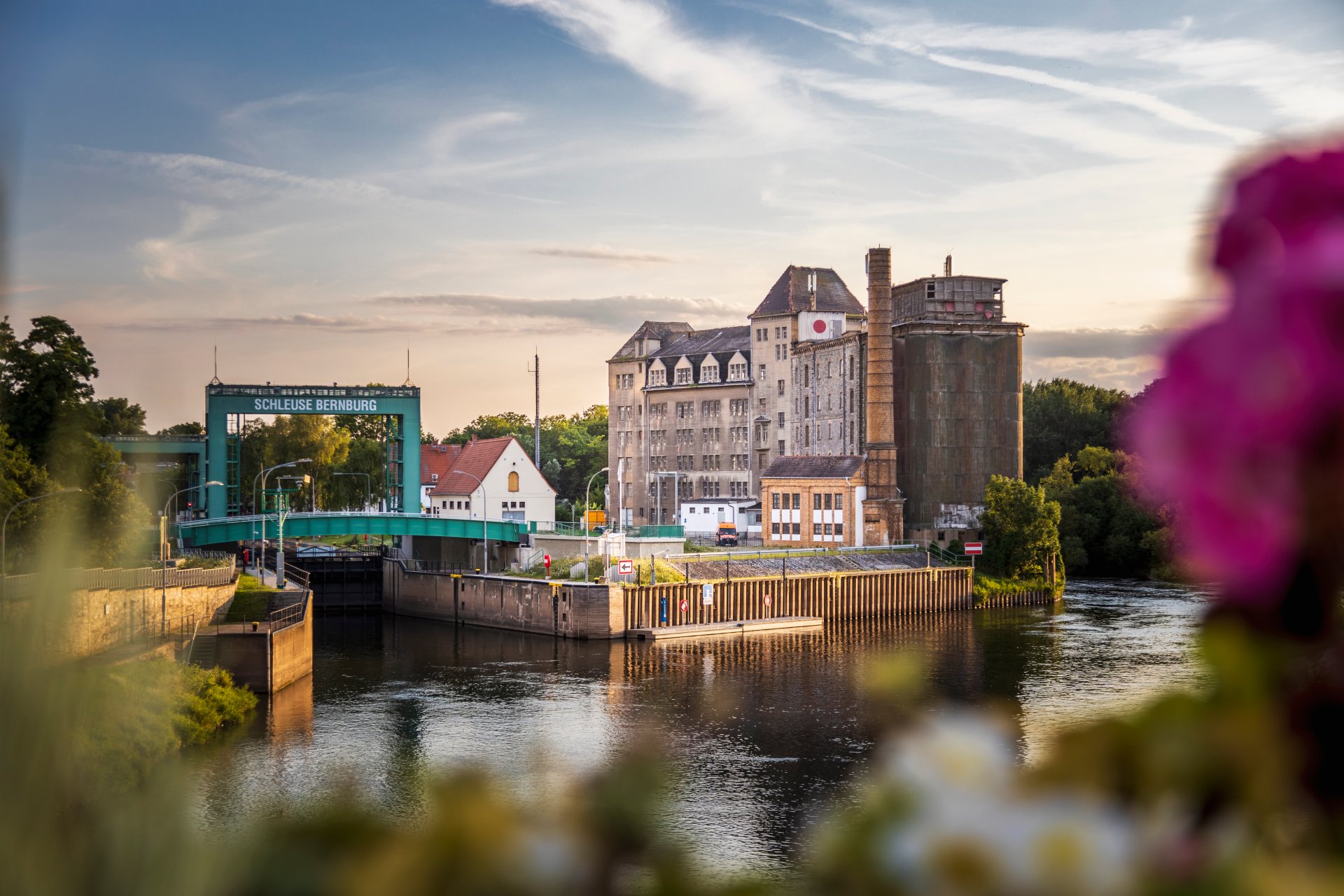
Lock in Bernburg (Saale)
© Thomas Engst (engst. FOTOGRAFIE)
Saalefee on the river Saale
© Thomas Engst (engst. FOTOGRAFIE)
This page has been automatically translated. There may therefore be discrepancies and inaccuracies in the text. Only the original version is binding. Legal claims arising from the content of the translated version are excluded.

An outstanding ambassador for the Salzlandkreis

Bernburg/Schönbeck. In the Salzlandkreis district, everyone is now aware of the economic and social importance of the specialist vehicle manufacturer Ambulanz Mobile, based in Schönebeck. The company has now once again attracted nationwide attention. Managing Director Hans-Jürgen Schwarz recently received the Grand Prize for Small and Medium-Sized Enterprises from the Oskar Patzelt Foundation in Leipzig.

District Administrator Markus Bauer extends his warmest congratulations on this special honour. “The Salzlandkreis, as an attractive place to live, do business and pursue academic research, owes a great deal to people like Hans-Jürgen Schwarz and his team. They do outstanding work in every area. Thank you for that!”

The District Administrator says he is proud to have such an economically successful and socially committed company in the region. “Hans-Jürgen Schwarz has built a company that stands for innovation, reliability and social commitment. Hans-Jürgen Schwarz and his team are therefore both the driving force behind and ambassadors for the Salzlandkreis.”

For over 35 years, Ambulanz Mobile has been developing innovative ambulance vehicles at its site in Schönebeck, which are now sold worldwide. The Oskar Patzelt Foundation has been awarding the Grand Prize for Medium-Sized Enterprises since 1994. According to the organisation, the prize is awarded to companies that are particularly innovative and demonstrate a strong commitment to society.

Help with accessibility

  • General

    We strive to make our websites accessible to all users. Details can be found in our accessibility statement. You can send us your suggestions for improvement using our accessibility feedback form.

  • Font size

    To adjust the font size, please use the following key combinations:

    Larger

    ⌘command
    +

    Smaller

    ⌘command
    –

    Larger

    Ctrl
    +

    Smaller

    Ctrl
    –
  • Keyboard navigation

    Use TAB and SHIFT + TAB to navigate through next/previous links, form elements, and buttons.

    Use ENTER to open links and interact with elements.

  • Contrast mode

    Press the following key combination to reduce or increase the contrast:

    Enlarge

    ⌃control
    ⌥option
    ⌘command
    .

    Decrease

    ⌃control
    ⌥option
    ⌘command
    ,
    Note: The shortcuts must be activated in the system settings of the operating system.

    Press the left ALT key + left SHIFT key + PRINT to quickly turn high contrast mode on or off.

  • Invert colours

    Press the following key combination to switch the colour inversion on and off:

    ⌃control
    ⌥option
    ⌘command
    8
    Note: The shortcuts must be activated in the system settings of the operating system.

    First activate the screen magnifier and then switch the colour inversion on and off with the following key combinations:

    1. screen magnifier

    +

    2. invert colours

    Ctrl
    Old
    I
  • Screen magnifier

    Press the following key combinations to use the screen magnifier:

    Switch on/off

    ⌥option
    ⌘command
    8

    Enlarge view

    ⌥option
    ⌘command
    =

    Zoom out view

    ⌥option
    ⌘command
    –
    Note: The shortcuts must be activated in the system settings of the operating system.

    Switch on / Enlarge view

    +

    Zoom out view

    –