This page has been automatically translated. There may therefore be discrepancies and inaccuracies in the text. Only the original version is binding. Legal claims arising from the content of the translated version are excluded.

Found, take over, shape the future

Aschersleben. Anyone who has an innovative business idea, wants to take the plunge into self-employment or is interested in taking over an existing company can create a stable basis for entrepreneurial success with the right support.

Attractive grants help you get started: with ego.-START, business founders receive funding for personalised start-up coaching to help them develop their own idea into a viable business. The master craftsman start-up bonus offers a grant of 10,000 euros for the start-up or takeover of a craft business. In addition, start-up and successor loans are available. Financing is provided in close cooperation with the house bank - this means that public subsidies and standard bank financing can be optimally combined.

Interested parties can also take advantage of this year's Succession Week - from 2 to 10 March - to obtain information, make contacts and receive individual advice on all aspects of business start-ups and succession.

At the consultation day "IB regional – We are there for you" in the Salzlandkreis district on 3 March from 9 a.m. to 2 p.m. in the

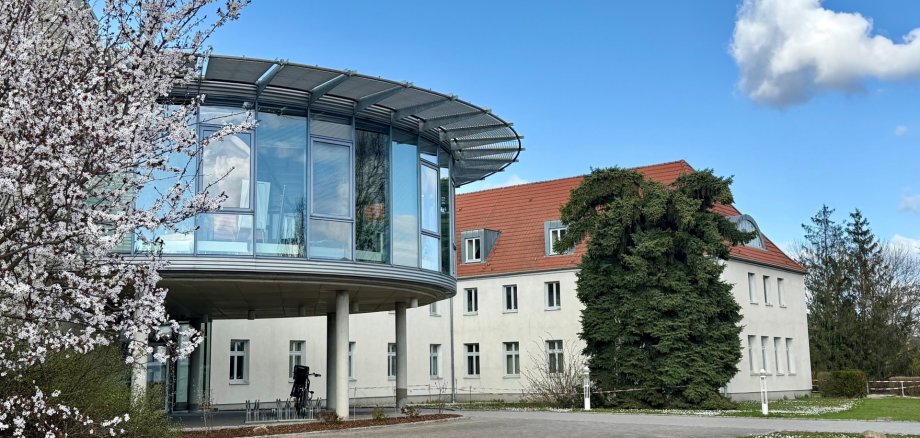
District Hall Aschersleben

Ermslebener Street 77

06449 Aschersleben

the experts from the investment bank, together with the district's specialised service for district and economic development and tourism, will answer all questions relating to funding opportunities. The offer can be taken up in person or, if desired, by telephone or digitally.

Please make an appointment:

No employees found.

Help with accessibility

  • General

    We strive to make our websites accessible to all users. Details can be found in our accessibility statement. You can send us your suggestions for improvement using our accessibility feedback form.

  • Font size

    To adjust the font size, please use the following key combinations:

    Larger

    ⌘command
    +

    Smaller

    ⌘command
    –

    Larger

    Ctrl
    +

    Smaller

    Ctrl
    –
  • Keyboard navigation

    Use TAB and SHIFT + TAB to navigate through next/previous links, form elements, and buttons.

    Use ENTER to open links and interact with elements.

  • Contrast mode

    Press the following key combination to reduce or increase the contrast:

    Enlarge

    ⌃control
    ⌥option
    ⌘command
    .

    Decrease

    ⌃control
    ⌥option
    ⌘command
    ,
    Note: The shortcuts must be activated in the system settings of the operating system.

    Press the left ALT key + left SHIFT key + PRINT to quickly turn high contrast mode on or off.

  • Invert colours

    Press the following key combination to switch the colour inversion on and off:

    ⌃control
    ⌥option
    ⌘command
    8
    Note: The shortcuts must be activated in the system settings of the operating system.

    First activate the screen magnifier and then switch the colour inversion on and off with the following key combinations:

    1. screen magnifier

    +

    2. invert colours

    Ctrl
    Old
    I
  • Screen magnifier

    Press the following key combinations to use the screen magnifier:

    Switch on/off

    ⌥option
    ⌘command
    8

    Enlarge view

    ⌥option
    ⌘command
    =

    Zoom out view

    ⌥option
    ⌘command
    –
    Note: The shortcuts must be activated in the system settings of the operating system.

    Switch on / Enlarge view

    +

    Zoom out view

    –