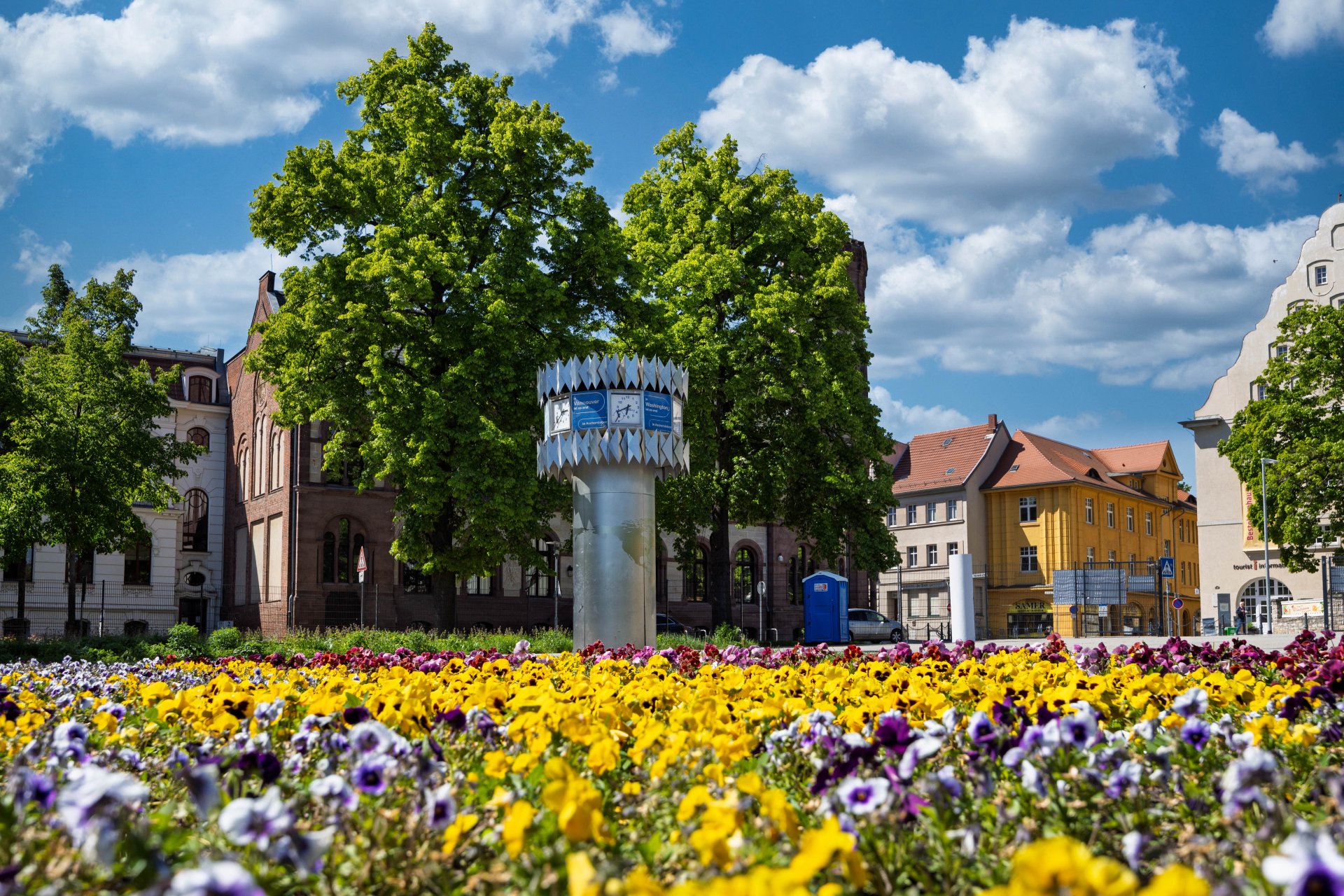

World time clock in Aschersleben
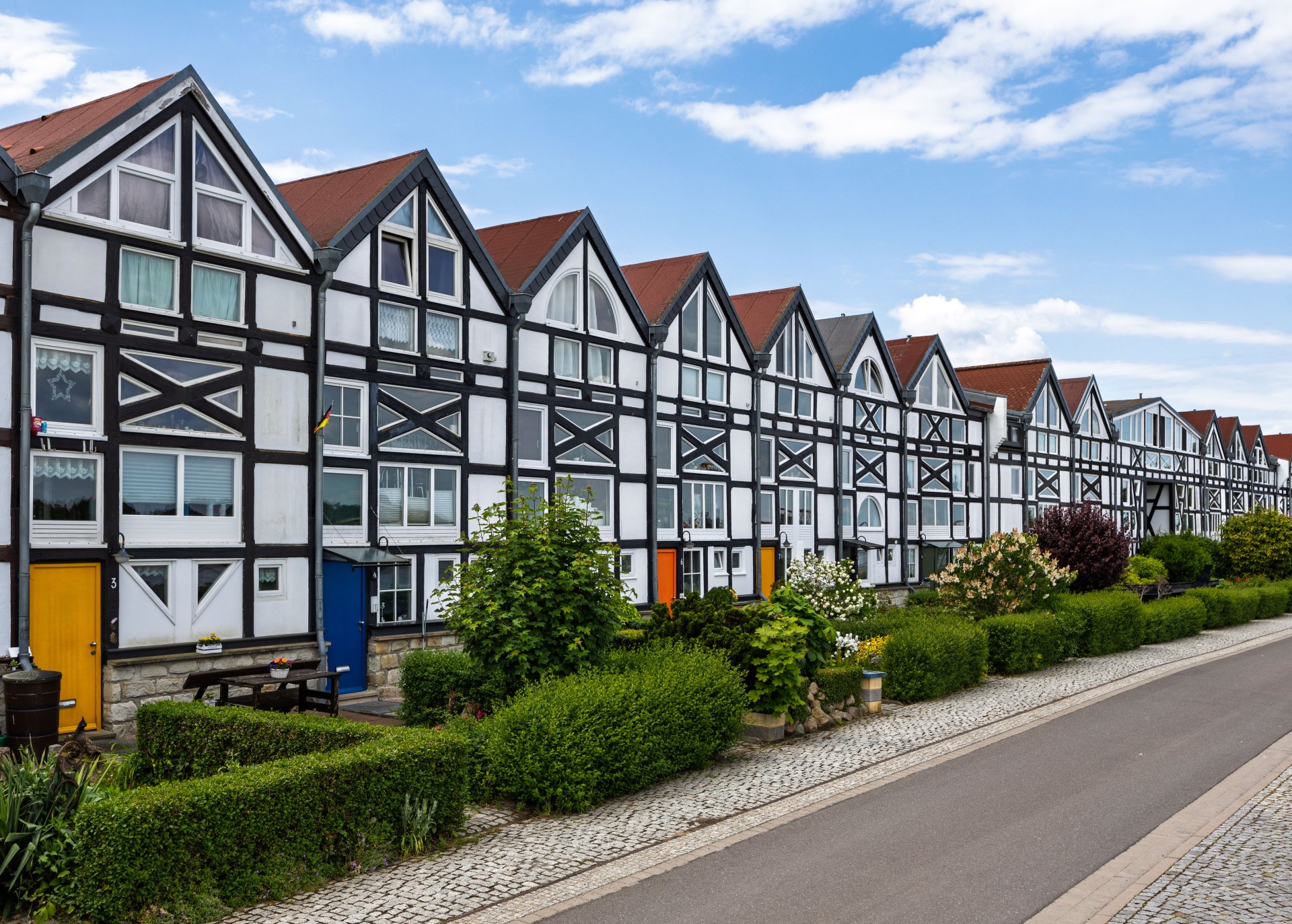
Half-timbered houses in Schönebeck
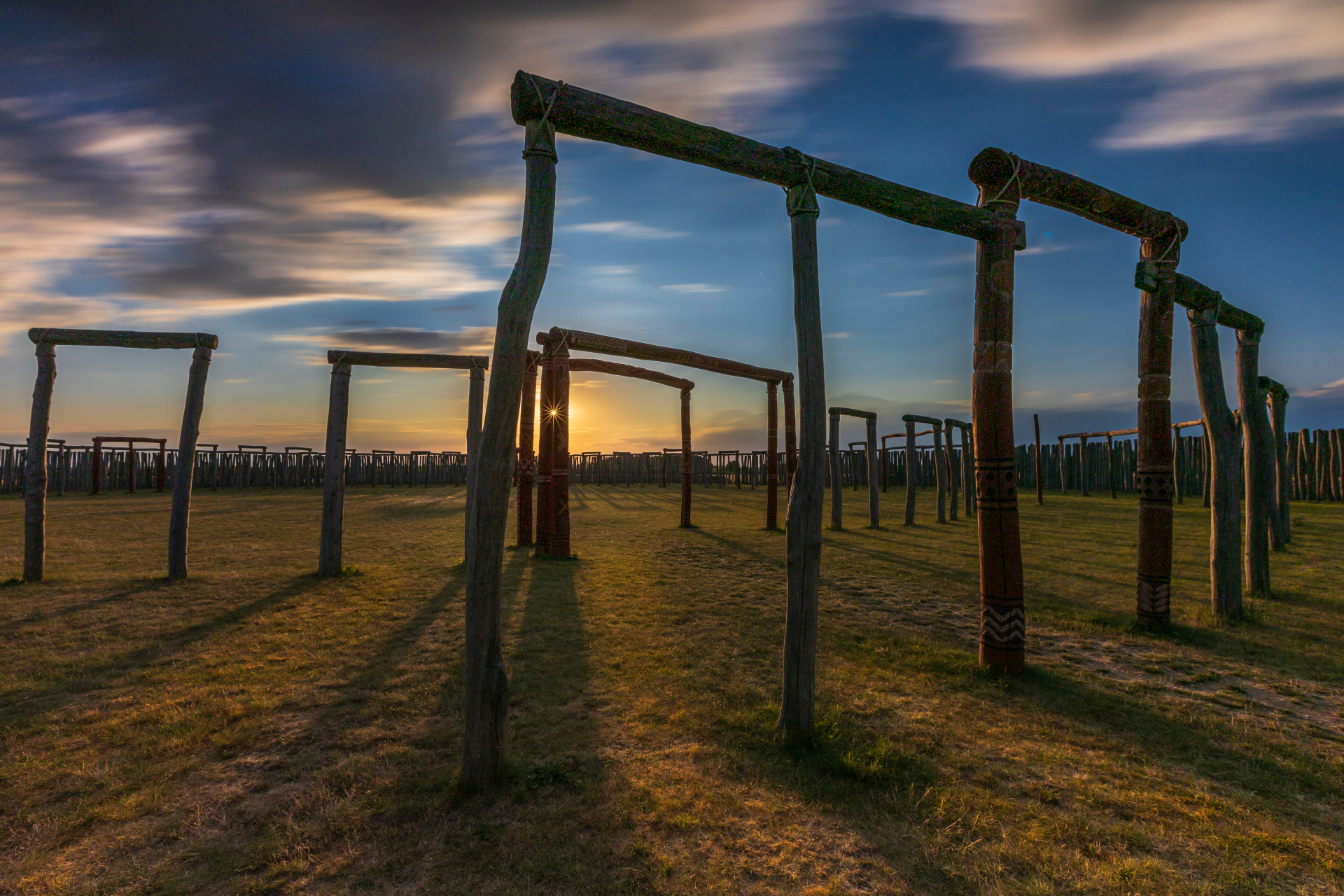
Pömmelte ring shrine
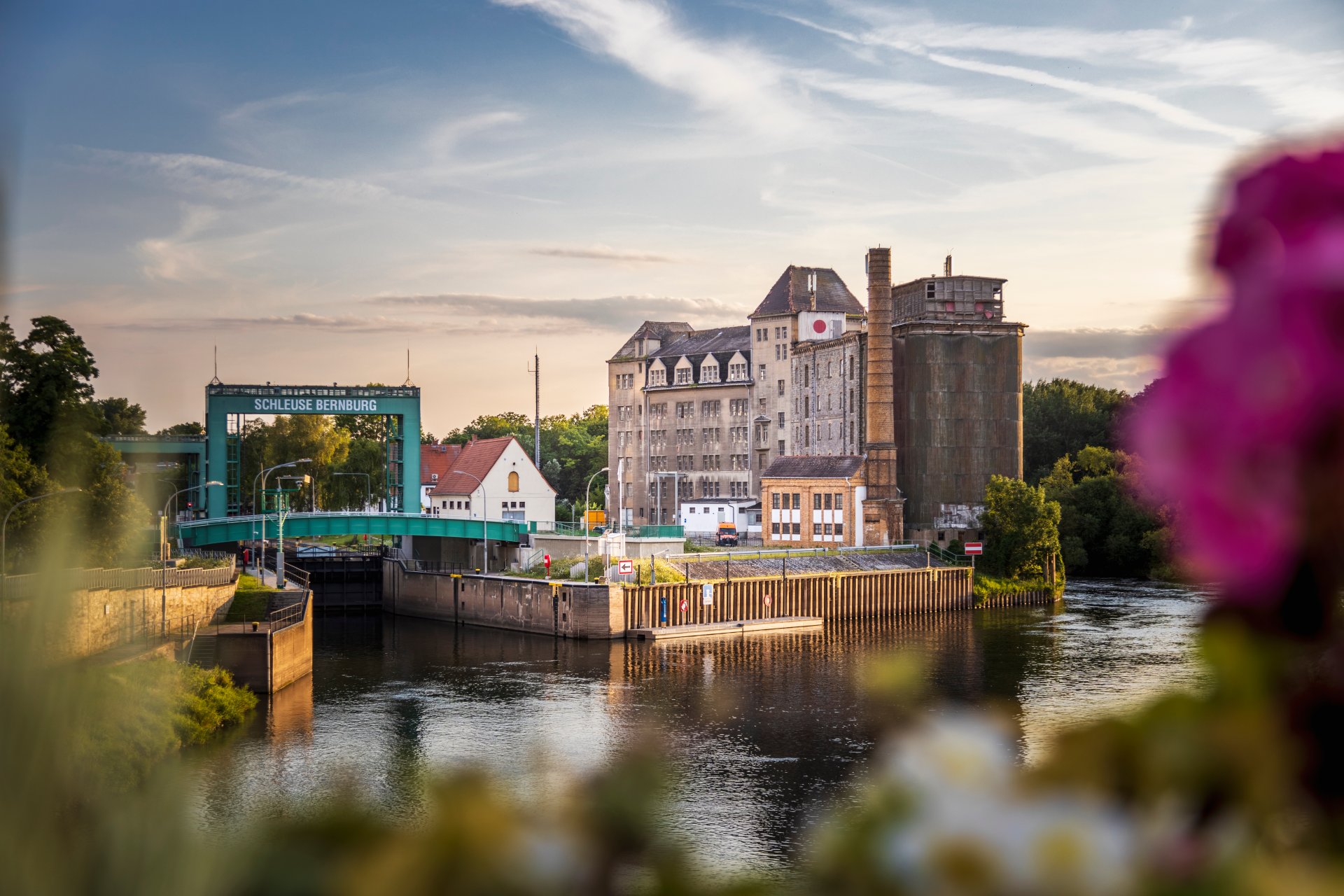
Lock in Bernburg (Saale)
Saalefee on the river Saale
This page has been automatically translated. There may therefore be discrepancies and inaccuracies in the text. Only the original version is binding. Legal claims arising from the content of the translated version are excluded.

Finding the right funding starts with good advice

Aschersleben. ‘Funding’ is a big word. There are many funding options available for individual investment plans, digitalisation projects, necessary energy efficiency measures, and for your own plans to set up a business, arrange succession or undertake further training. Saxony-Anhalt offers a wide range of funding opportunities, but not every programme is suitable for every project.

Seeking advice at an early stage helps you to identify suitable funding opportunities, combine funding streams effectively and plan the next steps in good time. This enables you to make the most of opportunities and set funding projects on the right track from the outset.

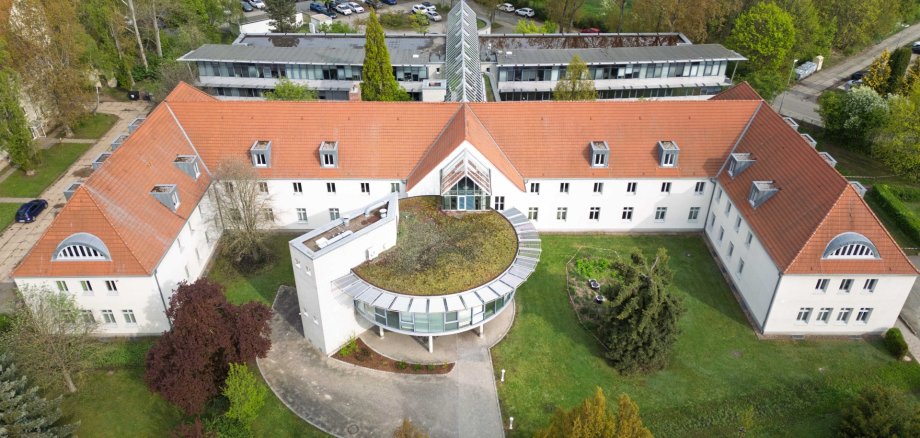
Experts from IB and the Salzlandkreis will once again be on hand to answer any questions on Tuesday, 1 September, from 9.00 am to 3.00 pm at the District Office (Room 209), Ermslebener Straße 77 in Aschersleben, as part of the monthly advice session ‘IB regional – We’re here for you locally’.

Consultations can take place in person, by telephone or online. To book an appointment, please contact:

+49 3471 684-1194

Help with accessibility

  • General

    We strive to make our websites accessible to all users. Details can be found in our accessibility statement. You can send us your suggestions for improvement using our accessibility feedback form.

  • Font size

    To adjust the font size, please use the following key combinations:

    Larger

    command
    +

    Smaller

    command

    Larger

    Ctrl
    +

    Smaller

    Ctrl
  • Keyboard navigation

    Use TAB and SHIFT + TAB to navigate through next/previous links, form elements, and buttons.

    Use ENTER to open links and interact with elements.

  • Contrast mode

    Press the following key combination to reduce or increase the contrast:

    Enlarge

    control
    option
    command
    .

    Decrease

    control
    option
    command
    ,
    Note: The shortcuts must be activated in the system settings of the operating system.

    Press the left ALT key + left SHIFT key + PRINT to quickly turn high contrast mode on or off.

  • Invert colours

    Press the following key combination to switch the colour inversion on and off:

    control
    option
    command
    8
    Note: The shortcuts must be activated in the system settings of the operating system.

    First activate the screen magnifier and then switch the colour inversion on and off with the following key combinations:

    1. screen magnifier

    +

    2. invert colours

    Ctrl
    Old
    I
  • Screen magnifier

    Press the following key combinations to use the screen magnifier:

    Switch on/off

    option
    command
    8

    Enlarge view

    option
    command
    =

    Zoom out view

    option
    command
    Note: The shortcuts must be activated in the system settings of the operating system.

    Switch on / Enlarge view

    +

    Zoom out view