

A pastel blue Easter background with two hand-painted eggs with dots lying in an artistically designed nest on the right-hand side of the picture. A vase filled with white flowers stands to the side against a soft turquoise background. The scene is captured from a frontal perspective, creating a calm and minimalist composition. This image epitomises simplicity while showcasing elegant details such as delicate patterns and natural textures.

Happy Easter

from the team at the district administration and District Administrator Markus Bauer

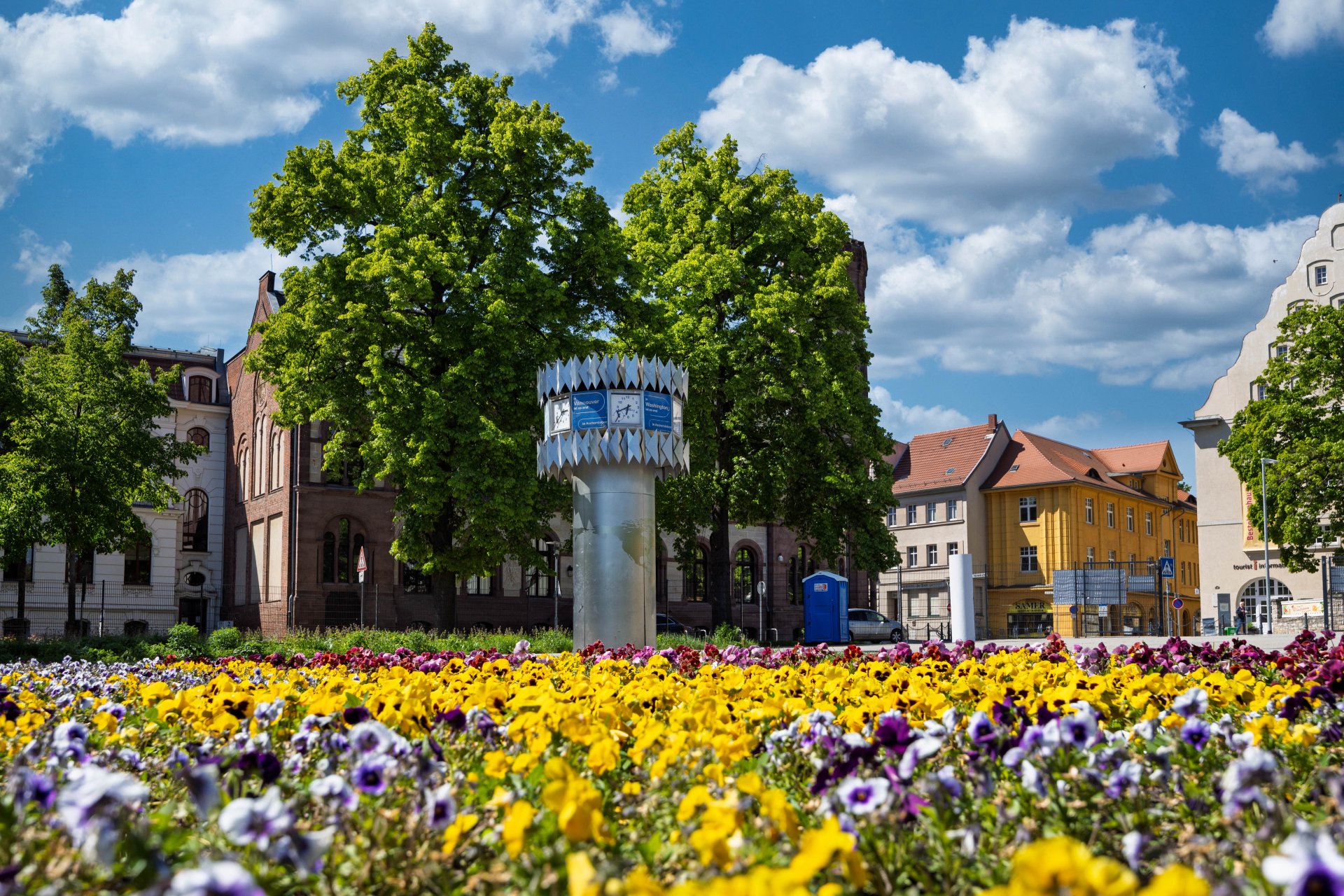
World time clock in Aschersleben
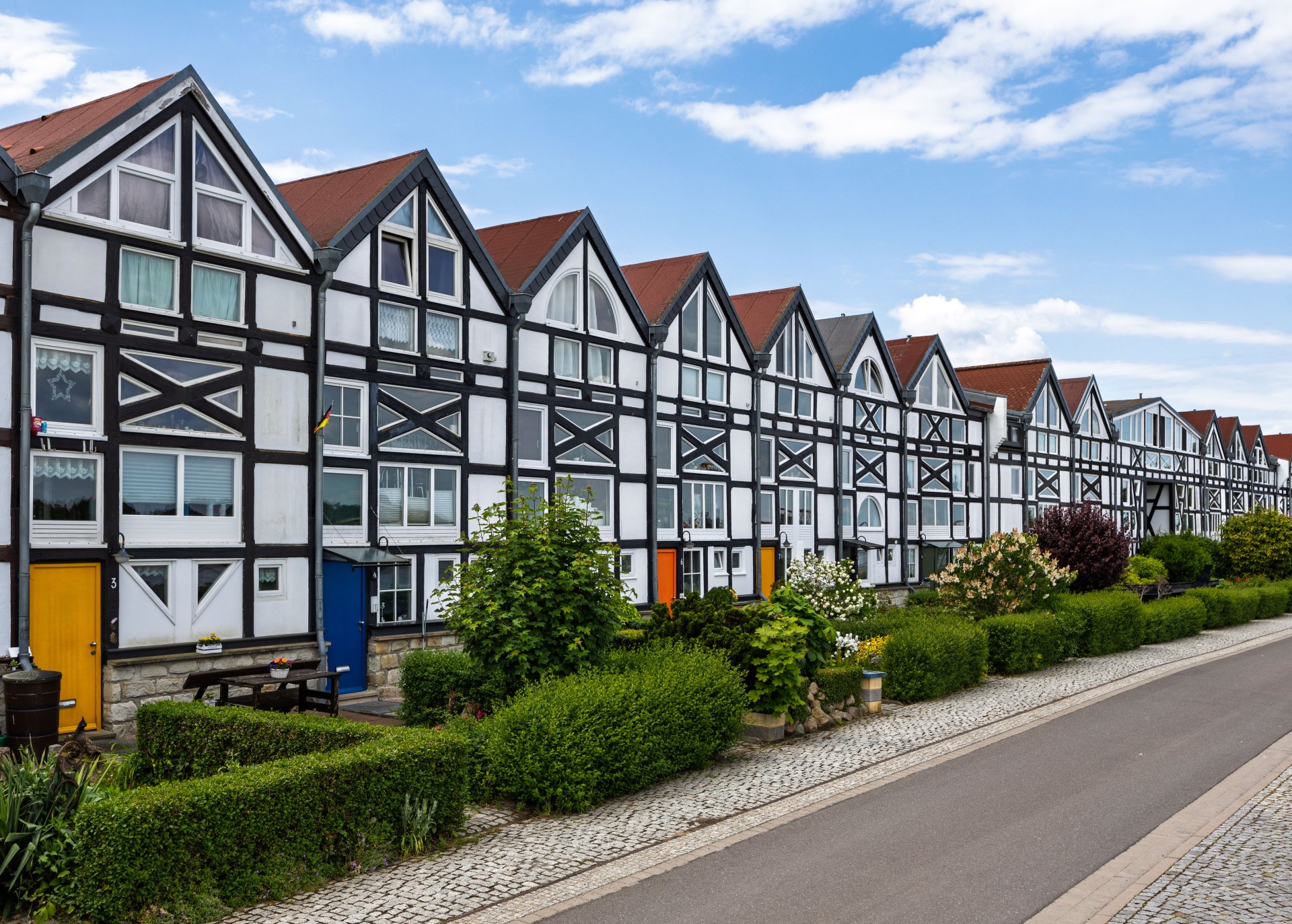
Half-timbered houses in Schönebeck
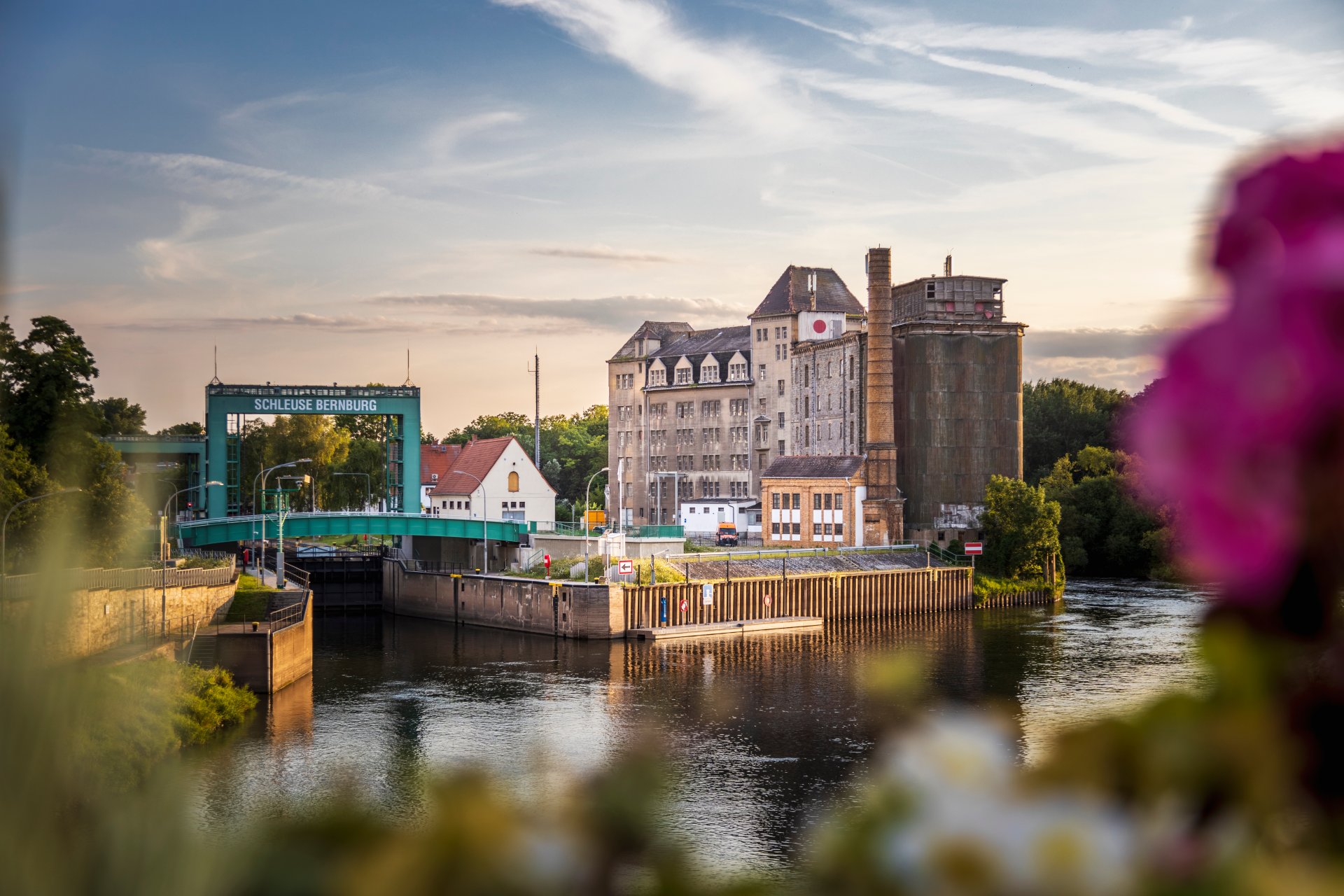
Lock in Bernburg (Saale)
Saalefee on the river Saale
This page has been automatically translated. There may therefore be discrepancies and inaccuracies in the text. Only the original version is binding. Legal claims arising from the content of the translated version are excluded.

Seize opportunities - accept advice

Güsten. The monthly IB consultation day in the Salzlandkreis district is now also being rolled out across the region: an offer for companies in the municipalities to promote economic development. The Investment Bank and the district administration have found an interested partner for the next consultation in the Saale-Wipper association of municipalities. The February consultation will therefore take place in the town hall in Güsten.
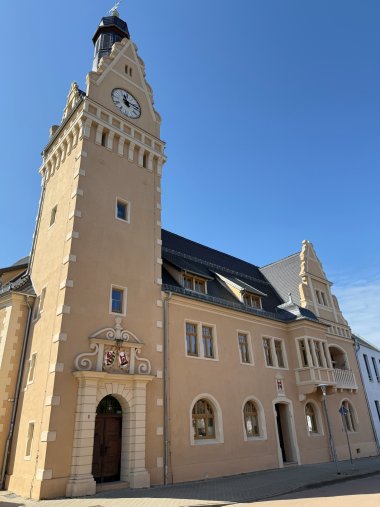
Güsten Town Hall

Gain momentum in the new year and continue to invest in future viability. This is possible for small and medium-sized enterprises (SMEs) with the "Digital Innovation" and "Saxony-Anhalt INVESTS" programmes. New calls for funding are planned here.

The "Digital Innovation" programme can be used to invest in the digitalisation of internal company processes and services, digital processes related to external impact, marketing and sales strategies as well as the establishment and enhancement of IT security. A grant of 50 percent (maximum 70,000 euros) is possible on the eligible digitalisation project.

The "Saxony-Anhalt INVESTS" programme also creates investment incentives, for example for investments in new machinery, systems, technical equipment, software, patents, licences or new products, technologies or processes. A grant of up to 35 per cent of the eligible expenditure (maximum 300,000 euros) is possible.

Thorough planning, together with funding experts, pays off. At the consultation day "IB regional – We are there for you locally" in the Salzlandkreis district, experts from the investment bank will answer all your questions about funding opportunities. On 3 February, from 10 a.m. to 3 p.m., representatives from the district department for district and economic development and tourism and the Saale-Wipper association of municipalities will also be available as contact persons at the town hall in Güsten. The service is free of charge and can be used in person or, if desired, by telephone or digitally.

Please make an appointment:

No employees found.

Help with accessibility

  • General

    We strive to make our websites accessible to all users. Details can be found in our accessibility statement. You can send us your suggestions for improvement using our accessibility feedback form.

  • Font size

    To adjust the font size, please use the following key combinations:

    Larger

    command
    +

    Smaller

    command

    Larger

    Ctrl
    +

    Smaller

    Ctrl
  • Keyboard navigation

    Use TAB and SHIFT + TAB to navigate through next/previous links, form elements, and buttons.

    Use ENTER to open links and interact with elements.

  • Contrast mode

    Press the following key combination to reduce or increase the contrast:

    Enlarge

    control
    option
    command
    .

    Decrease

    control
    option
    command
    ,
    Note: The shortcuts must be activated in the system settings of the operating system.

    Press the left ALT key + left SHIFT key + PRINT to quickly turn high contrast mode on or off.

  • Invert colours

    Press the following key combination to switch the colour inversion on and off:

    control
    option
    command
    8
    Note: The shortcuts must be activated in the system settings of the operating system.

    First activate the screen magnifier and then switch the colour inversion on and off with the following key combinations:

    1. screen magnifier

    +

    2. invert colours

    Ctrl
    Old
    I
  • Screen magnifier

    Press the following key combinations to use the screen magnifier:

    Switch on/off

    option
    command
    8

    Enlarge view

    option
    command
    =

    Zoom out view

    option
    command
    Note: The shortcuts must be activated in the system settings of the operating system.

    Switch on / Enlarge view

    +

    Zoom out view