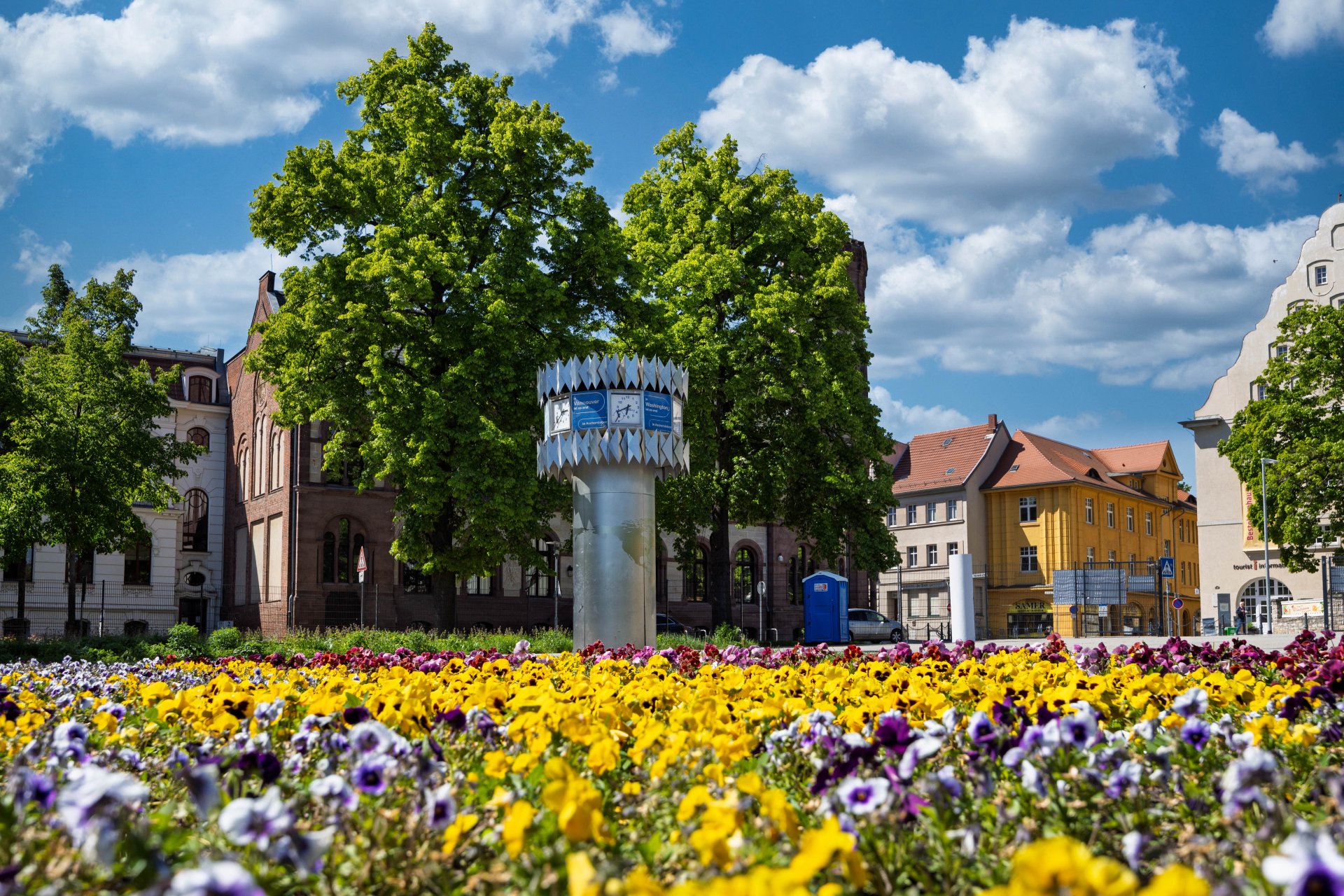

World time clock in Aschersleben
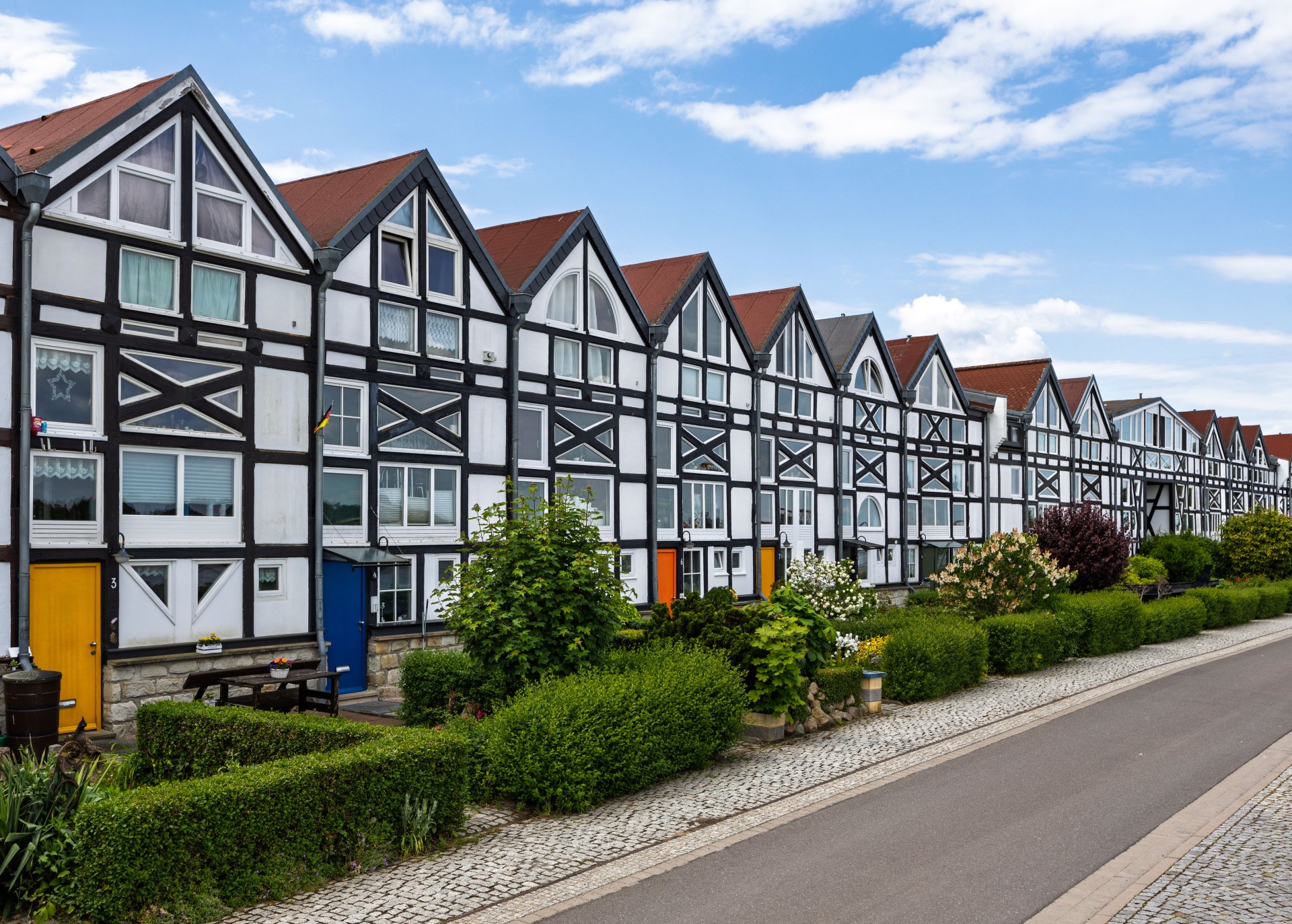
Half-timbered houses in Schönebeck
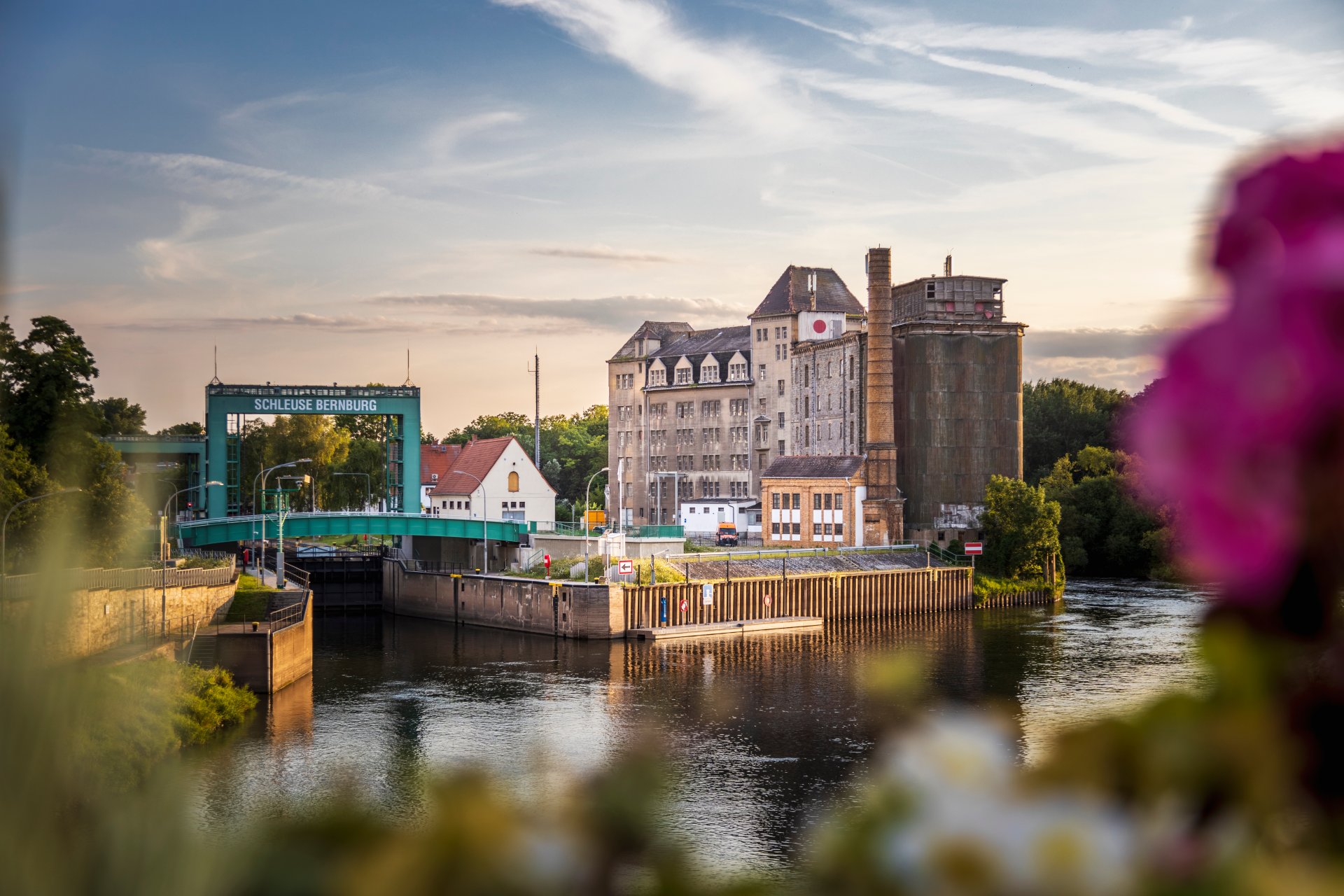
Lock in Bernburg (Saale)
Saalefee on the river Saale
This page has been automatically translated. There may therefore be discrepancies and inaccuracies in the text. Only the original version is binding. Legal claims arising from the content of the translated version are excluded.

Education

Educational holiday at the KVHS Bernburg

Bernburg. The KVHS is offering an educational leave programme in Bernburg. ‘Resilience as a guide to inner strength’ is the theme of a five-day course running from 1 to 6 June at Haus Vor dem Nienburger Tor 13a.

What about the existing resistance of each individual? Participants become aware of this with theoretical and practical course elements. They learn strategies to maintain and strengthen their own resilience. Helpful actions in the sense of mindfulness as well as a range of relaxation exercises can be integrated into everyday life and help as powerful resources.

According to the Saxony-Anhalt Educational Leave Act, employees and trainees who work in Saxony-Anhalt are legally entitled to five days of paid special leave per year, which can be used for educational purposes. Educational leave, also known as training leave, must be used for job-specific further training.

Employees must apply to their employer for time off for educational leave at least six weeks before the start of the course. Participants receive a certificate of attendance at the end of the course.

Registration is essential and can be done online at kvhs.salzlandkreis.de.

Enquiries about educational leave at the KVHS are welcome:

+49 3471 684-624218

Help with accessibility

  • General

    We strive to make our websites accessible to all users. Details can be found in our accessibility statement. You can send us your suggestions for improvement using our accessibility feedback form.

  • Font size

    To adjust the font size, please use the following key combinations:

    Larger

    command
    +

    Smaller

    command

    Larger

    Ctrl
    +

    Smaller

    Ctrl
  • Keyboard navigation

    Use TAB and SHIFT + TAB to navigate through next/previous links, form elements, and buttons.

    Use ENTER to open links and interact with elements.

  • Contrast mode

    Press the following key combination to reduce or increase the contrast:

    Enlarge

    control
    option
    command
    .

    Decrease

    control
    option
    command
    ,
    Note: The shortcuts must be activated in the system settings of the operating system.

    Press the left ALT key + left SHIFT key + PRINT to quickly turn high contrast mode on or off.

  • Invert colours

    Press the following key combination to switch the colour inversion on and off:

    control
    option
    command
    8
    Note: The shortcuts must be activated in the system settings of the operating system.

    First activate the screen magnifier and then switch the colour inversion on and off with the following key combinations:

    1. screen magnifier

    +

    2. invert colours

    Ctrl
    Old
    I
  • Screen magnifier

    Press the following key combinations to use the screen magnifier:

    Switch on/off

    option
    command
    8

    Enlarge view

    option
    command
    =

    Zoom out view

    option
    command
    Note: The shortcuts must be activated in the system settings of the operating system.

    Switch on / Enlarge view

    +

    Zoom out view