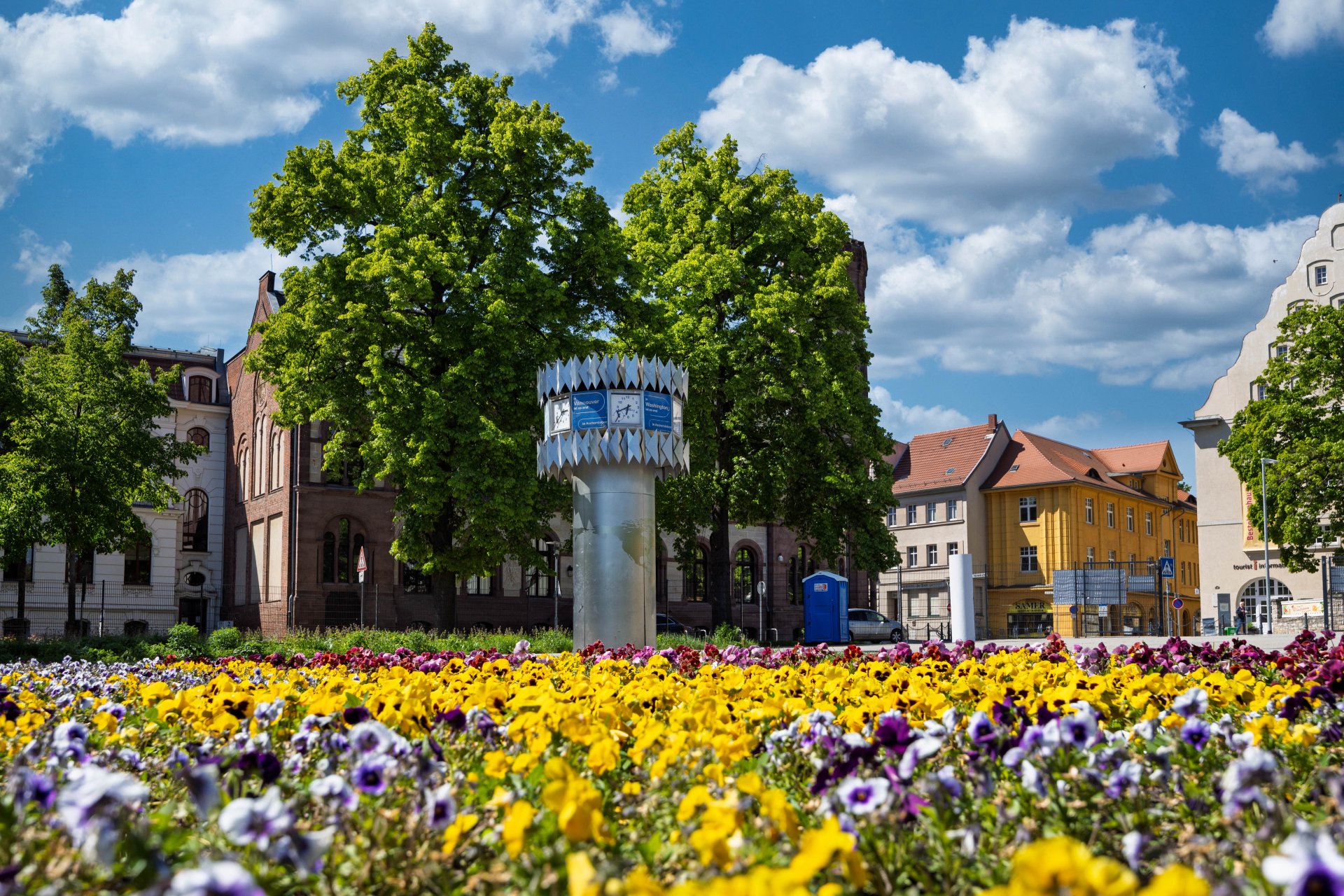

World time clock in Aschersleben
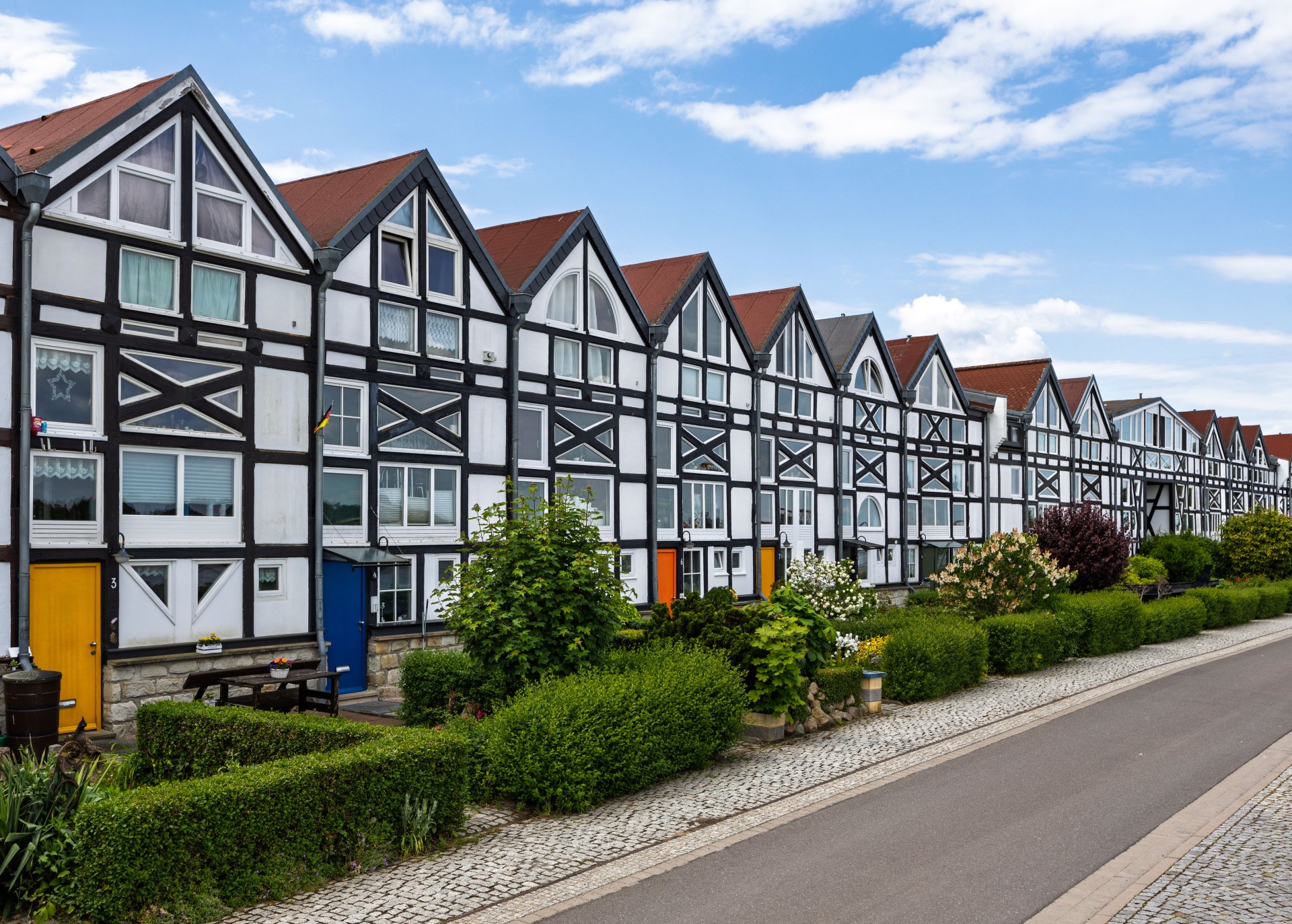
Half-timbered houses in Schönebeck
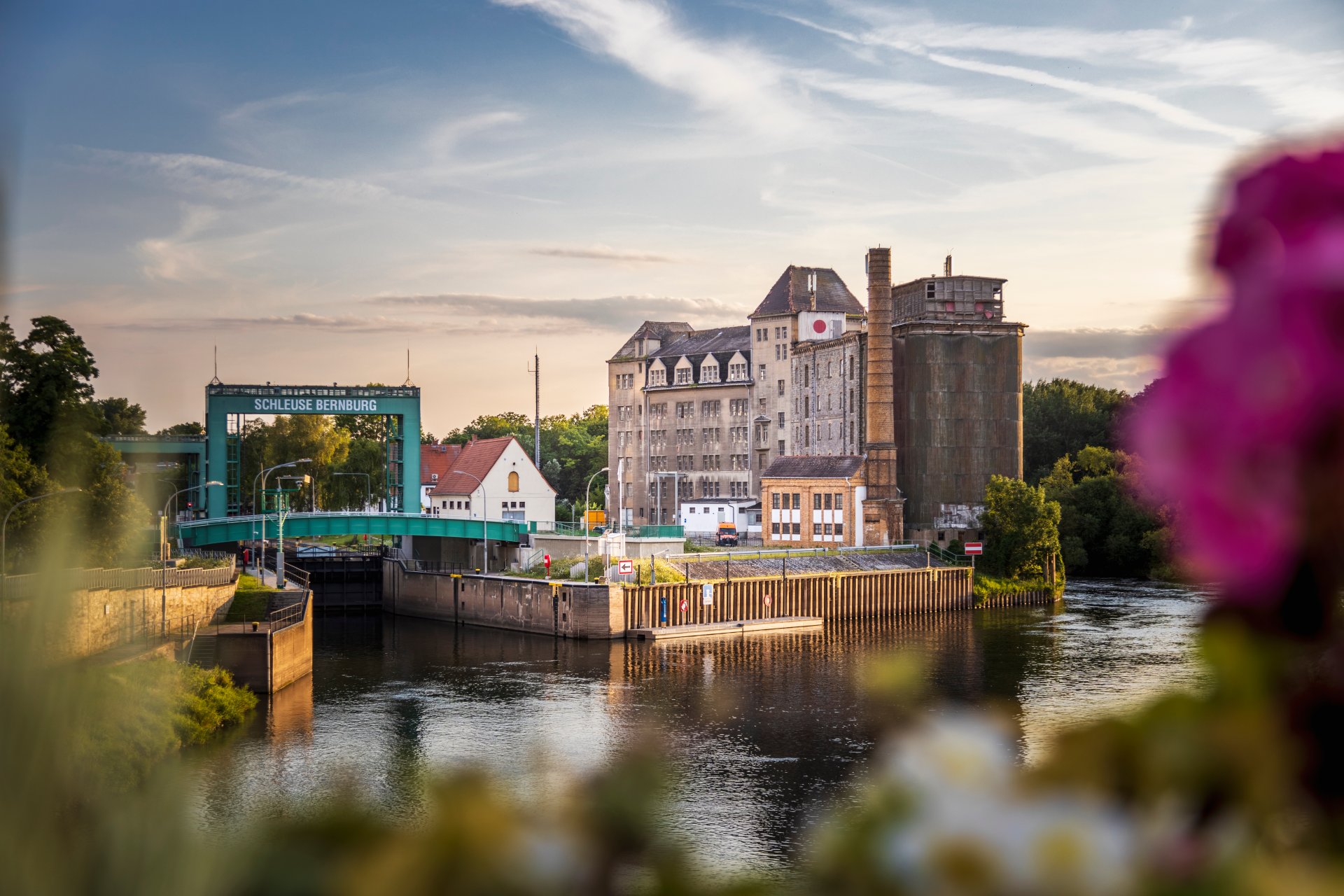
Lock in Bernburg (Saale)
Saalefee on the river Saale
This page has been automatically translated. There may therefore be discrepancies and inaccuracies in the text. Only the original version is binding. Legal claims arising from the content of the translated version are excluded.

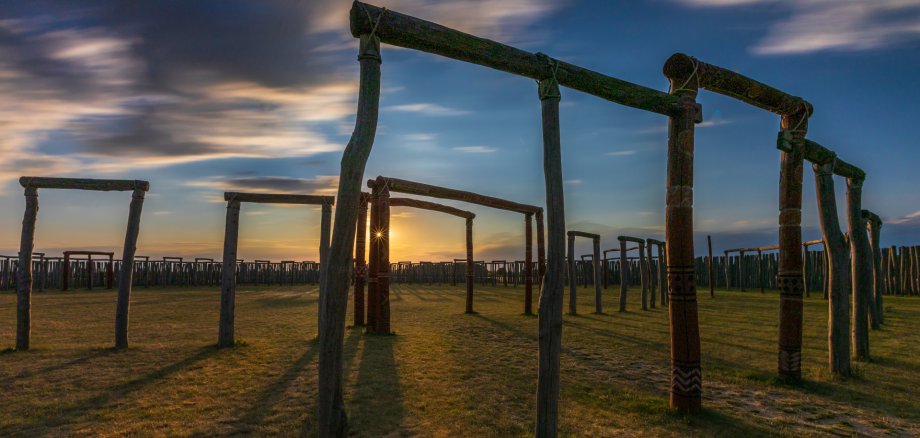
Beltane with special guided tour and wish tree decorating

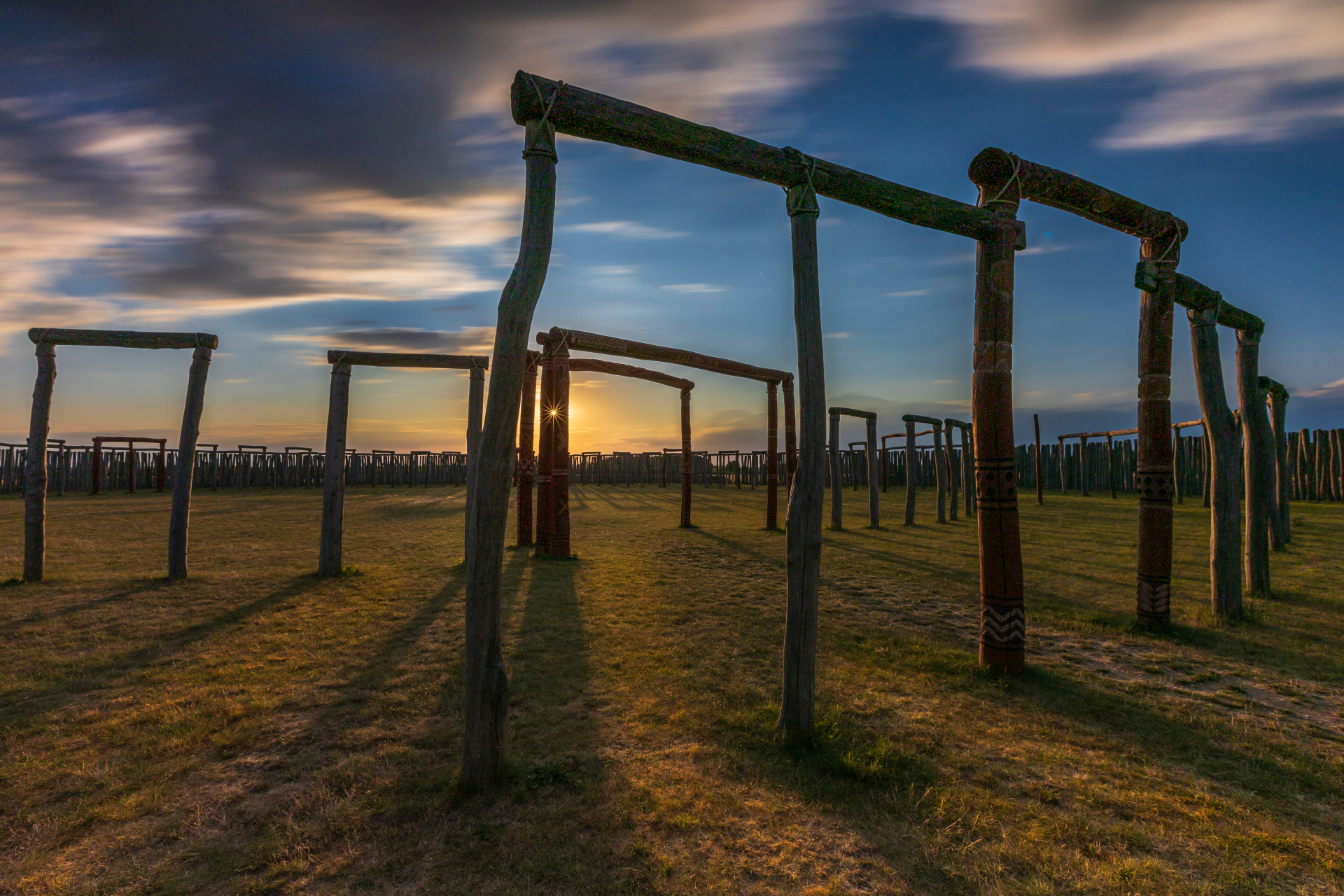
Pömmelte. Beltane is the Celtic festival of abundance, sensuality and joie de vivre. On the eve of 1 May, the Salzlandkreis district is hosting a special guided tour at the Pömmelte Ring Sanctuary, dedicated entirely to this Celtic spring festival. For thousands of years, it has marked the transition into the lighter months of the year. All visitors can look forward to fascinating insights into its significance.

During this special guided tour, participants will learn more about the rituals and cultural background to Beltane - also known as the festival of fire and new beginnings - and its connection to nature, the seasons and the spiritual beliefs of the time. The highlight of the evening will be the joint decoration of a wishing tree. Guests are invited to write personal wishes, hopes or good thoughts on ribbons and attach them to a tree. This symbolic ritual picks up on old traditions and creates a moment of reflection and community. The atmosphere of the Ring Shrine provides an impressive backdrop and makes the special tour an unforgettable experience for all age groups.

Admission: 8 euros, children up to 14 years free of charge.

Registration under

+49 3471 684-624710

himmelswege.salzlandkreis.de

Special guided tour with wish tree decorating | 30 April, 5 pm | 8 euros, children up to 14 years free of charge | Ring Shrine Pömmelte

Help with accessibility

  • General

    We strive to make our websites accessible to all users. Details can be found in our accessibility statement. You can send us your suggestions for improvement using our accessibility feedback form.

  • Font size

    To adjust the font size, please use the following key combinations:

    Larger

    command
    +

    Smaller

    command

    Larger

    Ctrl
    +

    Smaller

    Ctrl
  • Keyboard navigation

    Use TAB and SHIFT + TAB to navigate through next/previous links, form elements, and buttons.

    Use ENTER to open links and interact with elements.

  • Contrast mode

    Press the following key combination to reduce or increase the contrast:

    Enlarge

    control
    option
    command
    .

    Decrease

    control
    option
    command
    ,
    Note: The shortcuts must be activated in the system settings of the operating system.

    Press the left ALT key + left SHIFT key + PRINT to quickly turn high contrast mode on or off.

  • Invert colours

    Press the following key combination to switch the colour inversion on and off:

    control
    option
    command
    8
    Note: The shortcuts must be activated in the system settings of the operating system.

    First activate the screen magnifier and then switch the colour inversion on and off with the following key combinations:

    1. screen magnifier

    +

    2. invert colours

    Ctrl
    Old
    I
  • Screen magnifier

    Press the following key combinations to use the screen magnifier:

    Switch on/off

    option
    command
    8

    Enlarge view

    option
    command
    =

    Zoom out view

    option
    command
    Note: The shortcuts must be activated in the system settings of the operating system.

    Switch on / Enlarge view

    +

    Zoom out view