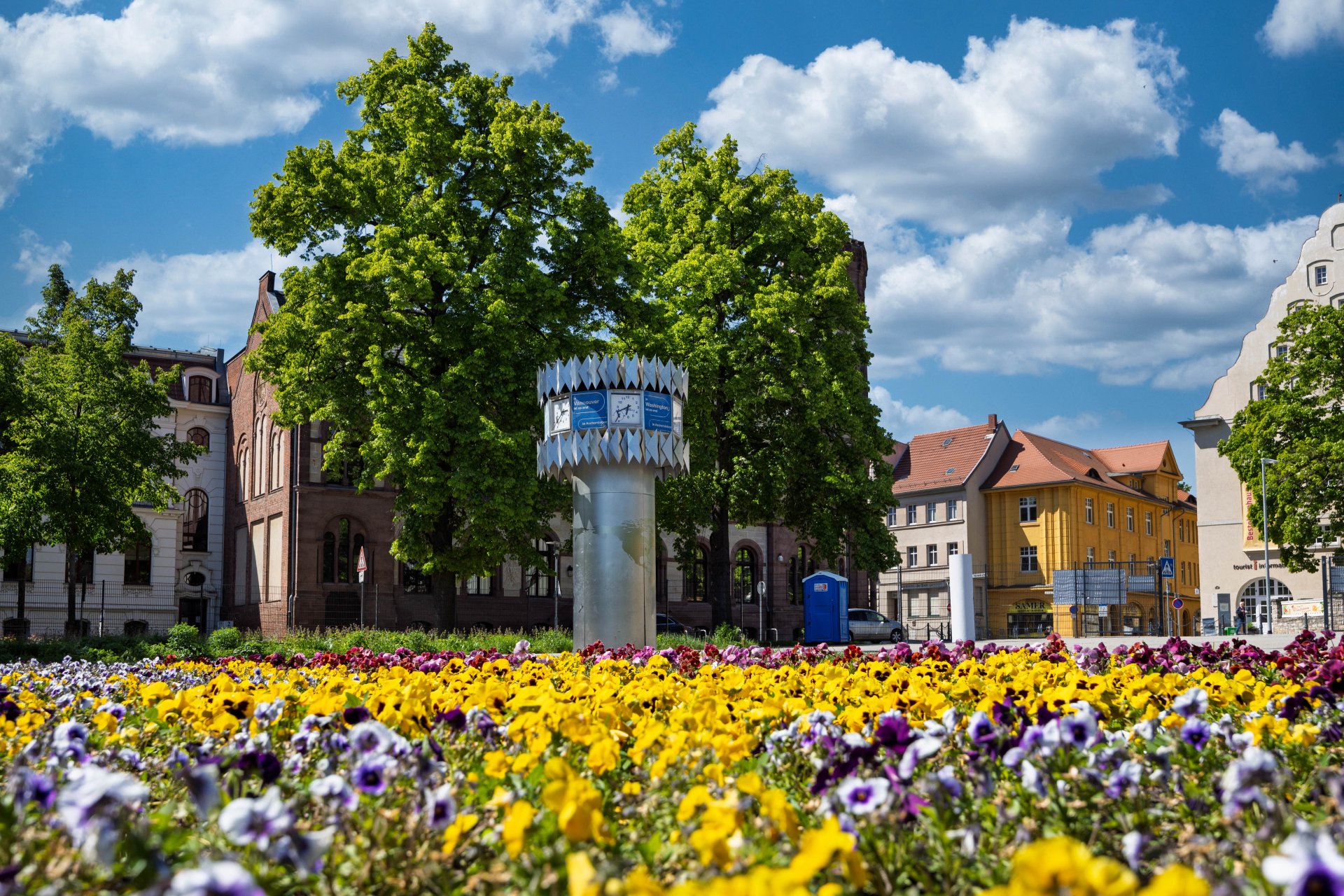


World time clock in Aschersleben
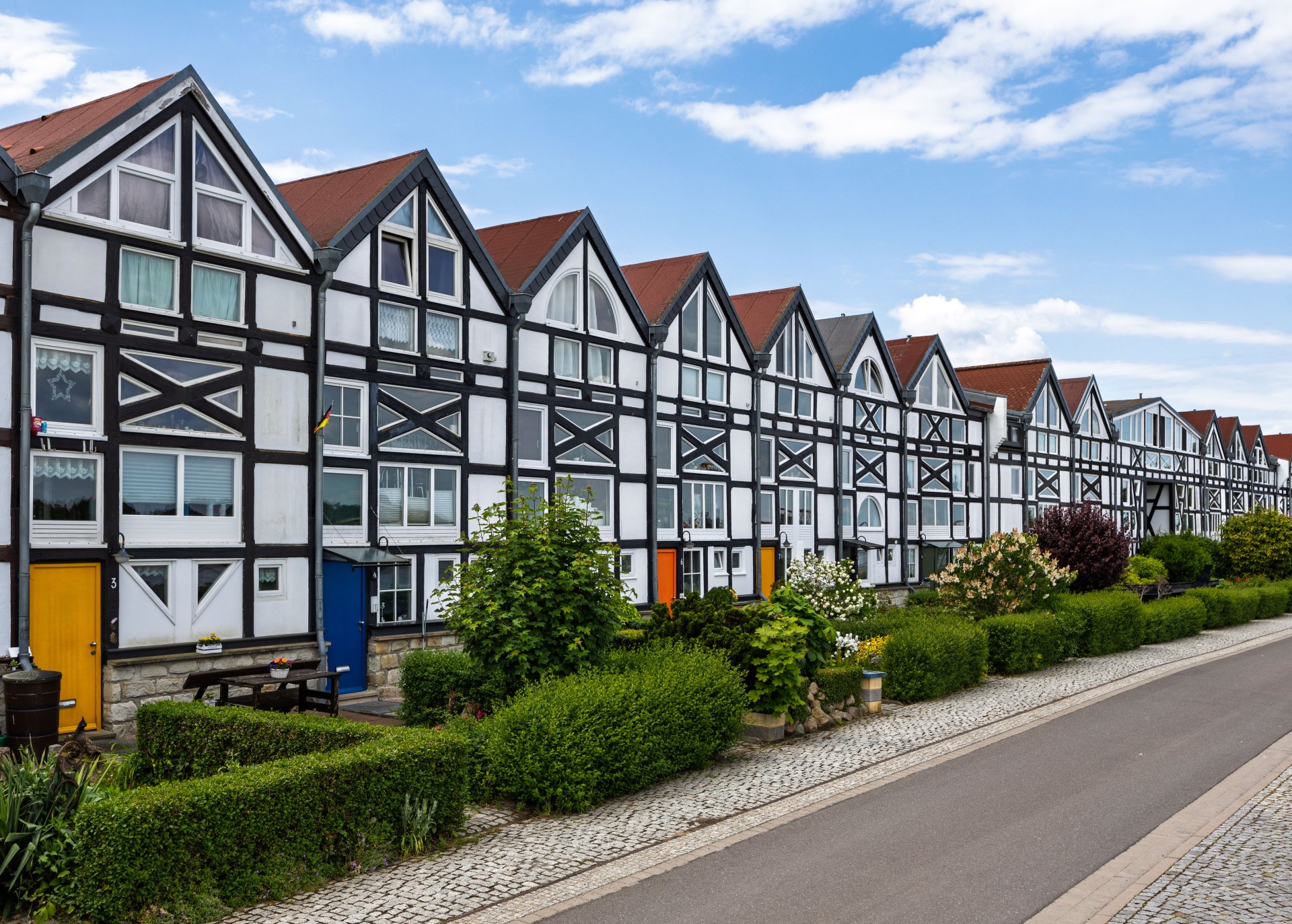
Half-timbered houses in Schönebeck
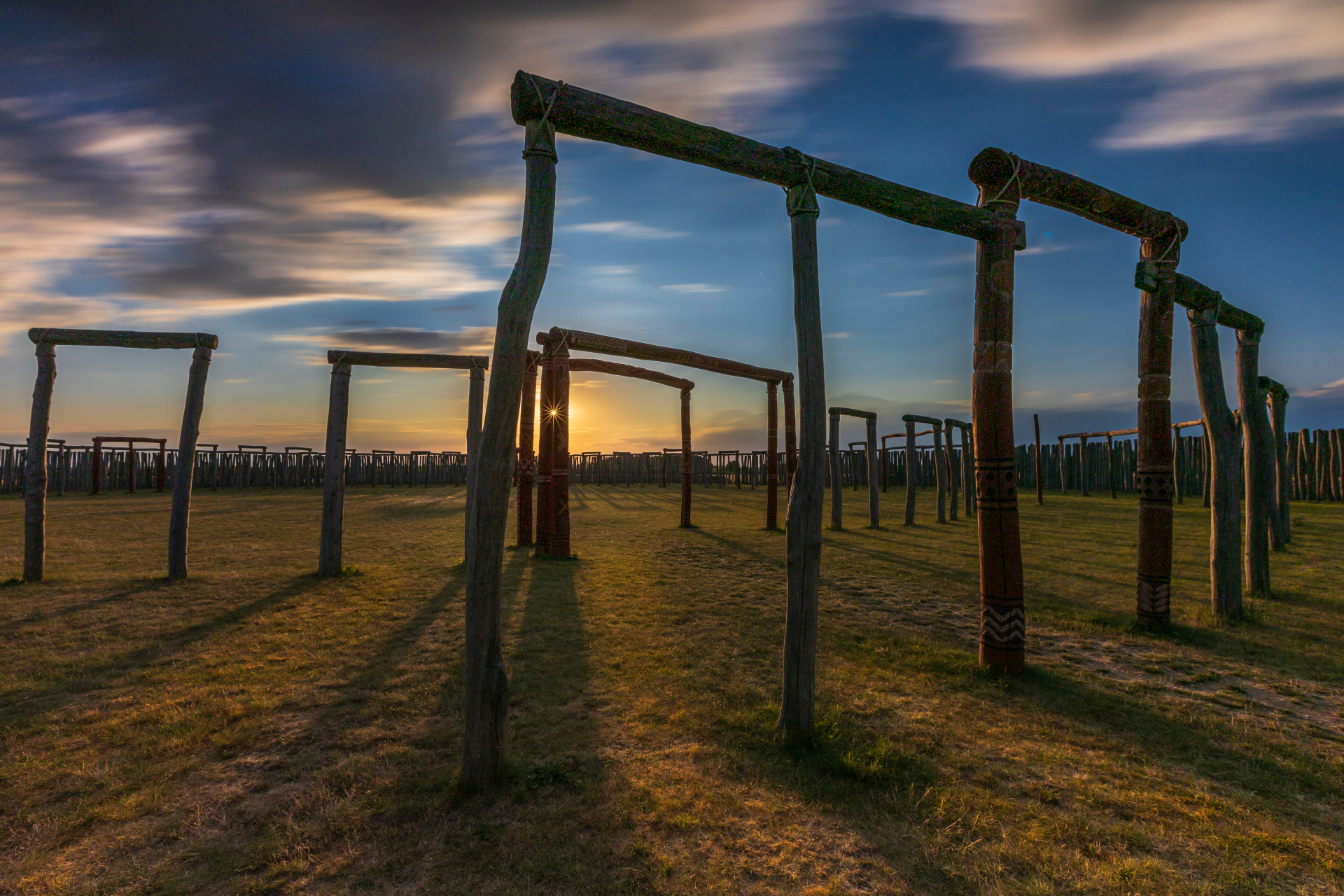
Pömmelte ring shrine
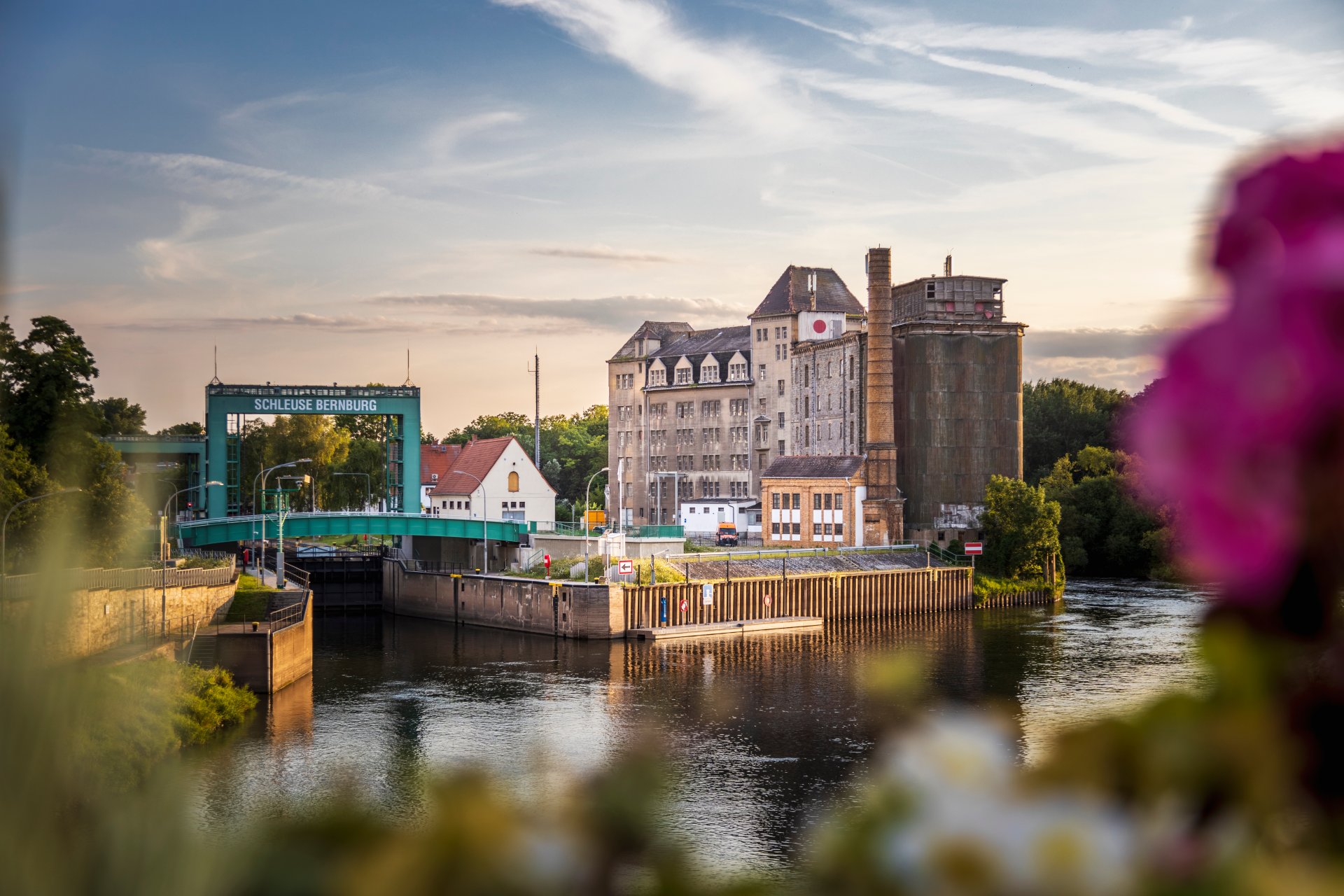
Lock in Bernburg (Saale)
Saalefee on the river Saale
This page has been automatically translated. There may therefore be discrepancies and inaccuracies in the text. Only the original version is binding. Legal claims arising from the content of the translated version are excluded.

Salzland Museum Schönebeck

Archaeological Family Day at the Salzland Museum

Schönebeck. The Pömmelte ring sanctuary is coming to the Salzland Museum – an exciting Sunday dedicated to archaeology, crafts and history for young and old alike.
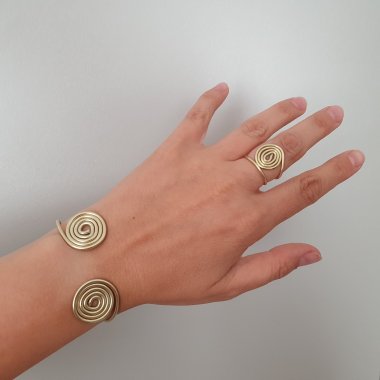
The photo shows what a piece of Bronze Age jewellery might look like when finished – jewellery such as that made during the Family Day at the Salzlandmuseum.

Whilst the museum will be opening all its indoor exhibition areas to visitors this Sunday, outside in the courtyard, those interested can take part in various hands-on activities for the whole family and try out prehistoric craft techniques – for example, making their own Bronze Age jewellery under the guidance of the museum’s educational staff. Elsewhere, archaeotechnician Frank Trommer will be bringing scientific concepts to life in a vivid way with his popular live bronze casting demonstration. The Friends of the Randau Stone Age Village will also be there, offering fascinating insights into life during the Bronze Age.

The Salzland Museum Friends’ Association is supporting the event and providing refreshments.

Archaeological Family Day | Courtyard of the Salzland Museum, Schönebeck, Pfännerstr. 41 | 28 June 2026, 10 am – 4 pm | free admission

Help with accessibility

  • General

    We strive to make our websites accessible to all users. Details can be found in our accessibility statement. You can send us your suggestions for improvement using our accessibility feedback form.

  • Font size

    To adjust the font size, please use the following key combinations:

    Larger

    command
    +

    Smaller

    command

    Larger

    Ctrl
    +

    Smaller

    Ctrl
  • Keyboard navigation

    Use TAB and SHIFT + TAB to navigate through next/previous links, form elements, and buttons.

    Use ENTER to open links and interact with elements.

  • Contrast mode

    Press the following key combination to reduce or increase the contrast:

    Enlarge

    control
    option
    command
    .

    Decrease

    control
    option
    command
    ,
    Note: The shortcuts must be activated in the system settings of the operating system.

    Press the left ALT key + left SHIFT key + PRINT to quickly turn high contrast mode on or off.

  • Invert colours

    Press the following key combination to switch the colour inversion on and off:

    control
    option
    command
    8
    Note: The shortcuts must be activated in the system settings of the operating system.

    First activate the screen magnifier and then switch the colour inversion on and off with the following key combinations:

    1. screen magnifier

    +

    2. invert colours

    Ctrl
    Old
    I
  • Screen magnifier

    Press the following key combinations to use the screen magnifier:

    Switch on/off

    option
    command
    8

    Enlarge view

    option
    command
    =

    Zoom out view

    option
    command
    Note: The shortcuts must be activated in the system settings of the operating system.

    Switch on / Enlarge view

    +

    Zoom out view