




World time clock in Aschersleben
© Thomas Engst (engst. FOTOGRAFIE)
Half-timbered houses in Schönebeck
© Thomas Engst (engst. FOTOGRAFIE)
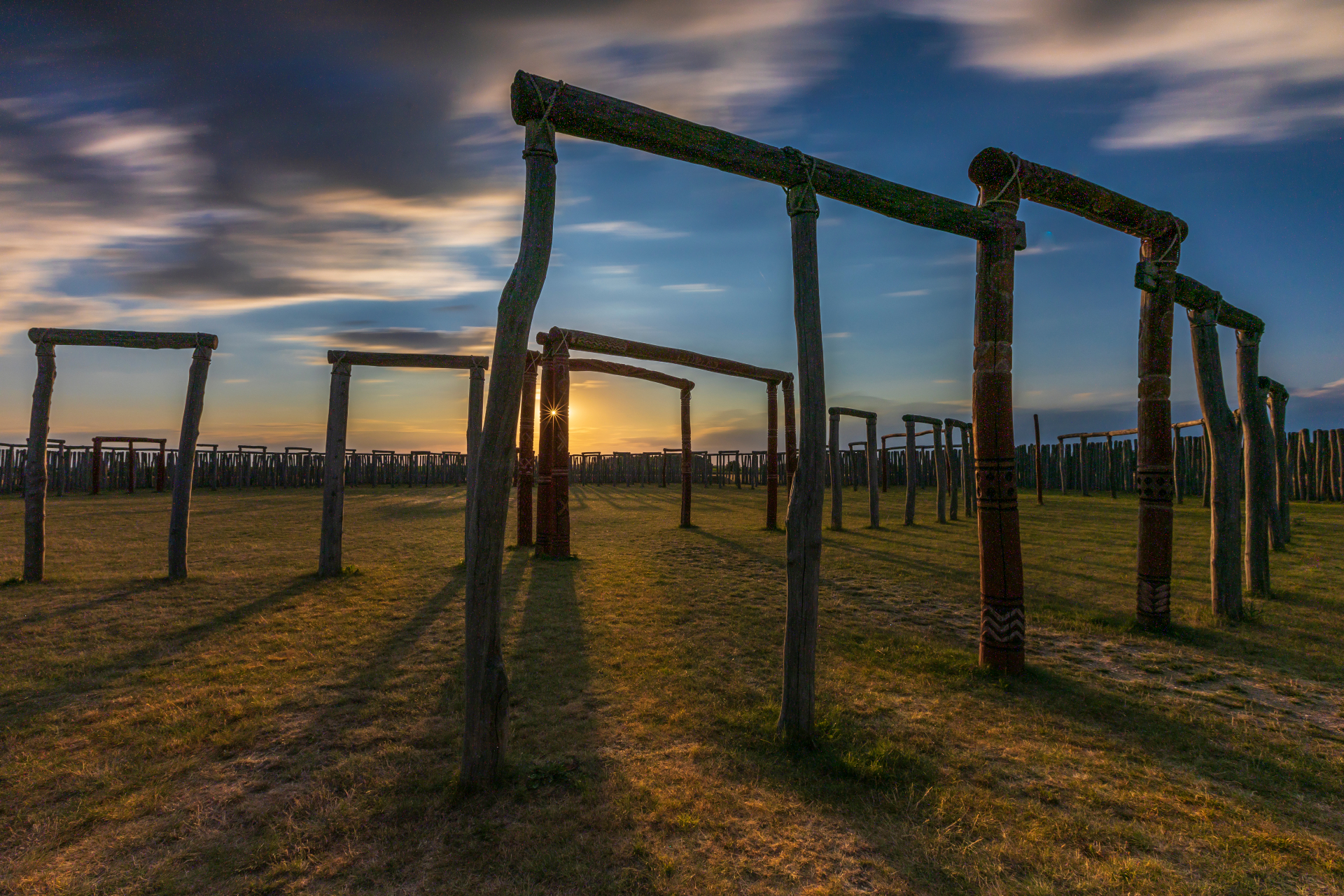
Pömmelte ring shrine
© Thomas Engst (engst. FOTOGRAFIE)
Lock in Bernburg (Saale)
© Thomas Engst (engst. FOTOGRAFIE)
Saalefee on the river Saale
© Thomas Engst (engst. FOTOGRAFIE)
This page has been automatically translated. There may therefore be discrepancies and inaccuracies in the text. Only the original version is binding. Legal claims arising from the content of the translated version are excluded.

App for hunters records the geographical data of game they have bagged

Bernburg. The Salzlandkreis has digitised yet another administrative procedure. From December, hunters will be able to submit their application for trichinella testing on wild boar very easily online to the Department for Veterinary Affairs and Consumer Health Protection. All that is required is to install an app on a smartphone and register. Thanks to the efforts of the district administration, hunters in the Salzlandkreis are the first in Saxony-Anhalt to be able to use this online service. A handwritten application is therefore no longer necessary.

The specialist service is organising a training session or information event on the so-called electronic game origin certificate at short notice. This will take place on Thursday, 26 November at 6.00 pm at the district office at Thomas-Müntzer-Straße 41 in Bernburg. It is also possible to attend online. To do so, please register informally by emailing

required. You will then be sent the login details for the event. Official veterinary officer Dr Christian Lutter says that taking part is important in order to be able to use the app and to purchase the special sample bags and game tags.

Thanks to the app, hunters can quickly record all relevant information about the animal they have bagged electronically for the necessary application to the Veterinary Services Department. This includes the exact location. According to the official veterinary officer, Dr Christian Lutter, the so-called ‘game origin certificate’ is issued via the app immediately after the examination. The game may only be sold on the basis of this certificate. Thanks to the data collection, hunters also receive a complete overview of the game they have bagged.

According to the specialist service, the use of the app is also of great importance in animal disease control, even in an emergency. “The input form also helps to locate and describe fallen game and is essential for responding quickly and effectively in the event of an outbreak of African swine fever in the wild boar population,” says the official veterinary officer.

Help with accessibility

  • General

    We strive to make our websites accessible to all users. Details can be found in our accessibility statement. You can send us your suggestions for improvement using our accessibility feedback form.

  • Font size

    To adjust the font size, please use the following key combinations:

    Larger

    ⌘command
    +

    Smaller

    ⌘command
    –

    Larger

    Ctrl
    +

    Smaller

    Ctrl
    –
  • Keyboard navigation

    Use TAB and SHIFT + TAB to navigate through next/previous links, form elements, and buttons.

    Use ENTER to open links and interact with elements.

  • Contrast mode

    Press the following key combination to reduce or increase the contrast:

    Enlarge

    ⌃control
    ⌥option
    ⌘command
    .

    Decrease

    ⌃control
    ⌥option
    ⌘command
    ,
    Note: The shortcuts must be activated in the system settings of the operating system.

    Press the left ALT key + left SHIFT key + PRINT to quickly turn high contrast mode on or off.

  • Invert colours

    Press the following key combination to switch the colour inversion on and off:

    ⌃control
    ⌥option
    ⌘command
    8
    Note: The shortcuts must be activated in the system settings of the operating system.

    First activate the screen magnifier and then switch the colour inversion on and off with the following key combinations:

    1. screen magnifier

    +

    2. invert colours

    Ctrl
    Old
    I
  • Screen magnifier

    Press the following key combinations to use the screen magnifier:

    Switch on/off

    ⌥option
    ⌘command
    8

    Enlarge view

    ⌥option
    ⌘command
    =

    Zoom out view

    ⌥option
    ⌘command
    –
    Note: The shortcuts must be activated in the system settings of the operating system.

    Switch on / Enlarge view

    +

    Zoom out view

    –