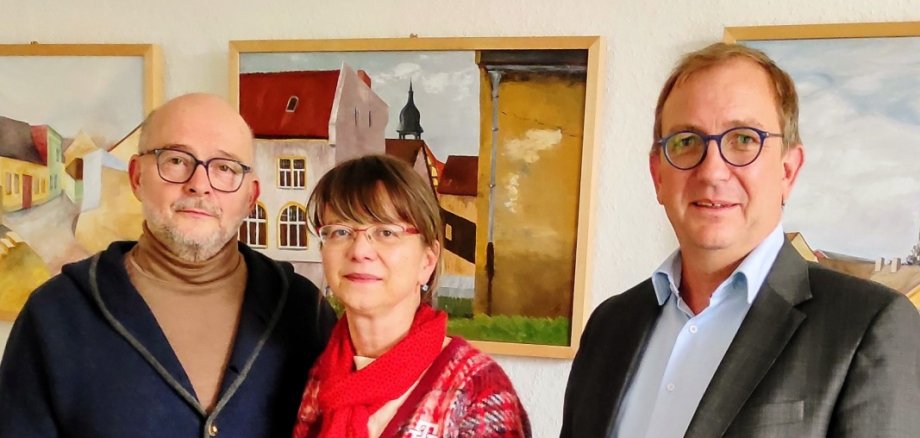
Bernburg. Back home: Colourful cityscapes of Bernburg, as well as views of Plötzkau, Staßfurt, Schönebeck and Barby, have been adorning the white walls of the district administration offices for the past few days. They were painted and drawn by Annekatrin Lutze in the 2000s, when she lived here.
"Nice to see you again in this way." District Administrator Markus Bauer warmly greeted the hobby painter, whom he knows primarily from her many years of professional work in marketing for Salzlandsparkasse. In the meantime, she and her husband have moved to neighbouring Saxony. Bernburg has remained an important point of reference.
With the unerring eye of those who know and appreciate their local surroundings and their special features, with individual ideas for realisation and with a practised hand, the motifs were created in oil, as watercolours or drawings on paper: on the Saale, the castle and castle church, Schmidt's Ausspann, on the Brahlenberg or simply at the open-cast mine. In addition to nine views of Bernburg, Annekatrin Lutze has also selected six other insights into the Salzland region for the presentation. "Somehow I was always connected to art and artists, even though I ended up studying finance. I have a large collection from many years of passionate painting in my free time, including in the Saxony-Anhalt Art Circle and later with the Tuesday Painters in Bernburg. So if anyone is interested now and would like to buy some of it for a small amount, I would always fill the gap in the exhibition again," assures the creator of the artworks, which can now be seen in the district administration office on Karlsplatz in Bernburg until next summer.
"I'm quite open to that," the district administrator repeats his offer. For the third year now, he has regularly made the walls of his office available to passionate amateur artists from the region for small exhibitions, offering space for creative people. With a non-verbal programme, even when welcoming guests to the room, this often opens up good dialogue afterwards. "I always like to tell everyone I talk to what the Salzland district has to offer. In every respect," says the head of the hotel. Previously, this included photographs, school project work and pictures from grammar school art lessons. In the meantime, such artistic works have also found a place in the reception area of the district council meeting room. Associations, artistic and children's groups and individuals with suitable works are eligible. This can certainly be seen as an invitation.