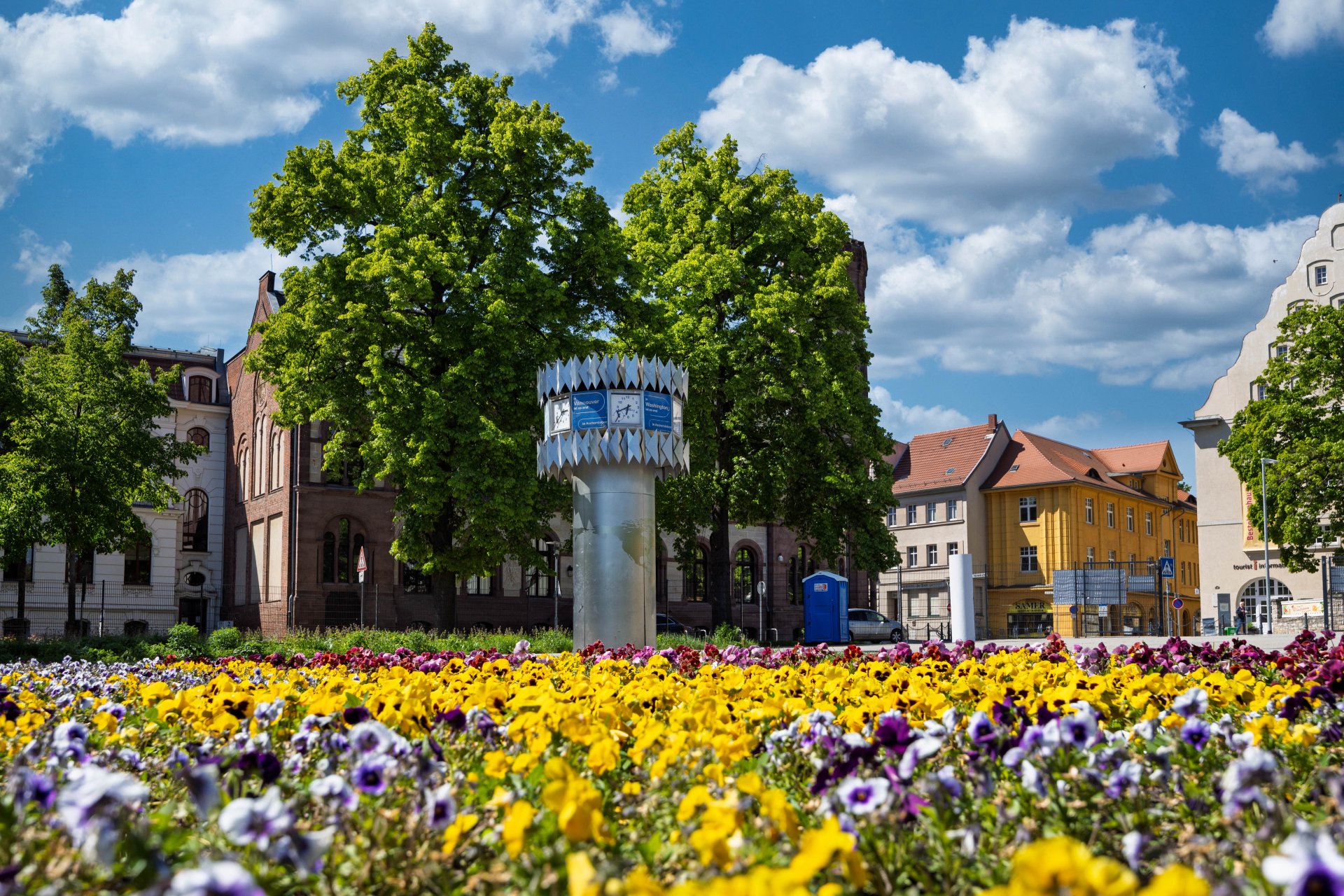
World time clock in Aschersleben
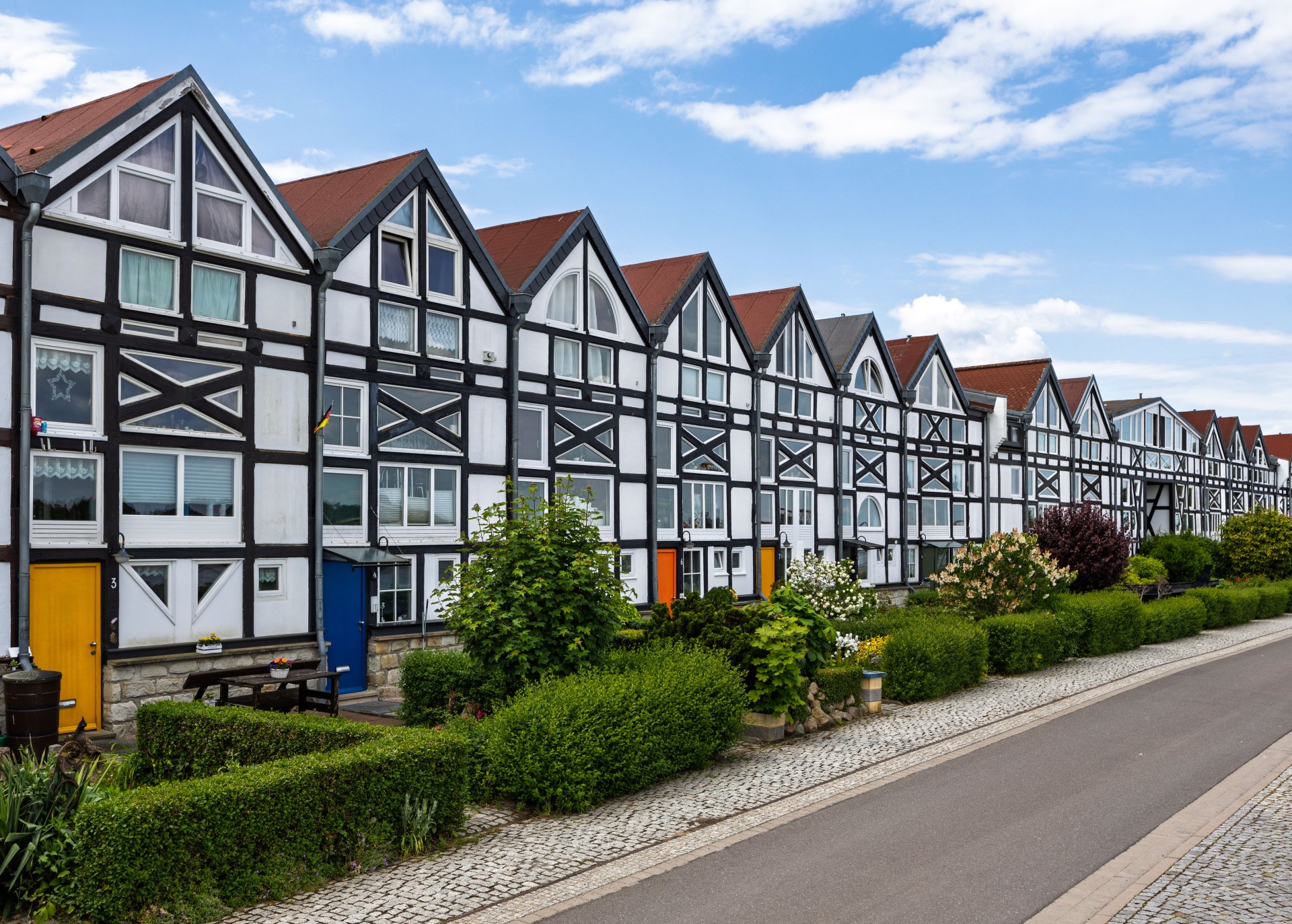
Half-timbered houses in Schönebeck
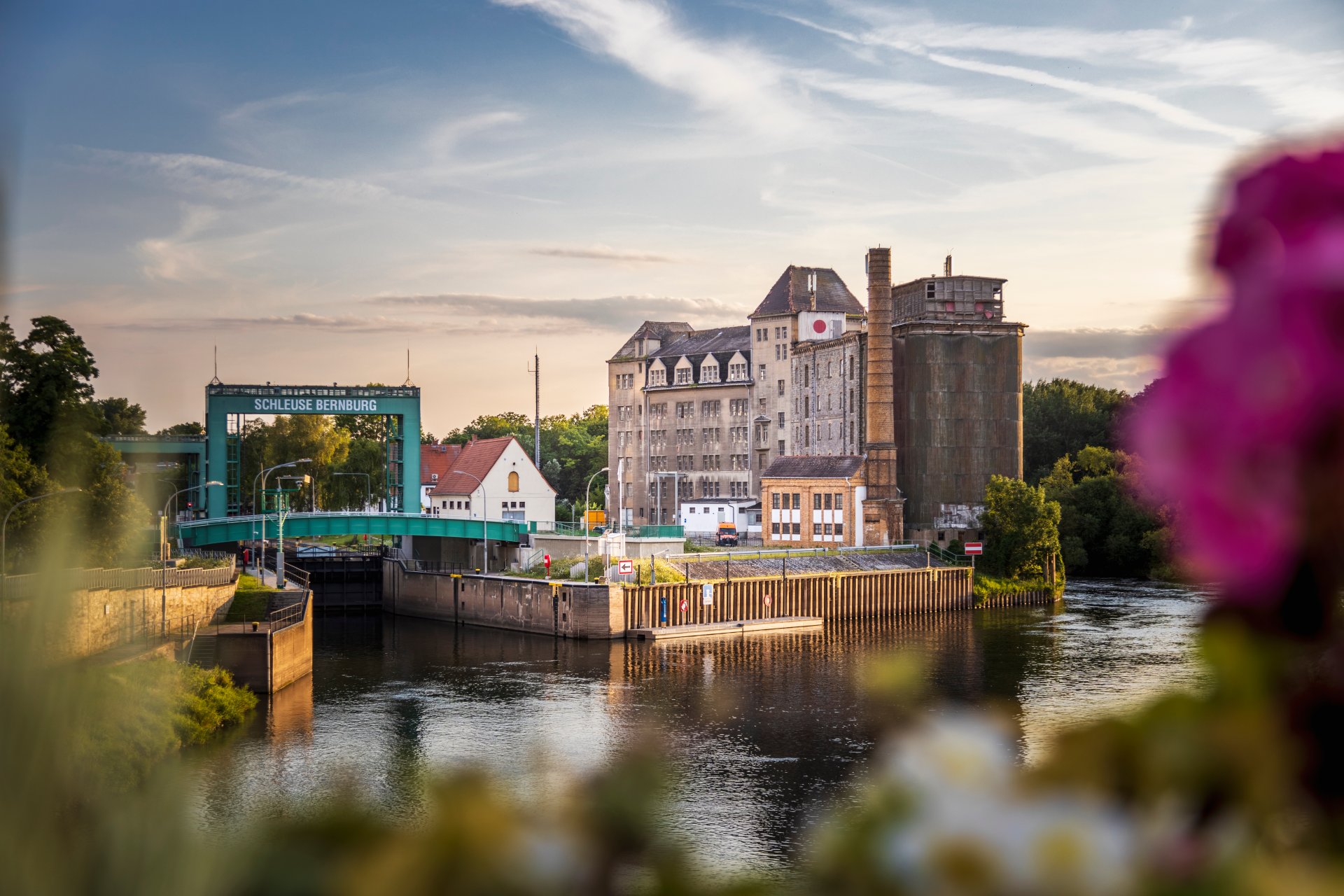
Lock in Bernburg (Saale)
Saalefee on the river Saale
This page has been automatically translated. There may therefore be discrepancies and inaccuracies in the text. Only the original version is binding. Legal claims arising from the content of the translated version are excluded.

Group offices

AFD parliamentary group office


Hohenerxlebener Straße 1a

39418 Staßfurt

+49 152 38275404

Parliamentary group office CDU


Karlsplatz 5

06406 Bernburg (Saale)

+49 3471 622847

Group office SPD/GREENS/WG


Steinstrasse 45

39418 Staßfurt

+49 3925 9389525

Group office FDP/WIDAB/FB


Hallesche Street 3

06406 Bernburg (Saale)

+49 3471 622834

+49 160 2440900

Group office DIE LINKE.


Kleine Wilhelmstraße 2 b

06406 Bernburg (Saale)

+49 3471 622947

+49 157 56866185

Group office WsGS/UBvS


Karlsplatz 37
06406 Bernburg (Saale)

+49 3925 9481772

+49 175 4273784

Help with accessibility

  • General

    We strive to make our websites accessible to all users. Details can be found in our accessibility statement. You can send us your suggestions for improvement using our accessibility feedback form.

  • Font size

    To adjust the font size, please use the following key combinations:

    Larger

    command
    +

    Smaller

    command

    Larger

    Ctrl
    +

    Smaller

    Ctrl
  • Keyboard navigation

    Use TAB and SHIFT + TAB to navigate through next/previous links, form elements, and buttons.

    Use ENTER to open links and interact with elements.

  • Contrast mode

    Press the following key combination to reduce or increase the contrast:

    Enlarge

    control
    option
    command
    .

    Decrease

    control
    option
    command
    ,
    Note: The shortcuts must be activated in the system settings of the operating system.

    Press the left ALT key + left SHIFT key + PRINT to quickly turn high contrast mode on or off.

  • Invert colours

    Press the following key combination to switch the colour inversion on and off:

    control
    option
    command
    8
    Note: The shortcuts must be activated in the system settings of the operating system.

    First activate the screen magnifier and then switch the colour inversion on and off with the following key combinations:

    1. screen magnifier

    +

    2. invert colours

    Ctrl
    Old
    I
  • Screen magnifier

    Press the following key combinations to use the screen magnifier:

    Switch on/off

    option
    command
    8

    Enlarge view

    option
    command
    =

    Zoom out view

    option
    command
    Note: The shortcuts must be activated in the system settings of the operating system.

    Switch on / Enlarge view

    +

    Zoom out view