
A pastel blue Easter background with two hand-painted eggs with dots lying in an artistically designed nest on the right-hand side of the picture. A vase filled with white flowers stands to the side against a soft turquoise background. The scene is captured from a frontal perspective, creating a calm and minimalist composition. This image epitomises simplicity while showcasing elegant details such as delicate patterns and natural textures.

Happy Easter

from the team at the district administration and District Administrator Markus Bauer

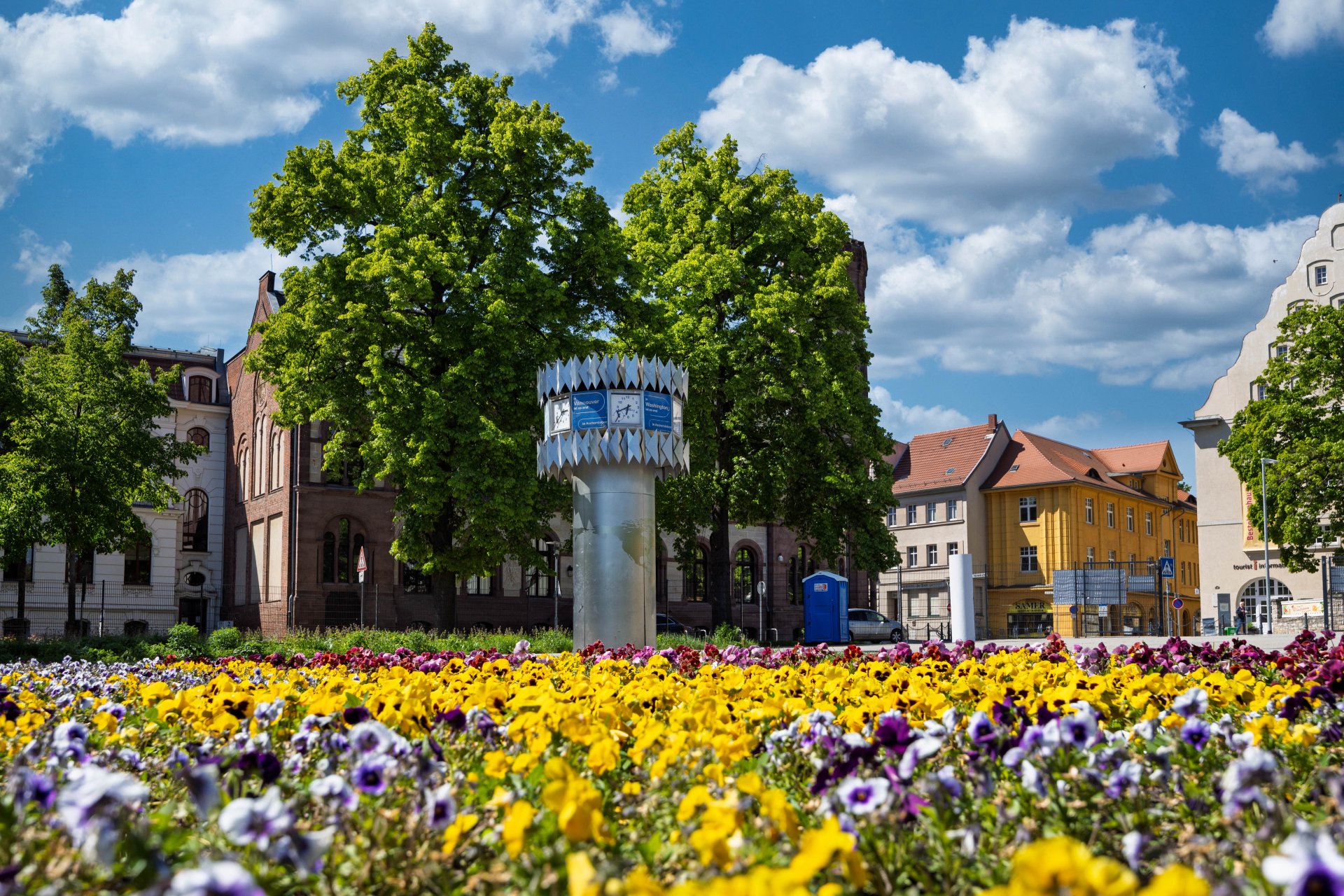
World time clock in Aschersleben
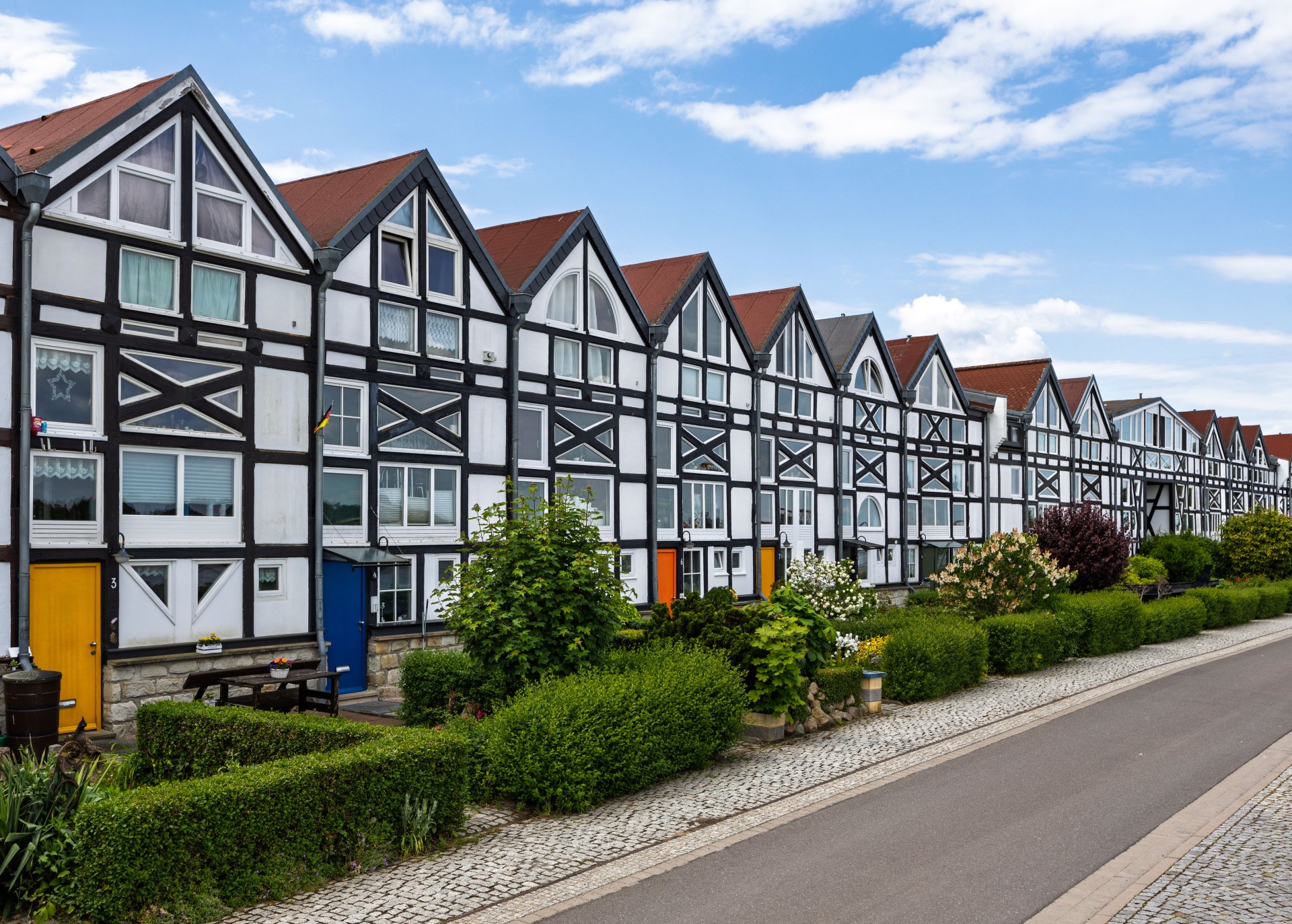
Half-timbered houses in Schönebeck
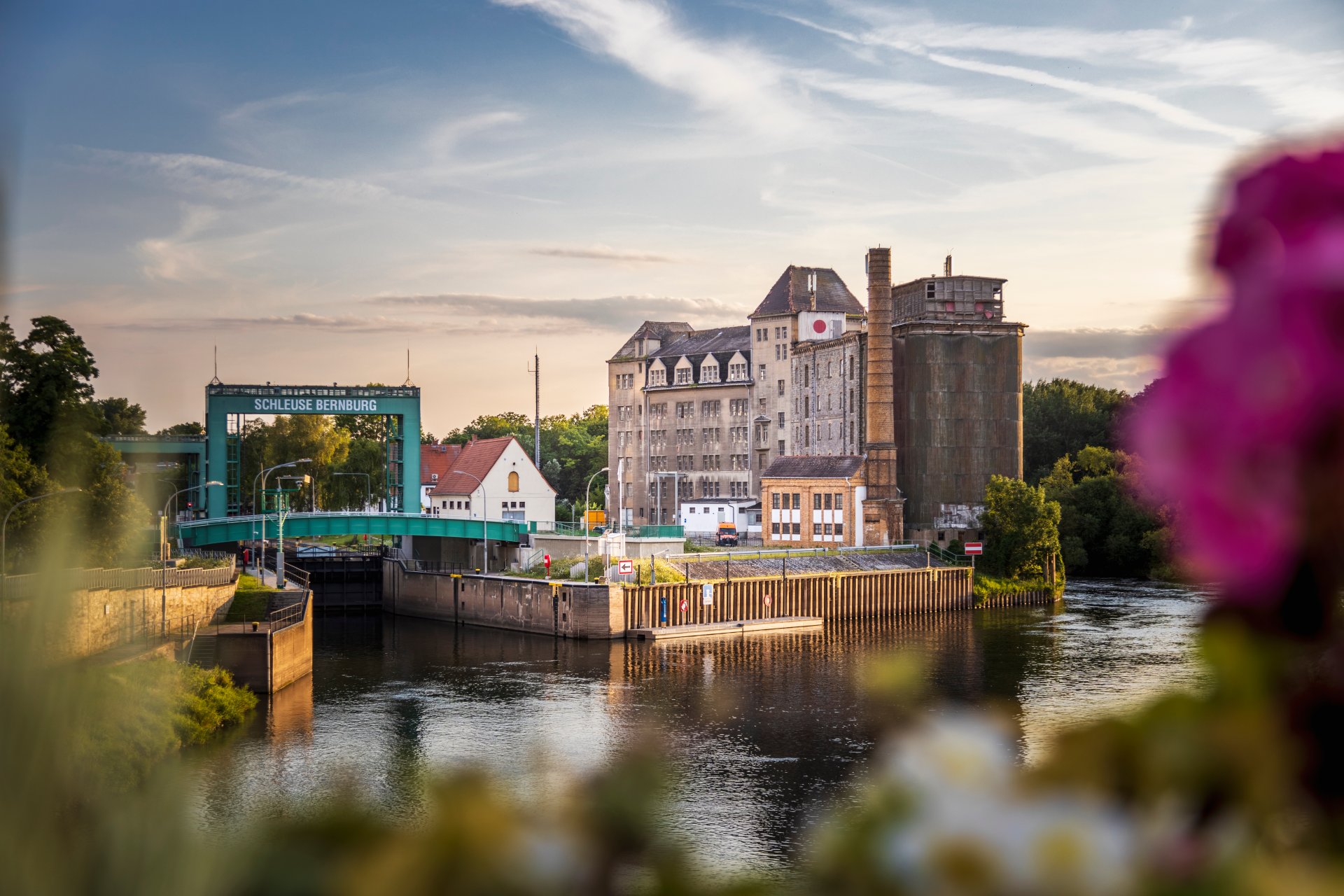
Lock in Bernburg (Saale)
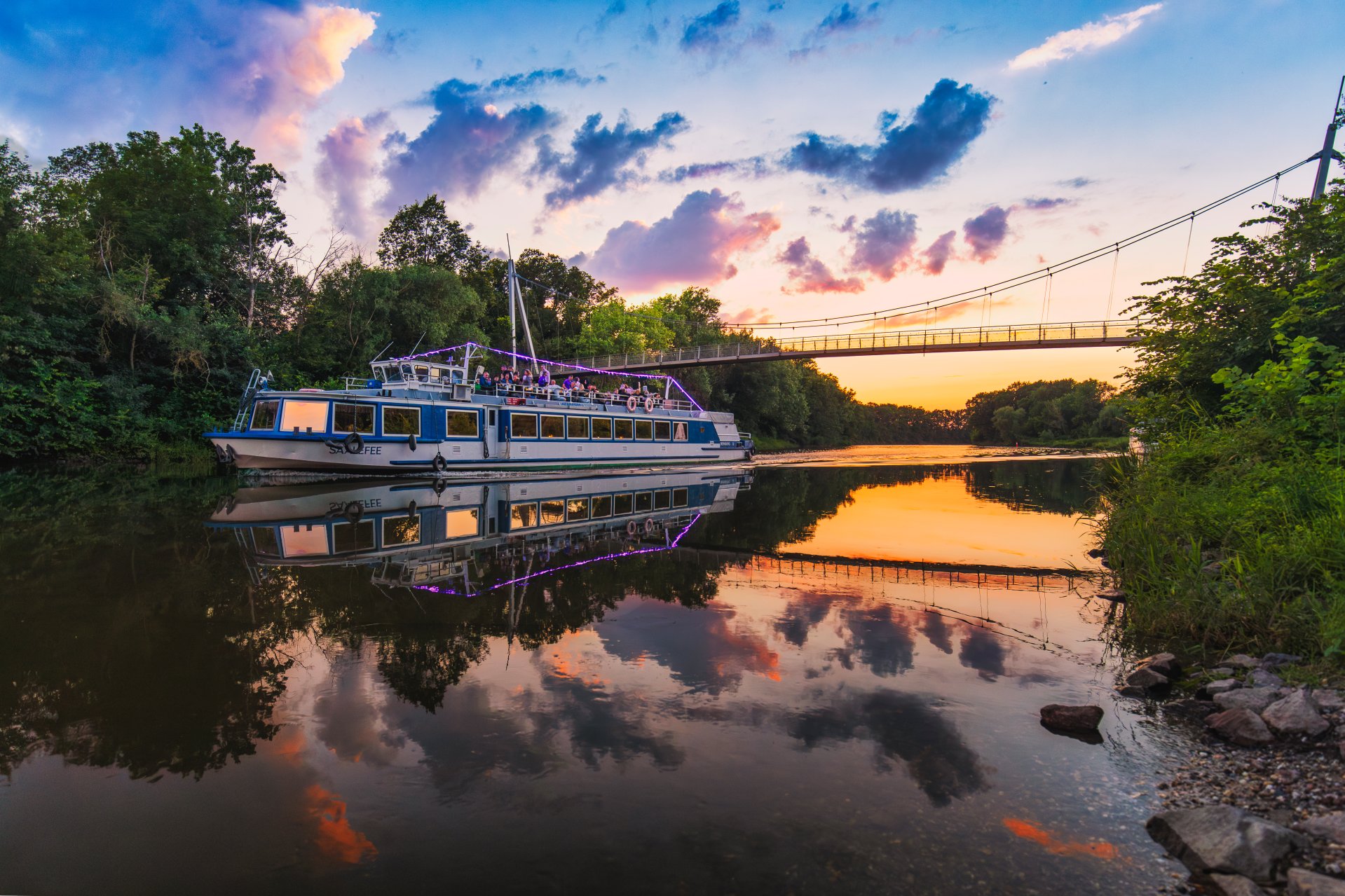
Saalefee on the river Saale
This page has been automatically translated. There may therefore be discrepancies and inaccuracies in the text. Only the original version is binding. Legal claims arising from the content of the translated version are excluded.

KVHS - Preparation course for the fishing licence examination

Schönebeck. The adult education centre (KVHS) in the Salzlandkreis district is accredited to offer preparatory courses for the fishing licence examination. Participants acquire the necessary knowledge about waterways, fish, equipment and legal requirements, and receive practical instruction from members of the state fishing association.

On 13 February at 4:45 p.m., another course will begin at the KVHS in Schönebeck, Tischlerstraße 13a.

By the way: The next examination date for future anglers in the Salzland district will take place in spring. The district administration will provide separate information on this. Extra registrations are required for both the KVHS preparation course for the fishing licence examination and the actual fishing examination.

Course registration is available online at kvhs.salzlandkreis.de.
The KVHS will answer questions about the courses offered by telephone at:

+49 3471 684-624114

Help with accessibility

  • General

    We strive to make our websites accessible to all users. Details can be found in our accessibility statement. You can send us your suggestions for improvement using our accessibility feedback form.

  • Font size

    To adjust the font size, please use the following key combinations:

    Larger

    command
    +

    Smaller

    command

    Larger

    Ctrl
    +

    Smaller

    Ctrl
  • Keyboard navigation

    Use TAB and SHIFT + TAB to navigate through next/previous links, form elements, and buttons.

    Use ENTER to open links and interact with elements.

  • Contrast mode

    Press the following key combination to reduce or increase the contrast:

    Enlarge

    control
    option
    command
    .

    Decrease

    control
    option
    command
    ,
    Note: The shortcuts must be activated in the system settings of the operating system.

    Press the left ALT key + left SHIFT key + PRINT to quickly turn high contrast mode on or off.

  • Invert colours

    Press the following key combination to switch the colour inversion on and off:

    control
    option
    command
    8
    Note: The shortcuts must be activated in the system settings of the operating system.

    First activate the screen magnifier and then switch the colour inversion on and off with the following key combinations:

    1. screen magnifier

    +

    2. invert colours

    Ctrl
    Old
    I
  • Screen magnifier

    Press the following key combinations to use the screen magnifier:

    Switch on/off

    option
    command
    8

    Enlarge view

    option
    command
    =

    Zoom out view

    option
    command
    Note: The shortcuts must be activated in the system settings of the operating system.

    Switch on / Enlarge view

    +

    Zoom out view