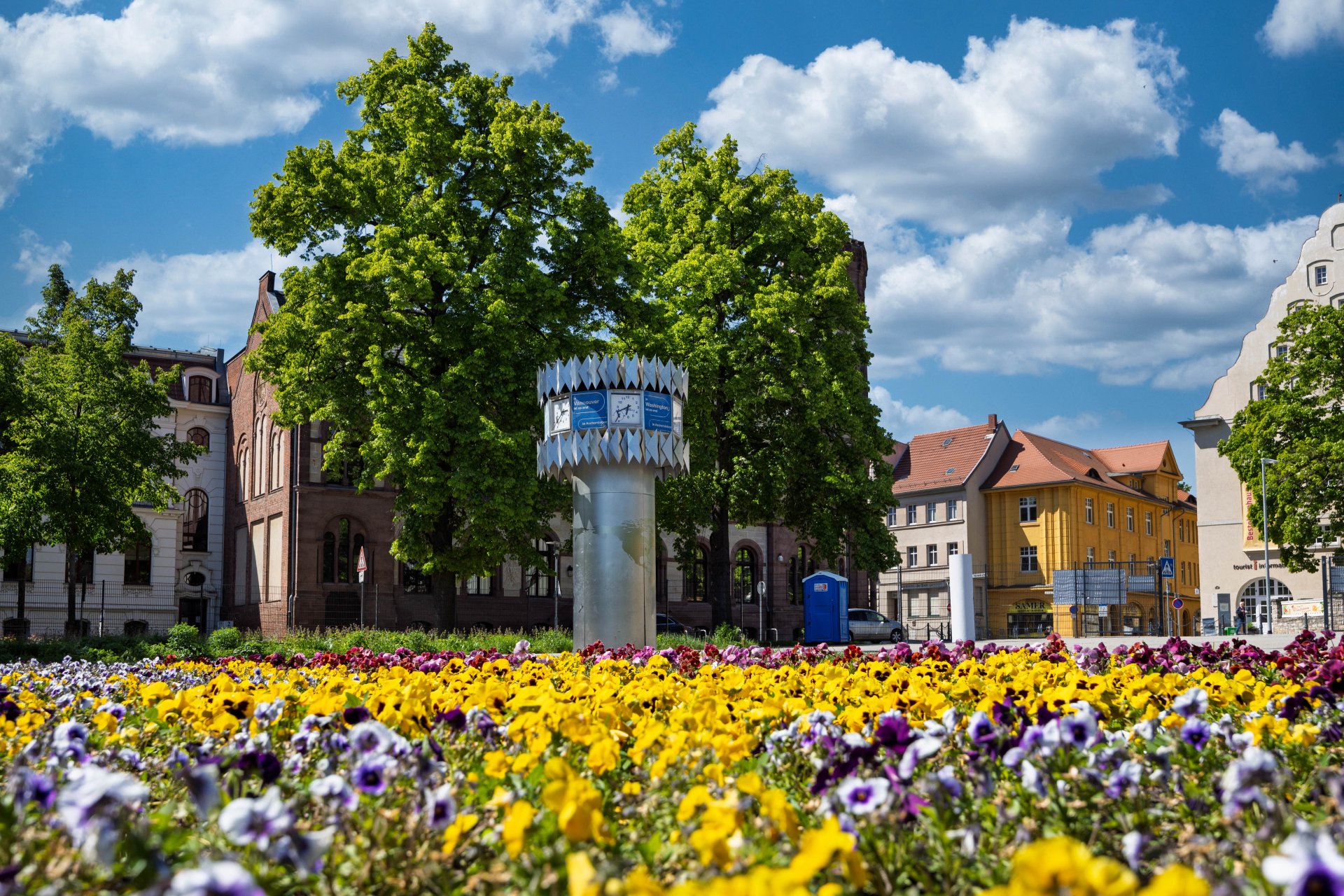



World time clock in Aschersleben
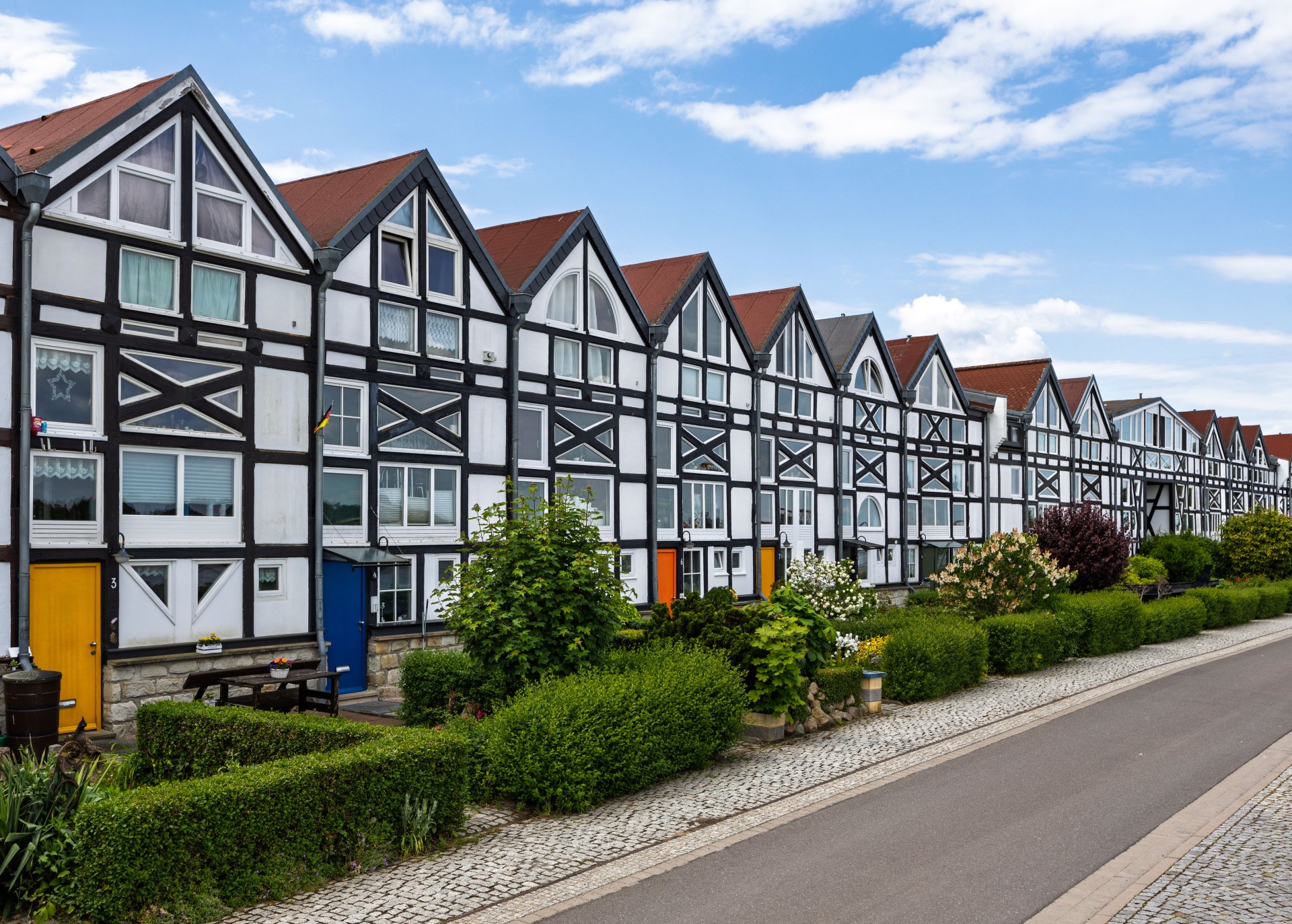
Half-timbered houses in Schönebeck
Lock in Bernburg (Saale)
Saalefee on the river Saale
This page has been automatically translated. There may therefore be discrepancies and inaccuracies in the text. Only the original version is binding. Legal claims arising from the content of the translated version are excluded.

Digitisation

Digital dialogue with citizens: New chatbot facilitates access to the district administration

Bernburg. The Salzlandkreis district is expanding its digital services. An AI-powered chatbot called "SLKConnect" is now available to assist users visiting the homepage by providing information quickly and easily. "This is another step towards digital administration," says District Administrator Markus Bauer. Whether you have questions about responsibilities, forms, opening hours or current information from specialist services, the chatbot is available around the clock and can provide information even outside office hours.

"The aim is to further improve citizen service and make access to administrative services modern, accessible and efficient," explains Dirk Helbig, the head of the Digitalisation and Innovation department. The next few weeks and months will show to what extent the "SLKConnect" chatbot will be used as a permanent tool. Background: "SLKConnect" is a supplementary service offered by the administration as part of the relaunch project for the district's own homepage. The functionalities will undergo constant evaluation in an initial trial phase and will be continuously developed further. Data protection and information security have priority: the use is in accordance with the applicable data protection regulations.

There is even more added value for users: the translation function. At launch, users can select English, French and Spanish as well as German in the chatbot. Other languages may follow in the coming weeks. The programme will also offer added value for employees of the district administration. Standard enquiries can now be answered automatically with a shorter response time. "This leaves more time for individual and complex requests," says Dirk Helbig.

Help with accessibility

  • General

    We strive to make our websites accessible to all users. Details can be found in our accessibility statement. You can send us your suggestions for improvement using our accessibility feedback form.

  • Font size

    To adjust the font size, please use the following key combinations:

    Larger

    command
    +

    Smaller

    command

    Larger

    Ctrl
    +

    Smaller

    Ctrl
  • Keyboard navigation

    Use TAB and SHIFT + TAB to navigate through next/previous links, form elements, and buttons.

    Use ENTER to open links and interact with elements.

  • Contrast mode

    Press the following key combination to reduce or increase the contrast:

    Enlarge

    control
    option
    command
    .

    Decrease

    control
    option
    command
    ,
    Note: The shortcuts must be activated in the system settings of the operating system.

    Press the left ALT key + left SHIFT key + PRINT to quickly turn high contrast mode on or off.

  • Invert colours

    Press the following key combination to switch the colour inversion on and off:

    control
    option
    command
    8
    Note: The shortcuts must be activated in the system settings of the operating system.

    First activate the screen magnifier and then switch the colour inversion on and off with the following key combinations:

    1. screen magnifier

    +

    2. invert colours

    Ctrl
    Old
    I
  • Screen magnifier

    Press the following key combinations to use the screen magnifier:

    Switch on/off

    option
    command
    8

    Enlarge view

    option
    command
    =

    Zoom out view

    option
    command
    Note: The shortcuts must be activated in the system settings of the operating system.

    Switch on / Enlarge view

    +

    Zoom out view